Answerly
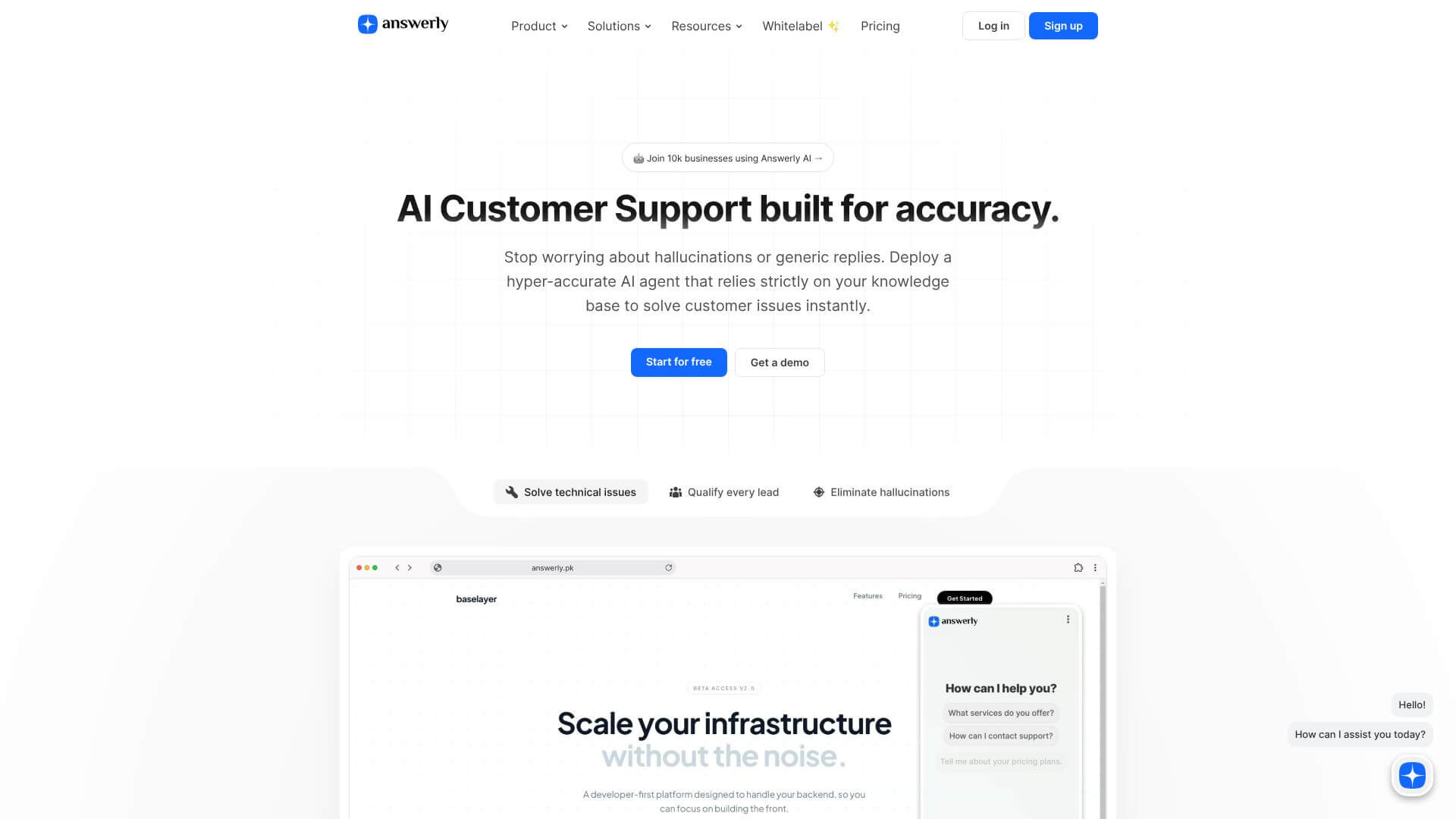
AI chatbot platform for customer support with knowledge-based agents.
About Answerly
Key Features
Knowledge Hub V2: Comprehensive Training System.
This reimagined system lets you bring in data from many sources. Think websites, Google Sheets, Google Docs, PDFs, and even YouTube videos. This means you can use all your existing documents and content to teach your AI agents. You don't have to rewrite or reformat anything.
Real-time Training.
This feature helps businesses keep their AI agents up-to-date. If you connect your website or Google Docs, any changes automatically update the AI's knowledge. This is great for things that change often, like prices or operating hours. You can set it to sync automatically or manually, giving you control.
Discover Functionality.
This tool helps you find gaps in your knowledge base. It looks at your training data and creates questions your AI can't answer yet. This helps you improve your agent's understanding before it goes live. Your customers won't get vague responses because you've filled in the missing info.
Customizable Embedding Options and Positioning Controls.
You can put your chatbot widgets exactly where you want them. Embed them on specific pages, choose left or right placement, and even set them to appear after a certain time or scroll depth. You can also make QR codes to share your chatbot or use iframe integration for other platforms.
Vision Integration.
Chatbots can now include images, videos, and links in their