Digital Transformation
The 7 AI Agents That Are Replacing Entire Teams in 2026 (And How to Set Them Up)
Seven AI agents that automate core team functions in 2026, with step-by-step setup, integration tips, ROI metrics, and best practices for safe deployment.

The 7 AI Agents That Are Replacing Entire Teams in 2026 (And How to Set Them Up)
AI agents are transforming workplaces in 2026 by automating tasks once handled by entire teams. These tools handle everything from customer service to software development, offering businesses faster results at lower costs. With 40% of enterprise apps now featuring AI agents, companies are seeing up to 40% cost savings and 1.7x ROI. Here's a quick look at seven AI agents leading this shift and how businesses can set them up:
- Agentforce (Salesforce): Automates CRM tasks like data entry and sales forecasting and tools for sales professionals.
- Relevance AI: Manages marketing and sales workflows across platforms.
- Agent Factory (monday.com): Streamlines project management with automated updates.
- Claude Agents (Anthropic): Handles complex tasks like legal reviews and tools for legal professionals and code debugging.
- Microsoft Copilot Agents: Supports enterprise tasks like forecasting and supply chain monitoring.
- MultiOn AI Agents: Simplifies scheduling, email sorting, and file organization.
- AutoGen Framework Agents: Coordinates multi-agent workflows for software engineering.
Quick Tip: Start small by automating repetitive tasks, and use AI Apps to explore over 1,000 verified agents tailored to your needs.
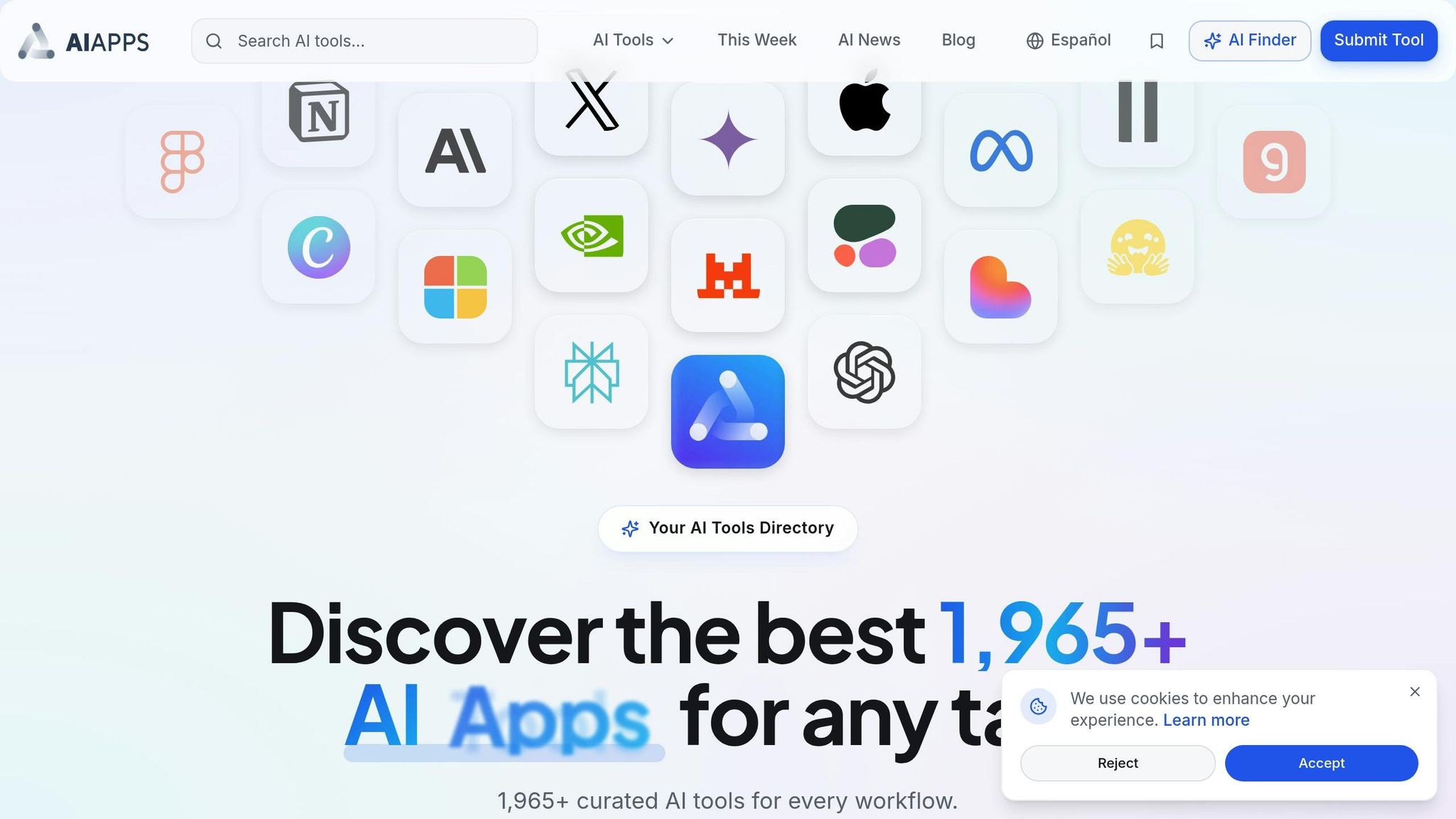
AI Apps: Your Directory for Finding Top AI Agents
Why Use AI Apps to Find AI Agents
As businesses increasingly turn to AI agents to replace traditional teams, having a dependable directory becomes crucial. With the AI agent market booming in 2026, finding the right tools can feel overwhelming. That’s where AI Apps (AIapps.com) steps in, offering a carefully curated directory of over 1,000 verified agents, trusted by more than 500,000 professionals. Each agent listed goes through a 7-step verification process that evaluates security, integration quality, performance benchmarks, uptime reliability, feature validation, user experience, and maintenance standards.
The platform’s advanced filters make it easy to narrow down your search. Whether you’re looking for industry-specific agents, tools for specific workflows, or pricing models like free, freemium, or enterprise, AI Apps has you covered. You can even sort tools by business functions such as Sales, Marketing, Support, HR, Finance, Operations, and Engineering. Plus, the ability to perform side-by-side comparisons of agent features, deployment models, and costs ensures you make informed decisions.
"Every agent listed here is verified for performance, reliability, and integration quality." - Alternates.ai
This comprehensive directory also includes tools that simplify the onboarding process, ensuring a smooth start for every user.
How AI Apps Helps New Users Get Started
For those new to AI agents, AI Apps offers an intent-based interface that helps you quickly find tools for tasks like content creation, data analysis, or workflow automation. Tools are categorized by "Ease of Use" and "App Integration" capabilities, making it simple to identify agents that align with your skill level and existing technology stack.
To help users navigate the technical jargon, the platform includes a glossary of key terms such as RAG (Retrieval-Augmented Generation), Tool-Calling, and Orchestration. Most agents listed demonstrate a payback period of 3 to 6 months, with typical ROI ranging from 30% to 70%, depending on the use case. By starting with AI Apps’ curated listings, you can find agents that fit your budget and business goals using an AI tools selection checklist, giving you confidence before committing to a full-scale deployment.
sbb-itb-212c9ea
I Replaced My Marketing Team With 3 AI Agents (Here’s The Workflow)
The 7 AI Agents Replacing Entire Teams
These AI agents are reshaping business operations in 2026, taking over tasks that once required entire departments. From sales to software development, these tools streamline workflows, deliver impactful results, and adapt to various industries. Some integrate directly into existing systems, while others function independently, managing multiple tasks autonomously. Here's a closer look at each one, including their key functions and setup instructions to help you get started.
Agentforce by Salesforce
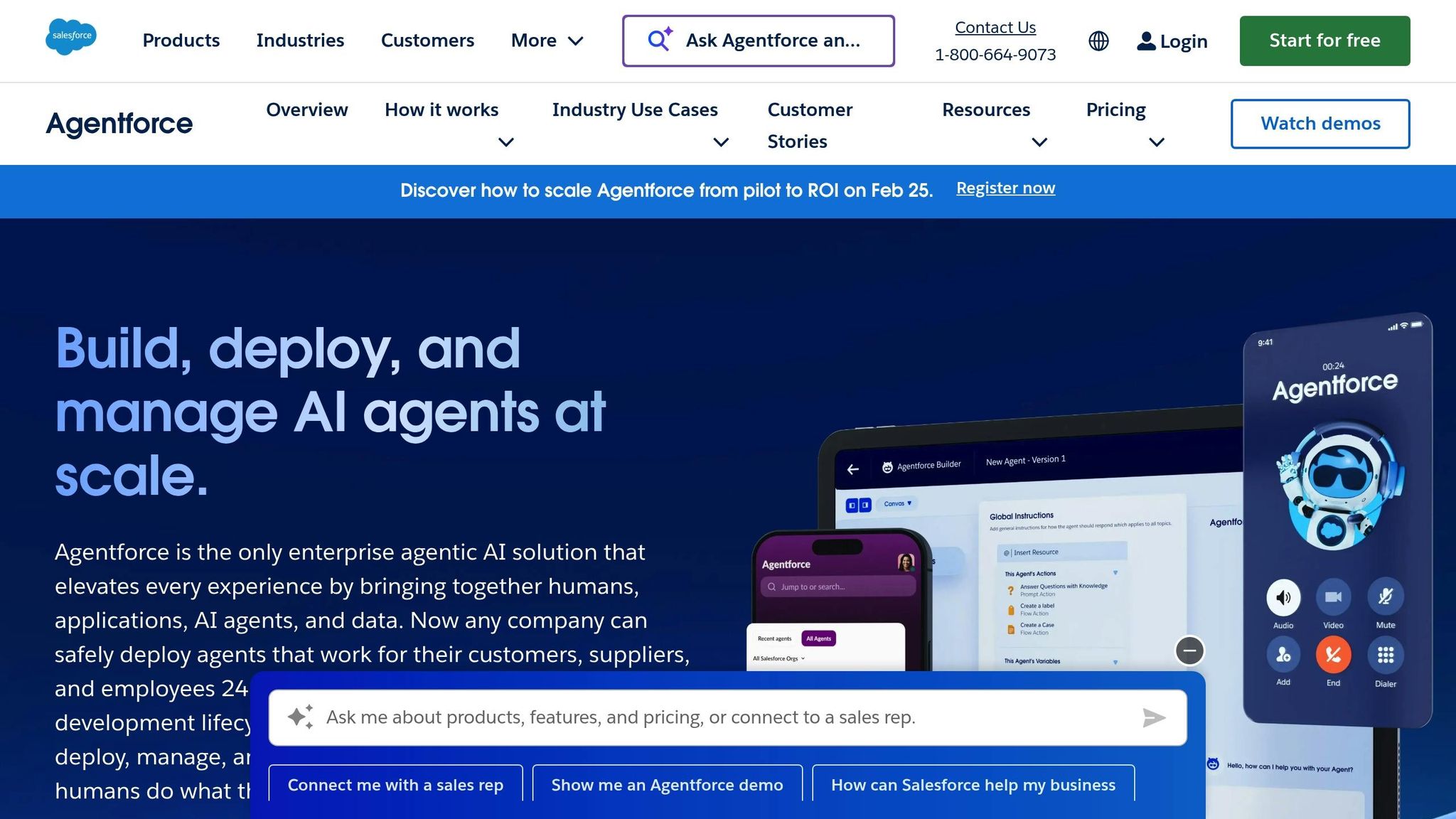
Agentforce is embedded within Salesforce's CRM, automating customer service, sales forecasting, and data analysis. It handles routine inquiries, predicts trends, and eliminates the need for manual data entry.
Setup process: Businesses already using Salesforce can activate Agentforce through the admin panel. It syncs with current customer records, email threads, and sales data. You can configure lead scoring rules and decide which inquiries should be handled by the agent versus escalated to human staff.
The best part? If your team is already familiar with Salesforce, there's no learning curve - Agentforce operates right within the existing dashboard.
Relevance AI
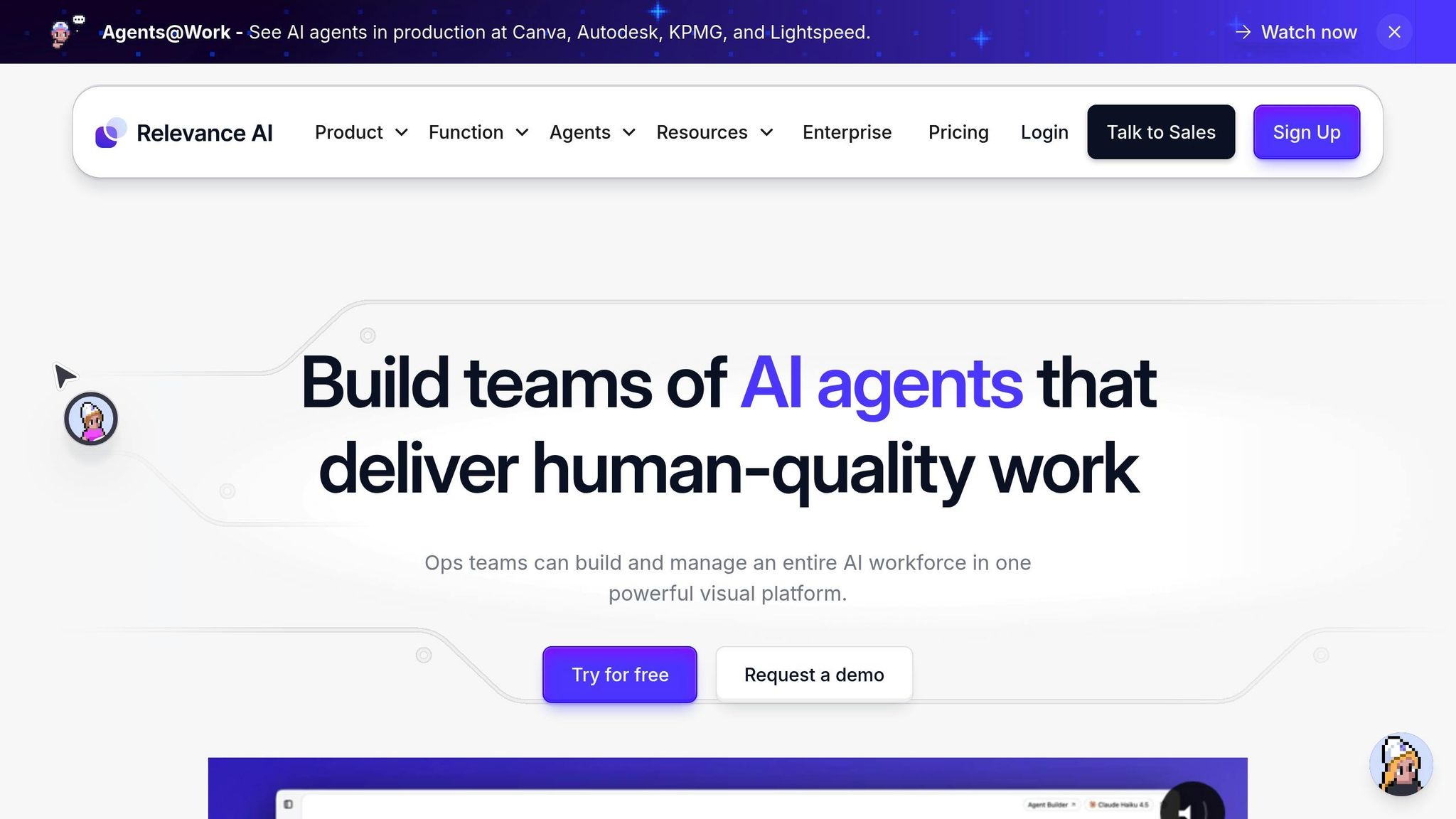
Relevance AI orchestrates multiple agents to manage marketing and sales tasks across platforms like Salesforce and Slack. It automates lead qualification, personalized outreach, and decision-making based on data. Notably, 66% of companies using AI in marketing and sales reported revenue growth within 12 months.
Setup process: Connect your CRM, email platforms, and communication tools, then define workflows using plain language. The platform handles complex tasks across multiple channels with minimal input.
Pricing starts with a free tier, with Pro at $19/month, Team at $199/month, and Business at $599/month.
Agentforce Multi-Agent Teams from monday.com
Monday.com's Agent Factory simplifies project management by automating updates, task assignments, and deadline tracking. It's ideal for businesses in marketing, sales, HR, and finance, taking care of repetitive tasks so teams can focus on strategy.
Setup process: Use plain language to describe what you need - like sending weekly reports or reassigning overdue tasks - and the system configures agents to handle these workflows automatically.
Monday.com offers a free tier, with paid plans starting at $49/month for the Squad plan and $299/month for the Force plan.
Anthropic's Claude Agents

Anthropic's Claude Agents are designed for more complex tasks in research, legal, and software development. The "Claude Code" feature can autonomously fix bugs and migrate code, significantly reducing engineering demands. For example, a consulting firm using Claude for document review cut review time by 80%.
Setup process: Integrate Claude via API into your systems. For software development, grant secure access to your code repository so it can analyze, suggest fixes, and apply approved changes.
Microsoft Copilot Agents in Dynamics 365
Microsoft Copilot automates tasks like forecasting, patient triage, and supply chain monitoring within Dynamics 365. It’s used across industries such as finance, healthcare, and retail. A global distributor, for instance, reduced order processing time by 60% with Copilot.
Setup process: Activate Copilot through the Microsoft admin center. It connects to your data sources - like financial records or inventory systems - and starts analyzing patterns. You can set approval thresholds for automated decisions and specify tasks requiring human oversight.
This tool works seamlessly across Microsoft's ecosystem, including Office 365, Teams, and Dynamics 365.
MultiOn AI Agents
MultiOn focuses on administrative tasks like scheduling, file organization, and email sorting. By managing calendars and routine correspondence, it provides enterprise-level support for small and medium-sized businesses.
Setup process: Link MultiOn to your email, calendar, and file storage using OAuth authentication. Define rules for organizing emails, scheduling meetings, and managing documents. The agent learns from your adjustments, improving accuracy over time.
AutoGen Framework Agents
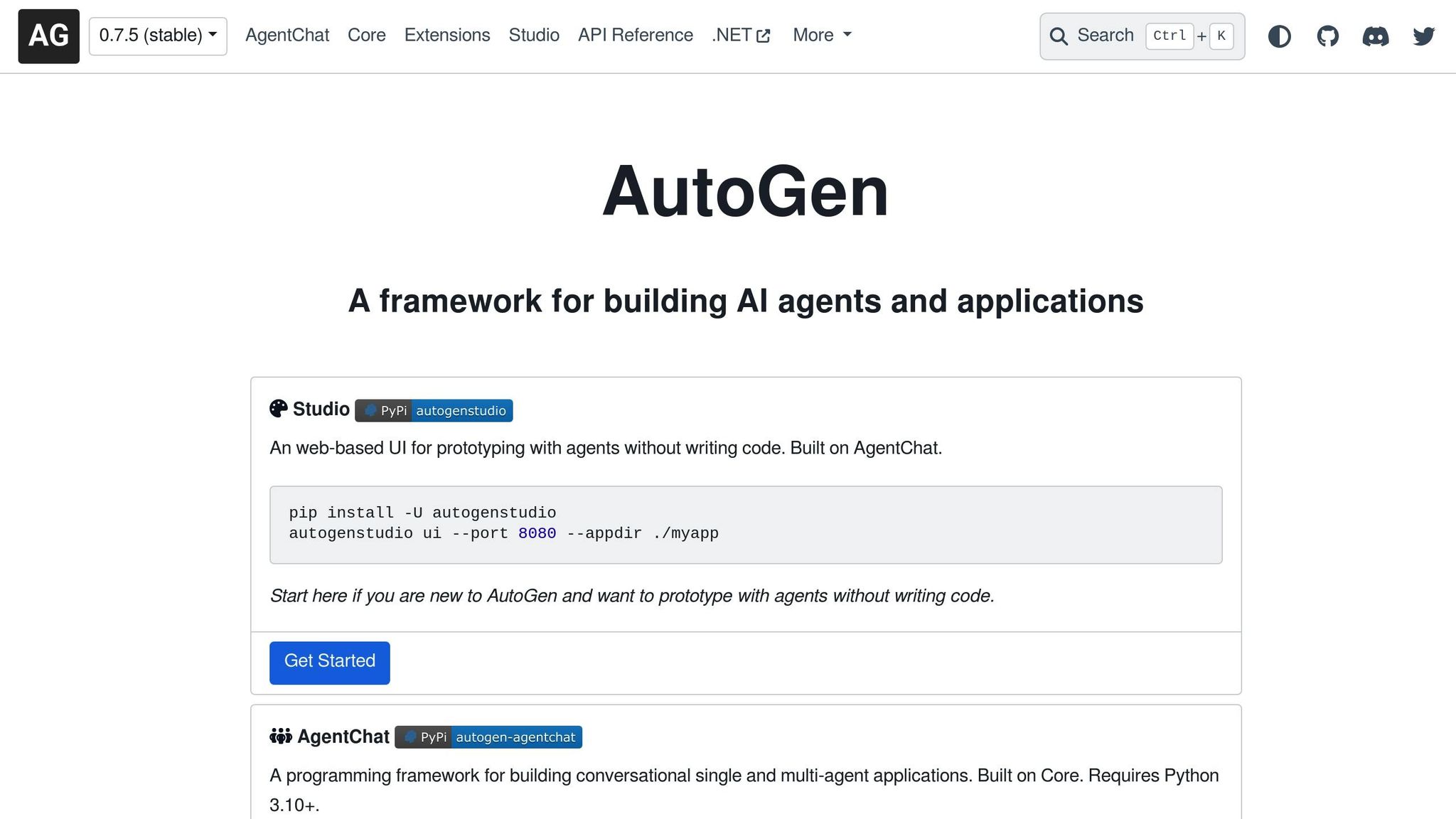
AutoGen enables collaboration between multiple specialized agents for complex workflows, particularly in software engineering. It allows developers to coordinate tasks like frontend design, backend logic, database optimization, and security reviews.
Setup process: Use Python to define agent roles, communication protocols, and handoff procedures. The framework ensures smooth coordination among agents, making it a flexible choice for custom automation projects.
AI agents have reduced manual sales activities by up to 70%, with 8% of companies reporting revenue increases over 10% after implementation. By 2030, the AI agent market is expected to reach $50.31 billion, underscoring their growing role across industries.
Comparison Table of the 7 AI Agents
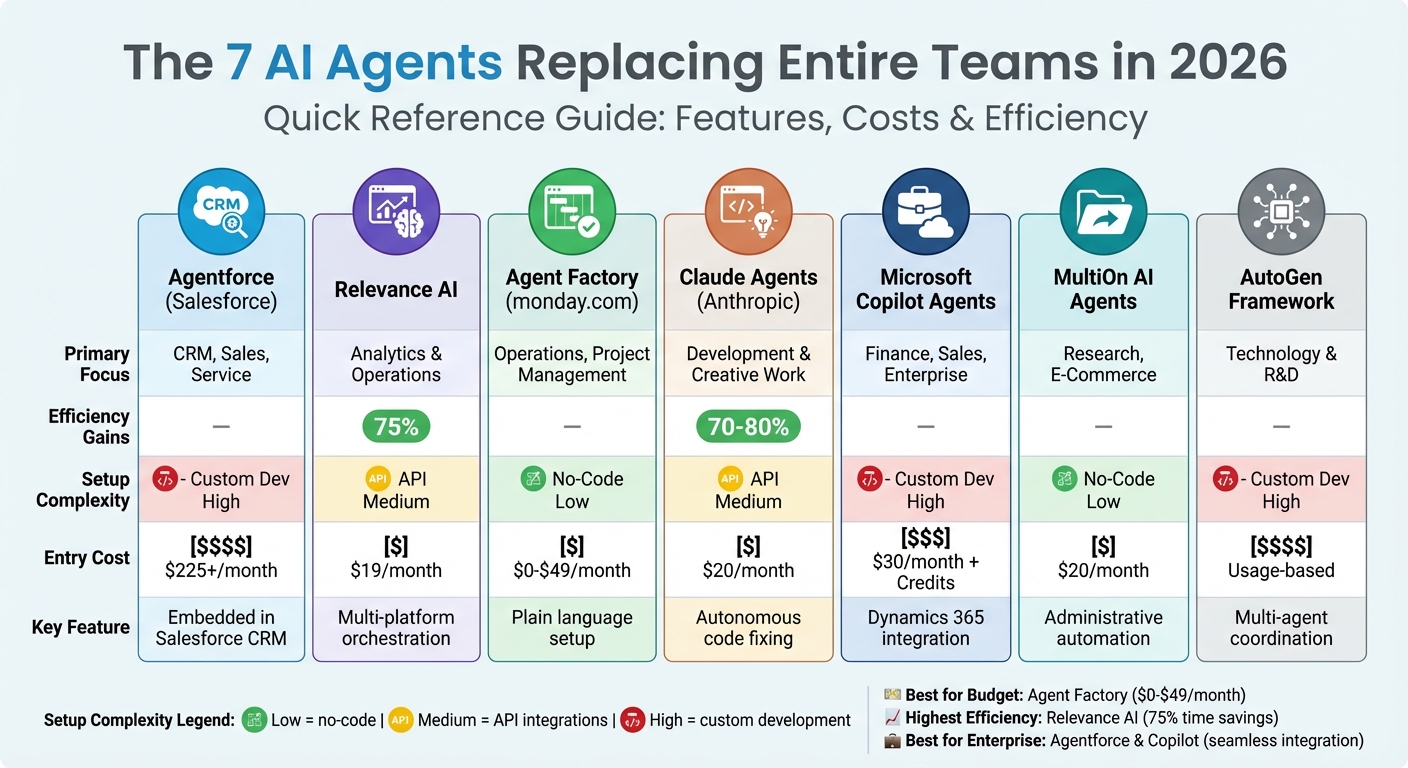
7 AI Agents Comparison: Features, Costs, and Efficiency Gains 2026
Here's a quick reference table summarizing the key features of different AI agents. Use this to find the best match for your industry, budget, and technical needs.
Key Metrics for Comparing AI Agents
| Agent Name | Primary Industry Focus | Efficiency Gains (%) | Setup Complexity | Entry-Level Cost |
|---|---|---|---|---|
| Agentforce (Salesforce) | CRM, Sales, Service | – | High | $225+/month |
| Relevance AI | Analytics & Operations | 75% | Medium | $19/month |
| Agent Factory (monday.com) | Operations, Project Management | – | Low | $0–$49/month |
| Claude Agents | Development & Creative Work | 70–80% | Medium | $20/month |
| Microsoft Copilot Agents | Finance, Sales, Enterprise Productivity | – | High | $30/month + Credits |
| MultiOn AI Agents | Research, E-Commerce | – | Low | $20/month |
| AutoGen Framework | Technology & R&D | – | High | Usage-based |
Setup complexity:
- Low = no-code platforms. Tools like Mixus allow you to build custom agents by simply typing in a task.
- Medium = requires API integrations.
- High = involves custom development.
Insights to Guide Your Choice
- Relevance AI stands out with its 75% time savings in marketing and sales tasks, as reported in real-world applications.
- If you're already using Salesforce or Microsoft Dynamics 365, Agentforce and Copilot Agents offer seamless integration. However, these come with higher costs, starting at $225/month and $30/month (plus credits) respectively.
- AutoGen Framework is a flexible option for tech teams, as it's free to use but operates on a pay-as-you-go model based on the connected language models.
- For those seeking an easy, no-cost entry point, monday.com's Agent Factory provides a free tier with simple, no-code setup.
This table is a starting point to help narrow down your options before diving into integration strategies.
Best Practices for Implementing AI Agents
Preparing Your Team for AI Integration
Before rolling out any AI agent, it’s crucial to get your data infrastructure in order. Break down silos so agents can access real-time data from your CRM, ERP, and other essential systems. Skipping this step often leads to stalled projects - only 48% of AI initiatives make it to production, with an average timeline of eight months from prototype to launch. Once your data systems are solid, clearly define team roles to ensure smooth operations.
Your team should include specific roles like AI Product Owners to focus on outcomes, AI Agent Designers to map workflows, AI Ops staff to monitor performance, and domain experts to validate results. TELUS, for instance, implemented these roles in late 2025, creating workflows that saved employees an average of 40 minutes per interaction by clarifying when team members needed to step in.
Training is another key step. Shift your staff’s mindset from being task performers to becoming "AI Supervisors". Their main job? Auditing agent decisions and managing exceptions. A structured 90-day roadmap can help: dedicate weeks 1–2 to discovery, 3–5 to a closed beta, 6–8 in shadow mode, and 9–12 for a guided rollout.
Start small by targeting non-critical but high-impact areas like lead generation or system monitoring. For example, in 2025, StitchTrend used AI agents for Black Friday support. The agents handled 82% of inquiries and updated Shopify inventory in real time, boosting customer satisfaction by 4 points in just three weeks.
Common Mistakes to Avoid
A frequent mistake is overusing expensive models for simple tasks. High-capability models can inflate costs by up to 10 times when used for basic data extraction. Instead, use model routing: reserve advanced models for complex tasks and switch to lighter ones for simpler jobs like classification or routing. This approach can cut inference costs by 60–80%.
Another common issue is poor context management. Passing full conversation histories during agent handoffs leads to "token snowballing", which significantly increases API costs. Instead, summarize previous exchanges to keep things efficient.
Data shows that 95% of enterprise AI pilots fail to reach production.
Over-relying on fully autonomous agents can also backfire, especially for high-stakes tasks like financial transactions or external communications. For example, CloudSync, a SaaS vendor, used an AI Sales Agent in 2025 to revive dormant leads. By implementing approval gates for contract terms, they boosted pipeline velocity by 47% while avoiding legal risks.
Lastly, avoid "pilot paralysis." Tie every test to a specific revenue or cost KPI and stick to a strict 6-week go-live deadline. Companies with strong AI governance frameworks see a 68% success rate, compared to only 32% for those without.
Getting the Most ROI from AI Agents
Once you’ve sidestepped common pitfalls, focus on maximizing ROI from your AI agents. Measure ROI across five key dimensions: time savings, output increase, cost reduction, efficiency gains, and team utilization. Start by calculating your "pre-AI" baseline - measure how long tasks currently take and their associated labor costs.
To quantify efficiency improvements, use this formula:
((Post-AI Efficiency − Pre-AI Efficiency) / Pre-AI Efficiency) × 100. For example, Suzano, a pulp and paper company, deployed a natural-language-to-SQL agent in 2025. This reduced data query times by 95% for tens of thousands of employees.
It’s often better to deploy multiple specialized agents rather than one general-purpose assistant. For instance, use one agent for scheduling, another for reporting, and a third for customer follow-ups. Specialized agents tend to outperform generalists trying to do everything.
"Companies that fully integrate AI agents will cut operational costs by 31% and grow revenue twice as fast as peers." – Gartner
Track team utilization to see how much time employees spend on high-value work versus routine tasks. By delegating repetitive, low-reasoning tasks to AI, human experts can focus on strategic projects, boosting operational output by 25%.
Conclusion
The Future of Work with AI Agents
By 2026, AI agents have reshaped how businesses operate, taking on tasks that once required human oversight. From resolving support tickets in seconds to managing complex sales outreach across multiple channels, these systems are now integral to modern workflows. The adoption numbers speak volumes: 72% of enterprises are either using or testing AI agents, with 84% planning to deepen their investments this year.
The trend toward specialized digital teammates has proven especially effective. Companies that deploy task-specific agents - such as one for scheduling, another for reporting, and a third for customer follow-ups - are consistently outperforming those attempting to create all-in-one solutions. For instance, RCBC Bank saved $22 million by using AI agents to handle over 600,000 customer conversations, while Loop Earplugs achieved a 357% ROI while maintaining an impressive 80% customer satisfaction score. These examples highlight how AI agents are delivering measurable results.
"Agents are like having a highly skilled team working behind the scenes - creating, refining, and enriching everything from our content to the data we already have." - Edward Tull, VP of Technology, JBGoodwin REALTORS
With such clear benefits, businesses can start leveraging these tools to transform their operations right now.
How to Get Started
Start small by automating a single, time-consuming task - like sorting emails, summarizing meetings, or handling data entry. Use the "suggestion mode" feature to test the system before transitioning to full autonomy.
AI Apps simplifies this process. Their curated directory of over 1,900 AI tools allows you to compare agent capabilities, filter options based on your business needs, and access detailed setup guides tailored to your existing systems. Whether you're a small business owner seeking no-code solutions or a developer building custom multi-agent setups, this platform helps you find the right tools without the hassle. Explore AIapps.com today to unlock new levels of productivity for your team in 2026 and beyond.
FAQs
Which AI agent should I start with for my business?
When you're starting with an AI agent, it's smart to pick one that aligns with your immediate needs and is simple to implement. Look for agents that specialize in tasks like managing data, providing customer support, or automating workflows. These areas tend to bring fast results and are commonly used across businesses. Opt for tools that offer clear, step-by-step instructions to make the integration process seamless, helping you avoid disruptions while boosting efficiency.
What data and permissions do AI agents need to work safely?
AI agents in 2026 will need reliable and high-quality data sources to function effectively. These include sources such as web data, internal files, APIs, and enterprise systems. To operate securely, they must also have the correct permissions in place. Implementing role-based access controls is a smart way to limit their access and minimize the chances of misuse.
Equally important is having clear data governance policies. This includes ensuring that activities are auditable and that the AI complies with privacy regulations like GDPR and CCPA. These steps are critical for protecting sensitive information, maintaining accountability, and fostering trust throughout the deployment process.
How do I measure ROI from an AI agent in the first 90 days?
To evaluate ROI within the first 90 days, focus on tracking metrics such as time savings, cost reductions, output increases, and efficiency improvements. Begin by establishing a baseline of current performance before implementing the AI agent. Once deployed, compare post-deployment results to this benchmark.
To calculate ROI, quantify savings in labor costs and improvements in productivity, then weigh these against initial expenses like licensing fees and training costs. When metrics are tracked diligently, many businesses can identify tangible results within this short period.