Productivity
Next-Level Tech: The Best New AI Tools You Haven't Heard of Yet
Seven focused AI tools that target common workflow bottlenecks—discovery, data, meetings, OKRs, decks, internal knowledge, and support.

Next-Level Tech: The Best New AI Tools You Haven't Heard of Yet
If you want to save time in 2026, don’t start with the loudest AI tools. Start with the bottleneck by using AI automation tools to streamline your workflow. I’d group these seven tools by the job they fix: AI Apps for tool discovery, Arcwise for spreadsheet analysis, Fathom for meeting notes, Tability for OKRs, Gamma for decks and docs, Cody AI for internal knowledge, and CoSupport AI for support tickets.
Here’s the short version:
- Need to find tools fast? Use AI Apps
- Need answers from warehouse data in Google Sheets? Use Arcwise
- Need meeting summaries and CRM updates? Use Fathom
- Need OKR follow-up without status chasing? Use Tability
- Need a deck or page in under an hour? Use Gamma
- Need source-cited answers from company docs? Use Cody AI
- Need to cut Tier-1 support load? Use CoSupport AI
A few numbers stand out: Fathom users report saving 38 minutes per meeting, Gamma has been used for 400 million+ assets, and CoSupport AI offers a 60% ticket-resolution promise. So if I were choosing, I wouldn’t ask, “What’s the best AI tool?” I’d ask, “Where am I losing the most time each week?”
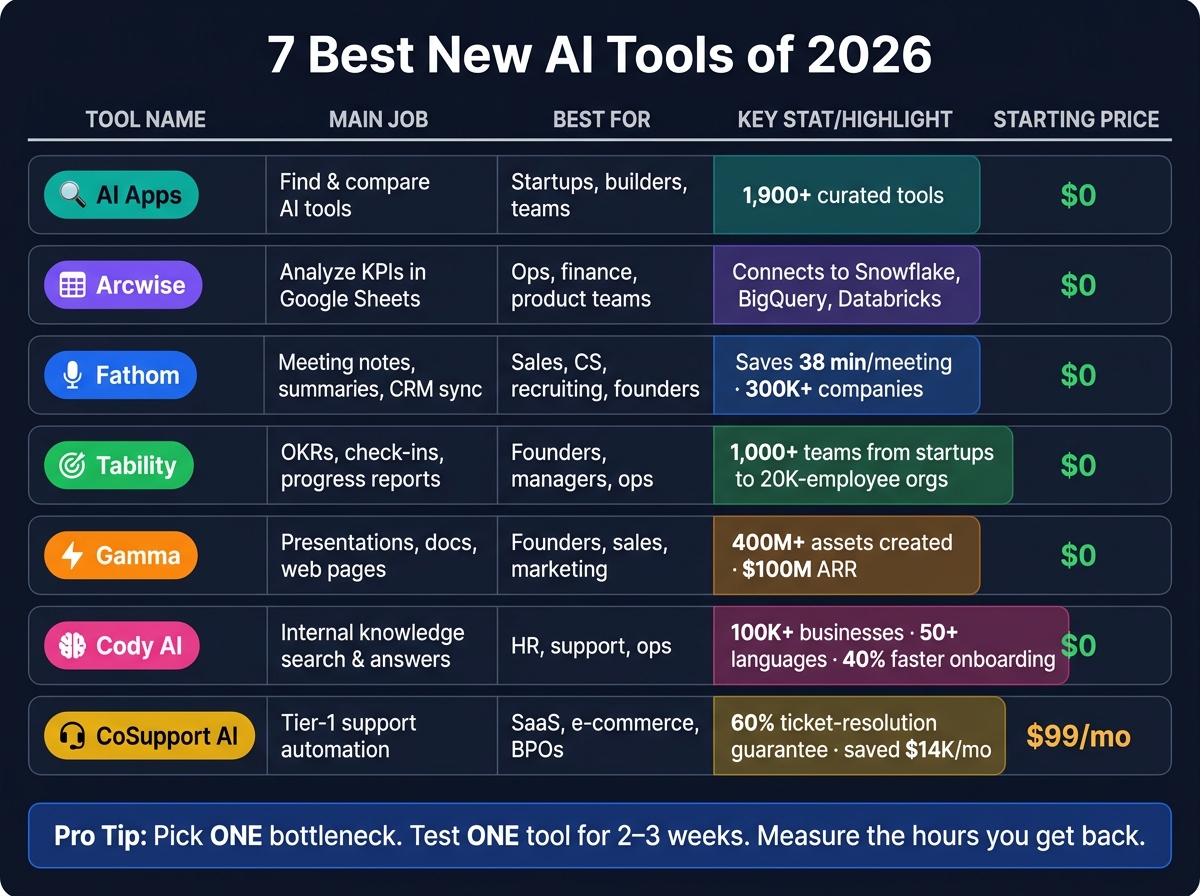
7 Best New AI Tools of 2026: Features, Pricing & Best Fit
The Only 7 AI Tools You Need in 2026
sbb-itb-212c9ea
Quick Comparison
| Tool | Main job | Best for | Price starting point |
|---|---|---|---|
| AI Apps | Find and compare AI tools | Startups, builders, teams reviewing options | $0 |
| Arcwise | Analyze KPIs in Google Sheets | Ops, finance, product teams | $0 |
| Fathom | Meeting notes, summaries, CRM sync | Sales, CS, recruiting, founders | $0 |
| Tability | OKRs, check-ins, progress reports | Founders, managers, ops | $0 |
| Gamma | Presentations, docs, web pages | Founders, sales, marketing, educators | $0 |
| Cody AI | Internal knowledge search and answers | HR, support, ops | $0 |
| CoSupport AI | Tier-1 support automation | SaaS, e-commerce, BPOs | $99/month |
What I like about this list is that each tool does one main job well. That makes the choice simpler. Pick one workflow, test one tool for 2 to 3 weeks, and track the hours you get back.
1. AI Apps
Start here if you want a fast shortlist of essential tools for beginners before you test individual products.
AI Apps (aiapps.com) is a curated directory of 1,900+ AI tools across categories like art, text, video, design, and business productivity. Think of it as the discovery layer before you dig into the tools that come next.
Primary workflow solved
AI Apps solves AI tool discovery. The category filters and new-tool highlights help you find tools that match your needs without doing a bunch of manual searching.
Best-fit user or team
It works well for startups, developers, and companies building in the AI space that need to review tools fast and keep up with what’s new.
Business impact
Teams can browse by category, use filters, and build a shortlist in less time.
Access and pricing (USD)
Browsing is free. Paid featured listings include homepage and category placement.
2. Arcwise
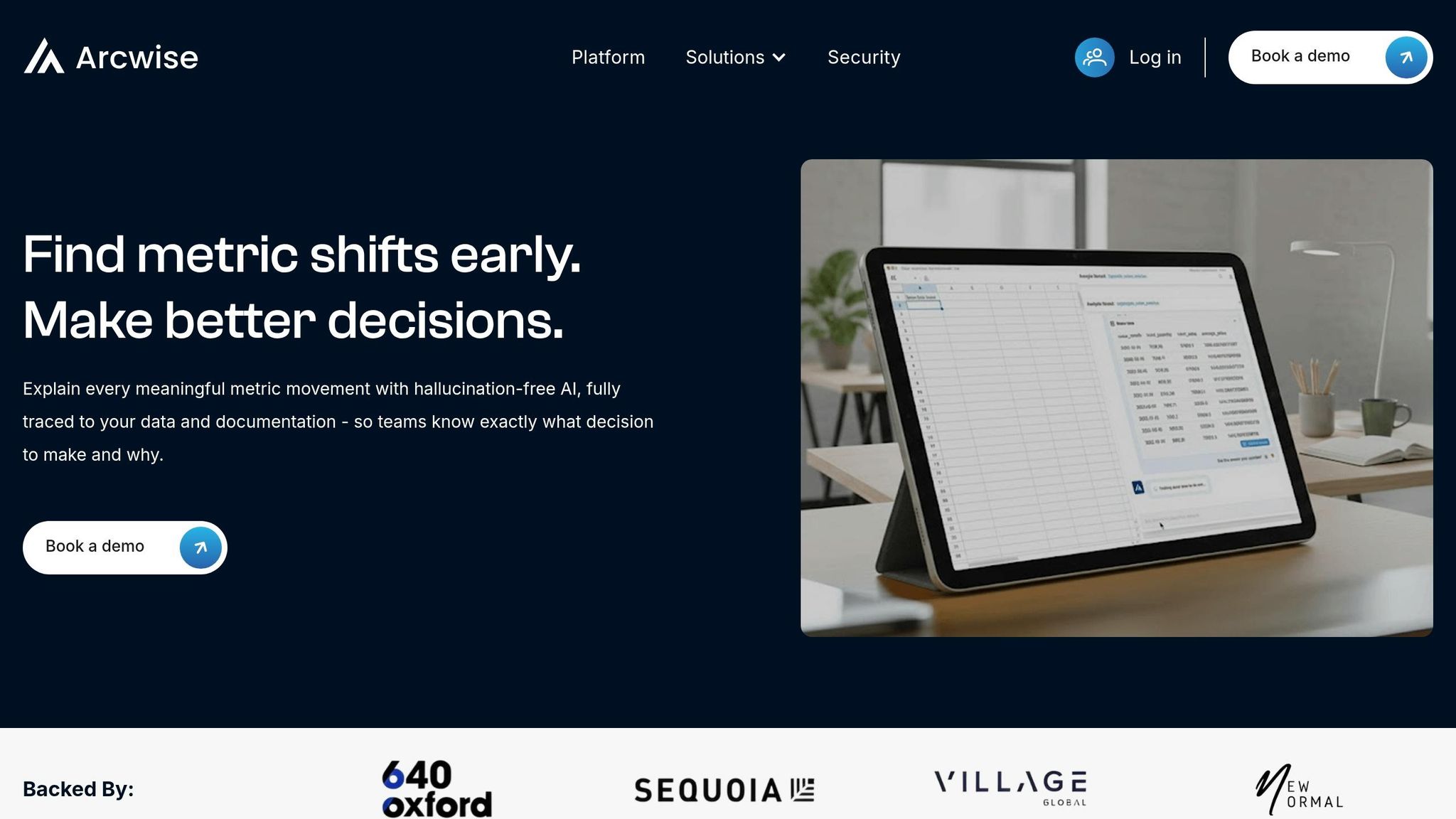
Arcwise is built for teams that already live in Google Sheets. If people on your team spend hours pulling data into spreadsheets, cleaning it up, and figuring out why a KPI moved, Arcwise slides right into that process. It works inside Google Sheets and connects to Snowflake, BigQuery, and Databricks, which means users can ask questions in plain English instead of writing SQL.
Primary workflow solved
Arcwise spots KPI changes and helps explain what drove them. It also adds spreadsheet functions like $AI.TRANSFORM, $AI.CLASSIFY, and $AI.EXTRACT for working with text and tables.
"Explain every meaningful metric movement with hallucination-free AI, fully traced to your data and documentation - so teams know exactly what decision to make and why." - Arcwise Official Site
Best-fit user or team
Arcwise is a strong fit for operations, finance, and product teams that need answers from data fast and don't want to wait on engineering.
Business impact
It helps spreadsheet users do analyst-style work on their own. That can cut the back-and-forth on ad hoc questions and make repeat metric reviews much less of a grind.
Pricing
The Arcwise Chrome extension is one of many AI tools you can start using for free. Team and enterprise plans use custom pricing and require a demo booking.
Next, the focus shifts from spreadsheet analysis to meeting capture.
3. Fathom
Once the spreadsheet work is done, the next big slowdown usually shows up in meetings: notes, follow-ups, and CRM updates.
Fathom joins Zoom, Google Meet, or Microsoft Teams calls, records them, transcribes them, and handles the work that usually happens after the meeting. It delivers structured AI summaries within 30 seconds of the call ending. It also flags commitment phrases like "I will" and adds timestamps to each action item, so you can jump straight to the exact moment in the recording.
Primary workflow solved
Fathom mainly cuts out post-meeting admin, especially CRM busywork. For sales teams, it sends summaries and CRM fields straight into HubSpot or Salesforce as soon as the call ends. It also includes Ask Fathom, a plain-English search tool for your full meeting history, with clickable citations that take you to the right moment in the call.
Best-fit user or team
Fathom works well for sales, customer success, founders, recruiters, and product teams that spend a lot of time on calls and need clean records without taking manual notes. (Similar to Fireflies AI, it automates the entire transcription process.)
Sales teams get:
- Call templates
- Coaching scorecards
- Deal-level tracking
Product managers and recruiters can use structured templates to keep discovery calls and candidate interviews consistent from one conversation to the next.
Business impact
Users report saving 38 minutes per meeting, and companies using Fathom have reported a 30% increase in sales forecast accuracy. More than 300,000 companies use the platform.
"Fathom has been transformative for my team from a productivity and data integrity perspective. The integration with Google Meet and HubSpot have made our forecast calls much more direct and accurate." - Derek B., Vice President of Sales
If your team wants meetings to turn into action instead of sitting in a recording library, this is where Fathom makes sense.
Typical monthly cost (USD)
| Plan | Monthly Cost | Best For |
|---|---|---|
| Free | $0/user/month | Unlimited recordings, transcriptions, and basic AI summaries |
| Premium | $20/user/month | AI action items, Ask Fathom, and bot-free capture |
| Team | $19/user/month (2-user minimum) | Global search, shared playlists, and CRM sync |
| Business | $34/user/month (2-user minimum) | Full CRM field sync, coaching scorecards, and Deal View |
Annual billing lowers Premium to $16/user/month, Team to $15/user/month, and Business to $25/user/month.
4. Tability
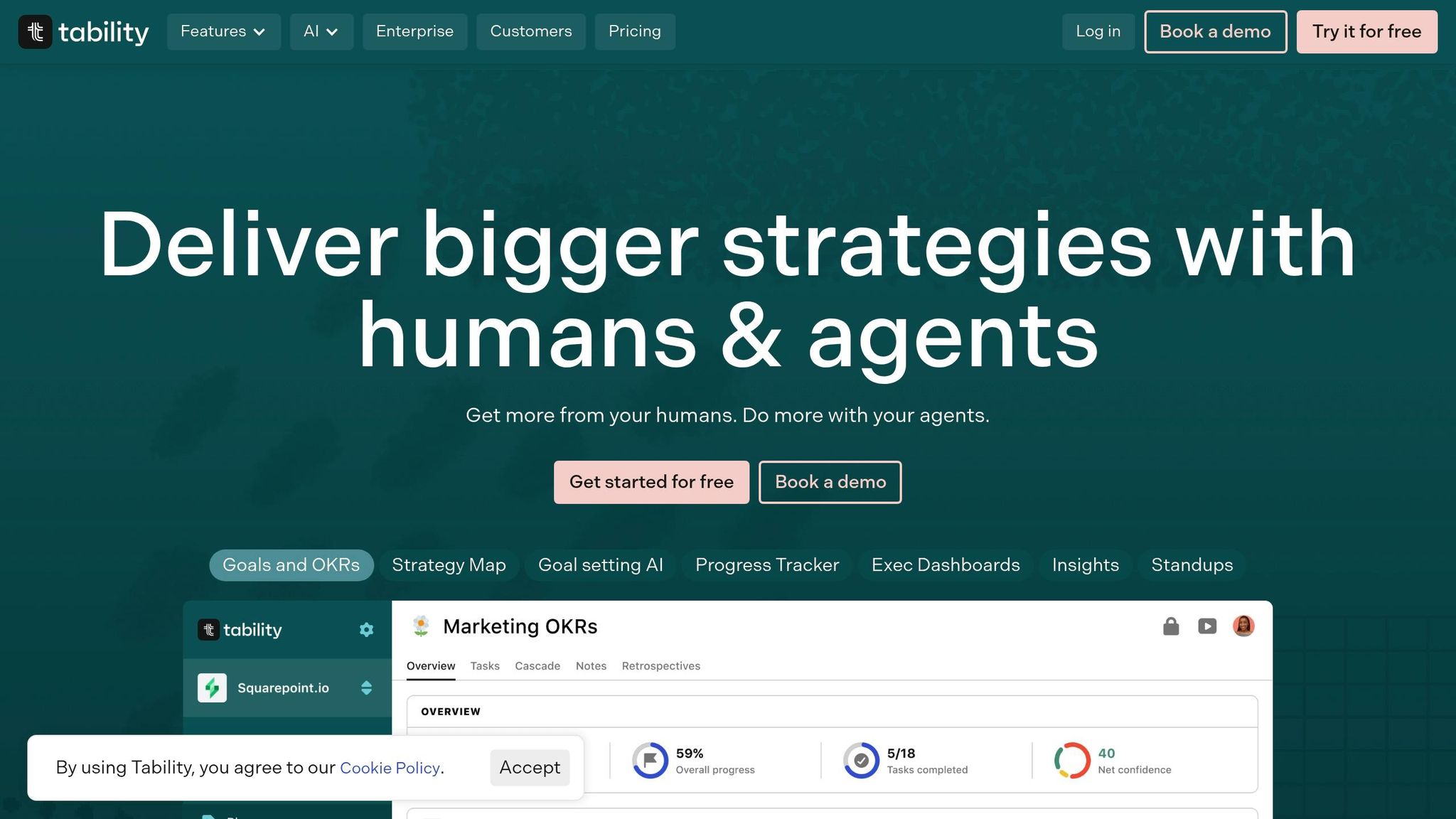
Once a meeting is done, the next snag is simple: how do decisions turn into actual work? Tability handles that handoff by automating OKRs, weekly check-ins, and progress reports. Instead of spending time on manual updates, status chasing, and building reports from scratch, teams can let the system do the heavy lifting. Tabby writes check-in summaries, pulls live data, and points out key results that have stalled.
Primary workflow solved
Tability automates the full OKR cycle: goal setting, weekly check-ins, and executive reporting. Connect tools like Jira, Salesforce, or HubSpot, and Tabby pulls live metrics into auto-generated progress summaries. Its AI Mode also lets teams ask plain-English questions about current risks, so they don't have to dig through dashboards to find answers.
"Tabby can drive your entire OKR process... maintaining and executing on the aspects of OKRs that usually just feel like busy work." - Bryan Schuldt, Co-Founder, Tability
Best-fit user or team
Tability is a strong fit for startup founders, managers, ops teams, and leadership groups that want clear visibility without piling on more coordination work. It scales well too. More than 1,000 teams use Tability, from early-stage startups to organizations with 20,000 employees.
"Tability is EXTREMELY easy to use and very intuitive, allowing us to track KPIs and OKRs for our sales team with ease." - Sam Clarke, Co-founder, Clipboard
Business impact
Tability gives teams one place to track goals, risks, and progress, which cuts down on coordination work for founders and team leads. Automated reminders help keep contributors on track without constant manager follow-up. Tabby also creates retrospectives and one-page digests on its own, which means fewer manual updates and no last-minute slide building.
Typical monthly cost (USD)
| Plan | Monthly Cost | What's Included |
|---|---|---|
| Free | $0 (up to 5 users) | Core OKR tracking, AI goal generation |
| Basic | $6/user/month | AI-assisted goal setting, check-ins, Slack integration |
| Premium | $10/user/month | Data connectors, AI Mode, SSO (SAML), advanced check-in APIs |
| Enterprise | Custom pricing | SOC2 compliance, premier support (for teams of 100+) |
Read-only seats are free across all plans.
5. Gamma
If Tability helps teams execute, Gamma helps them communicate the plan.
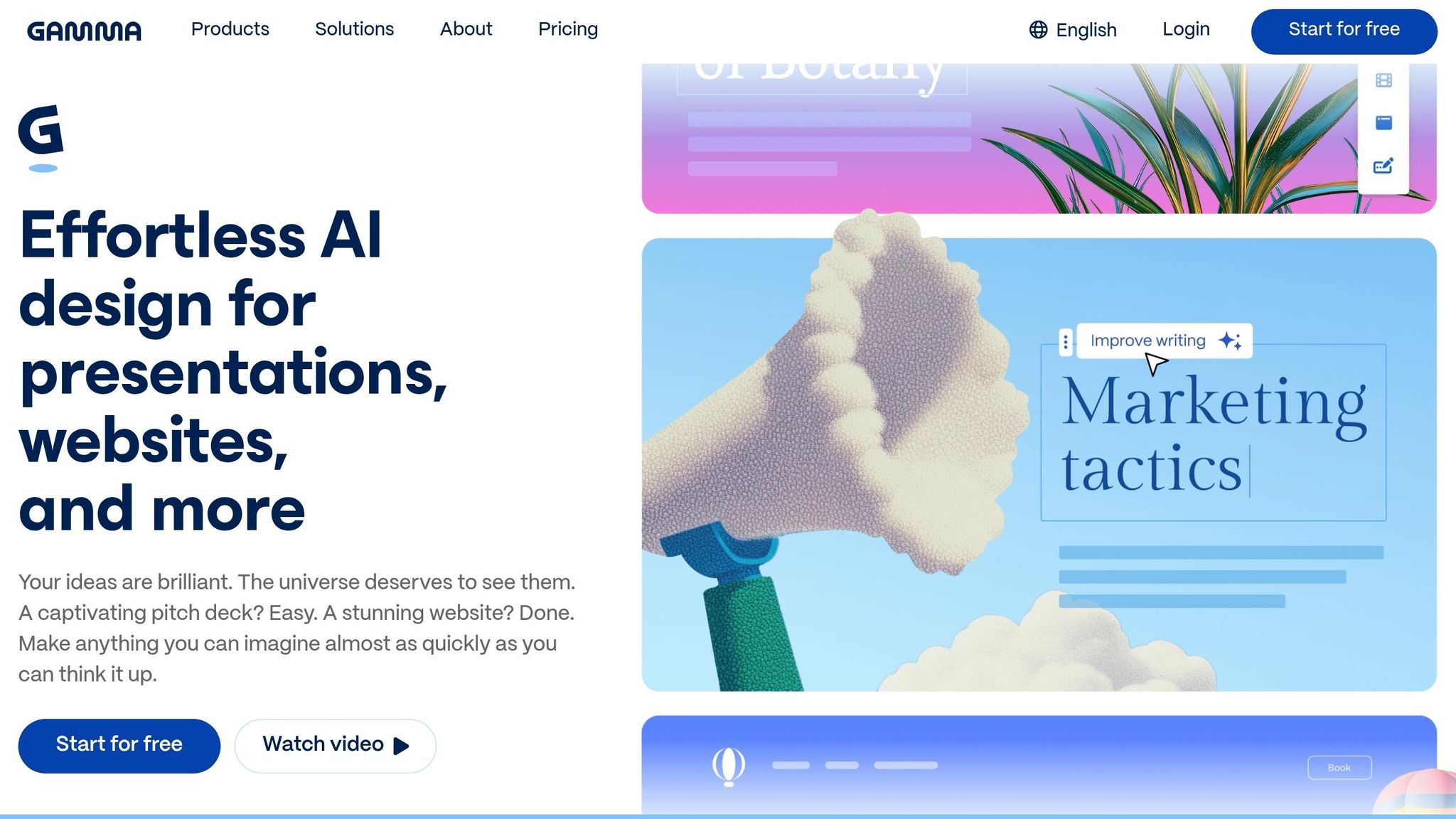
Gamma fixes the blank-page problem. You can give it a text prompt, a rough outline, or an existing document, and it turns that input into a presentation, web page, or doc in 30 to 60 seconds. The platform has been used to create more than 400 million assets. Gamma has also reached $100 million in ARR and stayed profitable.
Primary workflow solved
You type a prompt or paste in notes, and Gamma turns that material into a card-based deck, page, or doc. From there, the Gamma Agent helps you revise the draft with plain-English requests like "make this more visual" or "add a data section." That means you can skip a lot of the usual drag-and-drop work.
You can also paste in a long document or a URL. Gamma will then reorganize it into a clear narrative and pair it with relevant imagery.
"Gamma wins the AI deck-and-document category by treating content as cards instead of slides + generating a working first draft from a prompt in 30 seconds." - Nick French, Founder, StackSwap
Best-fit user or team
Gamma is a strong match for founders, sales, marketing, and RevOps teams, along with educators who need to make visual content often without relying on a dedicated designer. It works especially well for early-stage teams that are iterating on pitch decks or testing ideas with fast landing pages.
The time savings can be hard to ignore. Most decks take 20 to 40 minutes in Gamma versus 2 to 4 hours in PowerPoint.
Business impact
Gamma keeps sharing simple by letting teams send a live web link, so there’s one current version instead of a pile of stale files. It also includes analytics that show which sections stakeholders viewed and how long they spent on each one.
A good way to use it is to let Gamma handle the first 70% to 80% of the draft, then spend your time on review and fact-checking instead of layout work. One catch: if you export to .pptx, expect some cleanup, because card layouts don’t always translate neatly to fixed slides.
Typical monthly cost (USD)
| Plan | Monthly Cost | Key Features |
|---|---|---|
| Free | $0 | 400 lifetime credits (about 10 decks), "Made with Gamma" watermark |
| Plus | ~$8–$10 | Unlimited AI creation, watermark removal, basic analytics |
| Pro | ~$15–$20 | Advanced AI models, custom fonts/branding, per-viewer analytics, API access |
| Ultra | ~$82–$90 | Most advanced AI models, up to 75 cards per prompt, priority support |
Lower prices typically reflect annual billing discounts.
6. Cody AI
Cody AI goes after a pain point most growing teams know all too well: finding the right internal info without wasting time. It works like an AI assistant trained on your company’s docs and knowledge base.
You can upload PDFs, Word files, PowerPoint files, or even your website, and Cody gives back source-cited answers in seconds. That part matters. Every answer includes a citation, which gives compliance-sensitive teams a way to check the response instead of just trusting the bot.
Primary workflow solved
Cody brings internal knowledge into one place and helps teams automate workflows in Slack and WhatsApp without code.
Best-fit user or team
Cody is a strong match for support, HR, and ops teams. If people on the team often need to look up policies, processes, or technical docs, this tool can save a lot of back-and-forth. It also makes sense for founders and small teams that want an internal knowledge layer without needing engineering help.
"I set up in an afternoon what I'd been avoiding for a year." - Misha Jessel Kenyon, GTM, Mistral AI
Business impact
Cody is used by 100,000+ businesses and supports 50+ languages. One reported result stands out: a new onboarding system built with Cody cut sign-up time by 40%.
On the security side, each business customer gets a dedicated AWS EC2 instance, which means data stays on dedicated infrastructure. For teams that need searchable internal knowledge before they automate more of their work, that setup is a big plus.
Typical monthly cost (USD)
| Plan | Monthly Cost | Key Features |
|---|---|---|
| Free | $0 | Limited message credits, basic document upload, standard LLM access, single bot |
| Basic | $29/mo | More message credits, more storage, multiple bots, embeddable widgets |
| Premium | $99/mo | Access to GPT-4-class LLMs, highest document and message limits, team collaboration, priority support |
| Starter | $479/mo | 2 dedicated private AI agents on AWS, unlimited Slack conversations, 24/7 proactive issue flagging |
| Scale | $800/mo | 6 dedicated private AI agents on AWS and all Starter features |
If Cody handles internal answers, the next tool shifts to customer-facing support.
7. CoSupport AI
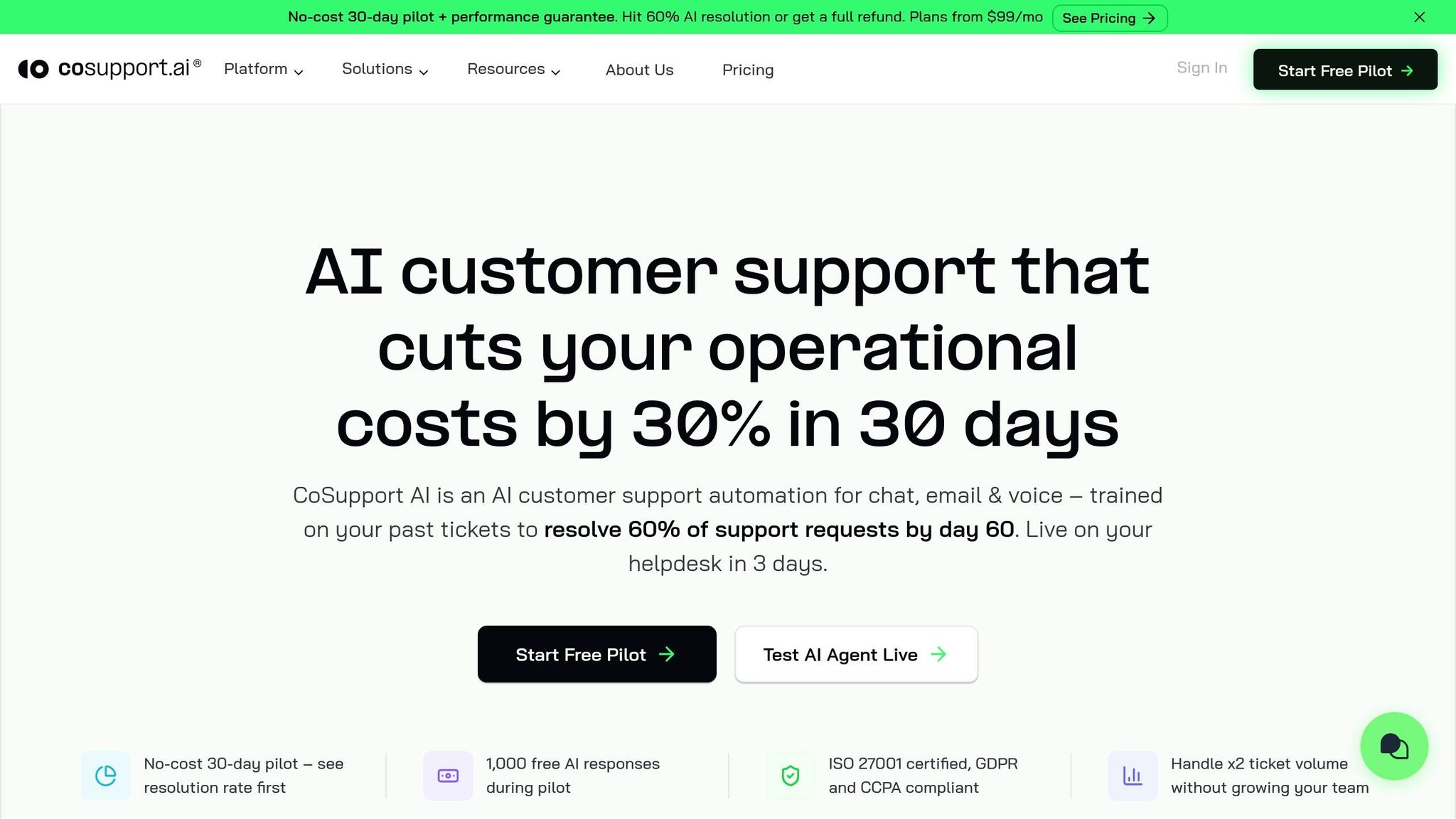
For customer-facing teams, the next move is taking repetitive support work off the queue. CoSupport AI handles Tier-1 tickets across chat, email, and social media with patented architecture built to cut down on hallucinations.
It can take care of common requests like order tracking, return policy questions, password resets, and subscription changes. The platform also comes with an AI Agent, similar to Agent ai, an AI Assistant for drafting replies, an AI Translator for 40+ languages, and a conversation analytics layer that shows support trends. It connects natively with Zendesk, Freshdesk, Zoho Desk, Intercom, Salesforce, and Shopify. In plain English, it makes the most sense for teams that already have a steady flow of tickets to learn from.
Best-fit user or team
CoSupport AI is aimed at mid-market SaaS teams, scaling e-commerce brands, and BPOs dealing with heavy ticket volume. It works best when you have 1,000+ solved tickets available for training. If your team handles fewer than 200 tickets per month, this probably isn't the right fit.
Business impact
The case studies are pretty direct. Shelterluv hit a 73% chat resolution rate and more than 2,000 automated interactions per month. ProjectFitter cut resolution time from 2 hours to 6 minutes. SupportYourApp saved $14,000 per month.
There’s also a contract-backed promise here: if the AI doesn’t resolve at least 60% of inbound tickets, you don’t pay.
Typical monthly cost (USD)
Pricing depends on how much automation you plan to run.
| Pricing Model | Starting Cost | Best For |
|---|---|---|
| Server-Based | $99/month | High-volume teams that want flat monthly pricing |
| Resolution-Based | $0.19/resolution | Teams that want to pay only for resolved outcomes |
| Response-Based | $0.04/response | Teams using AI mostly for agent-assist drafting |
A 14-day free trial is available across plans.
Pros, Cons, and Best-Fit Scenarios for Each Tool
No tool wins in every case. Each one has a clear upside, a tradeoff, and a situation where it makes the most sense.
Use the quick matrix below for the short version, then scan the notes for the key tradeoff. Here's the fastest way to compare strengths, limits, and fit.
| Tool | Biggest Advantage | Main Limitation | Best Fit | Use It When |
|---|---|---|---|---|
| AI Apps | 1,900+ curated tools in one place | Tool directory, not a workflow tool | Any size, early evaluation stage | Building or auditing your AI stack |
| Arcwise | Explains KPI changes directly tied to your data | Works best when warehouse data and docs are already clean | Teams with established reporting workflows | You need to understand why numbers changed |
| Fathom | Delivers structured meeting summaries in 30 seconds with CRM sync | Requires active call volume to deliver consistent value | Sales, CS, and recruiting teams on frequent calls | Post-meeting admin and CRM updates are eating team time |
| Tability | Automates the full OKR cycle from check-ins to executive reports | Most useful when teams already have defined goals and integrations | Startups and ops teams tracking goals across functions | Strategy execution is slipping between meetings and dashboards |
| Gamma | Turns a prompt or doc into a working deck in 30–60 seconds | Export to .pptx often needs cleanup |
Founders, sales, and marketing teams without a dedicated designer | Visual content needs to move fast without a design bottleneck |
| Cody AI | Source-cited answers from your own uploaded docs and knowledge base | Value scales with the quality and completeness of your internal docs | Support, HR, and ops teams with heavy internal lookup needs | Teams waste time hunting for policies, processes, or technical answers |
| CoSupport AI | Handles Tier-1 tickets across channels with a 60% resolution guarantee | Requires 1,000+ solved tickets to train effectively | Mid-market SaaS, e-commerce, and BPOs with high ticket volume | Repetitive support tickets are consuming agent capacity |
AI Apps is the fastest way to scan 1,900+ tools and build a shortlist. Use it before testing products, not instead of them.
Arcwise is built for teams that need to explain metric changes using warehouse data and supporting docs. It shines when the data layer is already clean. If your reporting setup is messy, the output will be less useful.
Fathom saves the most time for teams with a lot of calls and a constant need for clean records. For sales teams, the CRM sync is the big draw. That said, even solo founders can get solid value from the 30-second summary alone.
Tability fits best when goal tracking has turned into a coordination headache. Automated check-ins and AI-generated digests remove a lot of manual OKR work without forcing teams to rebuild the whole process from scratch.
Gamma works best when the main bottleneck is getting a first draft done fast. Let it handle the first 70–80% of the deck, then step in for review and polish instead of spending your time on layout.
Cody AI pays off fastest when internal knowledge lives in too many places. Its citation layer gives teams more confidence than a generic chatbot, which matters a lot in compliance-sensitive settings.
CoSupport AI makes sense when ticket volume is high enough to train the model and make setup worth it. The resolution-based pricing model also keeps risk fairly low for teams that want to test it before going all in.
Conclusion
Each tool on this list tackles a different bottleneck. So the right pick comes down to one simple thing: where your team is losing the most time.
These tools help with specific parts of work, like discovery, analysis, meeting capture, AI tools for project managers, AI apps for content creators, internal knowledge, and support automation. The catch? A lot of teams slow themselves down by trying to fix everything at once.
A better move is to start with one workflow, not a bigger stack. The best fit depends on the bottleneck in front of you: discovery, data, meetings, execution, content, internal knowledge, or support.
Pick one bottleneck. Test one tool for two to three weeks. Then measure how much time you got back.
FAQs
How do I choose the right AI tool for my team?
Start by figuring out what your team needs most: simple task help, project-level coordination, or always-on automation in the background.
For day-to-day work like summarizing documents or drafting emails, a standard ChatLLM interface is usually the right fit. It’s simple, fast, and easy to use.
For multi-step work like building applications or processing invoices, go with agentic systems. These tools can handle longer workflows and connect several actions together without constant input.
If you need hands-free monitoring for tools like inbox or Slack, pick persistent agents. They stay active in the background and respond when something needs attention.
One more thing: put integrations near the top of your checklist. A tool might look great on paper, but if it doesn’t work well with your current workspace, it can turn into a headache fast.
Which of these tools is best for a small business?
It depends on the main bottleneck in your day-to-day work.
- Arahi AI: best if you want one tool for workflow automation across the board
- Cece AI or Hynge: best for admin help, scheduling, task handling, and business coordination
- Diana, SelfManager.ai, Fleece AI, or flitsy: best for data-heavy work, time management, meetings, or sales workflows
How should I test an AI tool before paying for it?
Use free tiers or trial periods to test real tasks from your day-to-day workflow, not just polished demos. That’s the best way to see if a tool fits how you actually work.
It’s also smart to check the refund policy before you pay. If the tool has an open-source or self-hosted option, run it locally so you can gauge speed and privacy for yourself. And if pricing feels vague or hard to find, treat that as a warning sign.