
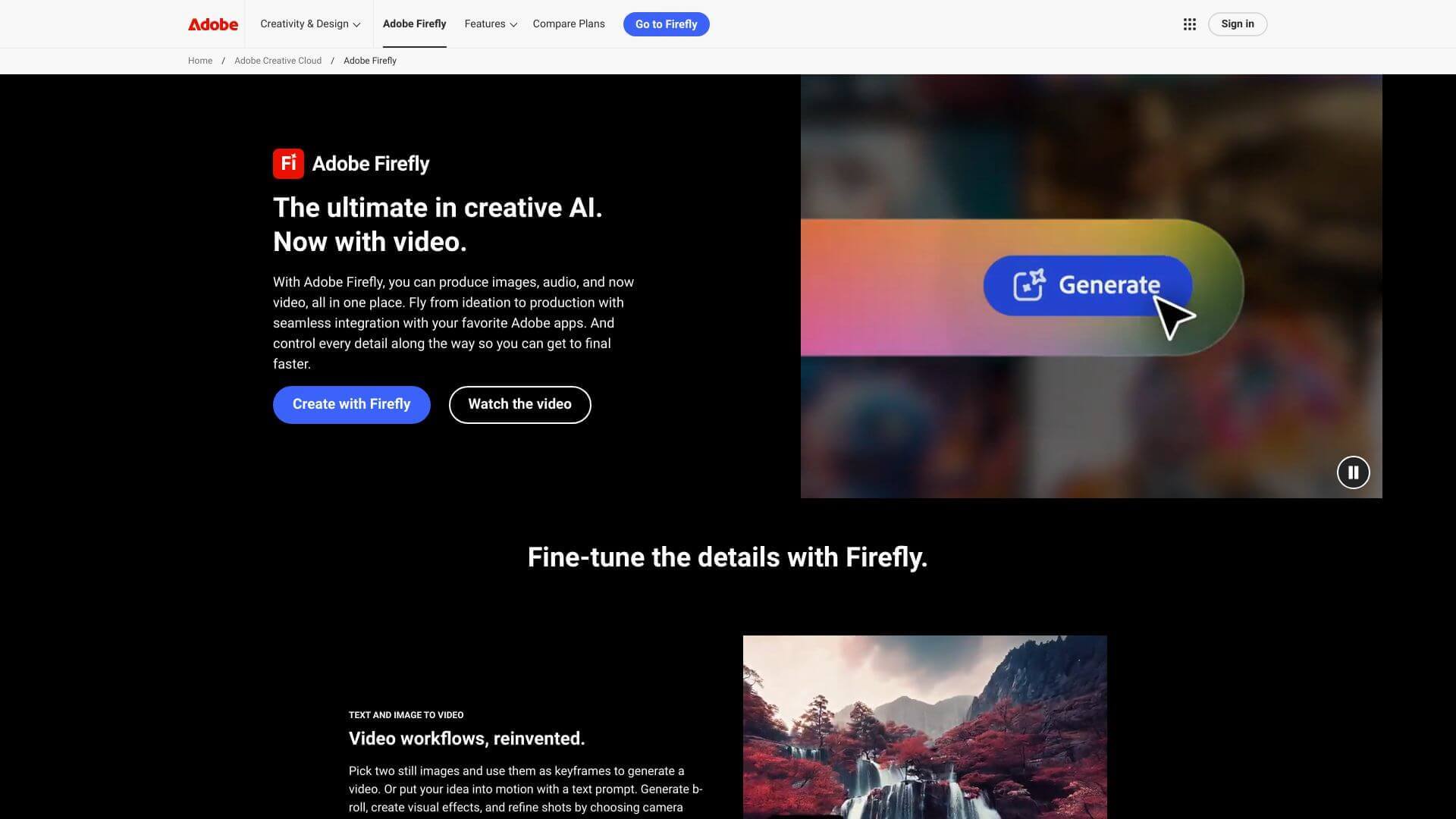
Adobe Firefly is an AI Image tool. Generative AI tools letting you create images, videos, & art from text. Edit photos, add styles, & streamline Adobe workflows. Key features include Text-to-Image/Video, Firefly Video Model, and 3D Integration. Best for content creators, writers and designers.
About Adobe Firefly
Firefly helps you make cool stuff like images and videos just by typing what you want. It works right inside popular Adobe apps, so it’s easy to use. It's trained on safe content, so you don't have to worry about copyright issues. There are options for beginners too.
Key Features
Text-to-Image/Video.
Firefly Video Model.
3D Integration.
Creative Video Translation & Lip Sync.
Generative Fill/Removal.
Multi-App Connectivity.
Frequently Asked Questions
It's Adobe's set of AI tools that work with Creative Cloud. You can make images, videos, and art, all in one place and use it with apps like Photoshop.
Firefly makes pictures, videos, and art from your text. You can also change photos, add things, and make them look artistic. It's safe to use for business because it uses content that it has permission to use.
- Turn text into images or videos. 2. The Firefly Video Model can make motion videos. 3. It also works with 3D tools. 4. You can translate videos into other languages. 5. Add or remove things in photos. 6. It works with Photoshop and Premiere Pro.
Pros: It works great with Adobe apps. It’s safe for business use. You have control over camera angles and more. It makes things faster. There are resources to help you learn.
Cons: The free version has limits. Some tools are hard to learn. It's still getting better at making humans and animals look real.





