
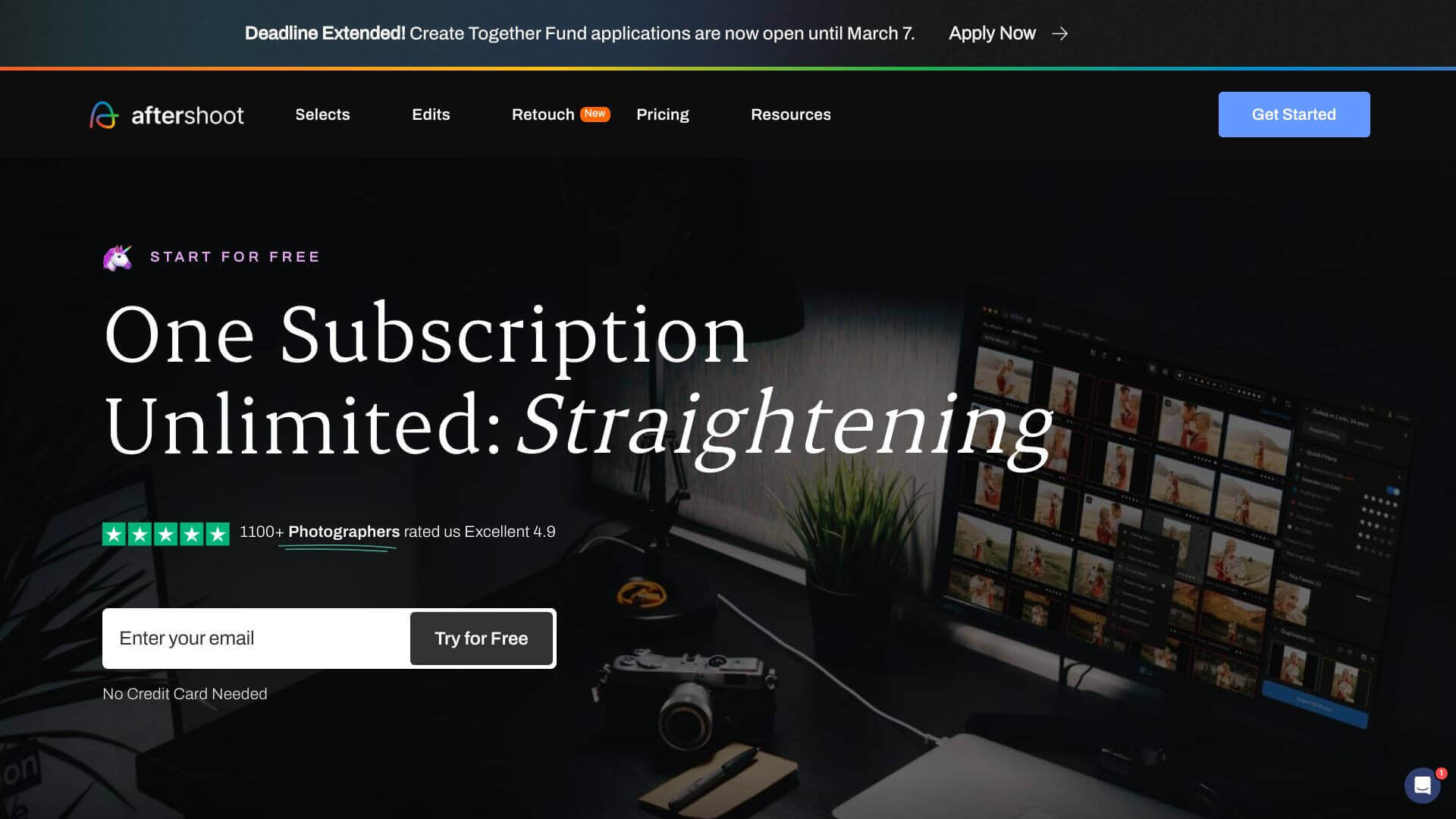
Aftershoot is an AI Image tool. Aftershoot uses AI to sort and edit your photos quickly. It picks the best shots and makes them look great. Key features include AI Automated Culling, AI-Assisted Culling, and Survey Mode. Best for photographers.
About Aftershoot
Aftershoot helps photographers save time. Its AI learns your style to cull and edit photos fast. Good for wedding, event, and portrait work. Works offline and fits with Lightroom and Capture One. Some find it tricky at first.
Key Features
AI Automated Culling.
AI-Assisted Culling.
Survey Mode.
AI Profiles.
Offline Capabilities.
Seamless Integration.
Frequently Asked Questions
Yes, Aftershoot can work fully offline, though you might need internet sometimes to keep your account up-to-date.
Even though it's made for pros, non-professionals can still get a lot out of Aftershoot's automatic features to make their photo process easier.
Aftershoot works with most RAW image types, plus JPG and PNG files.
Yes, you can adjust your culling settings to make Aftershoot work the way you want.





