
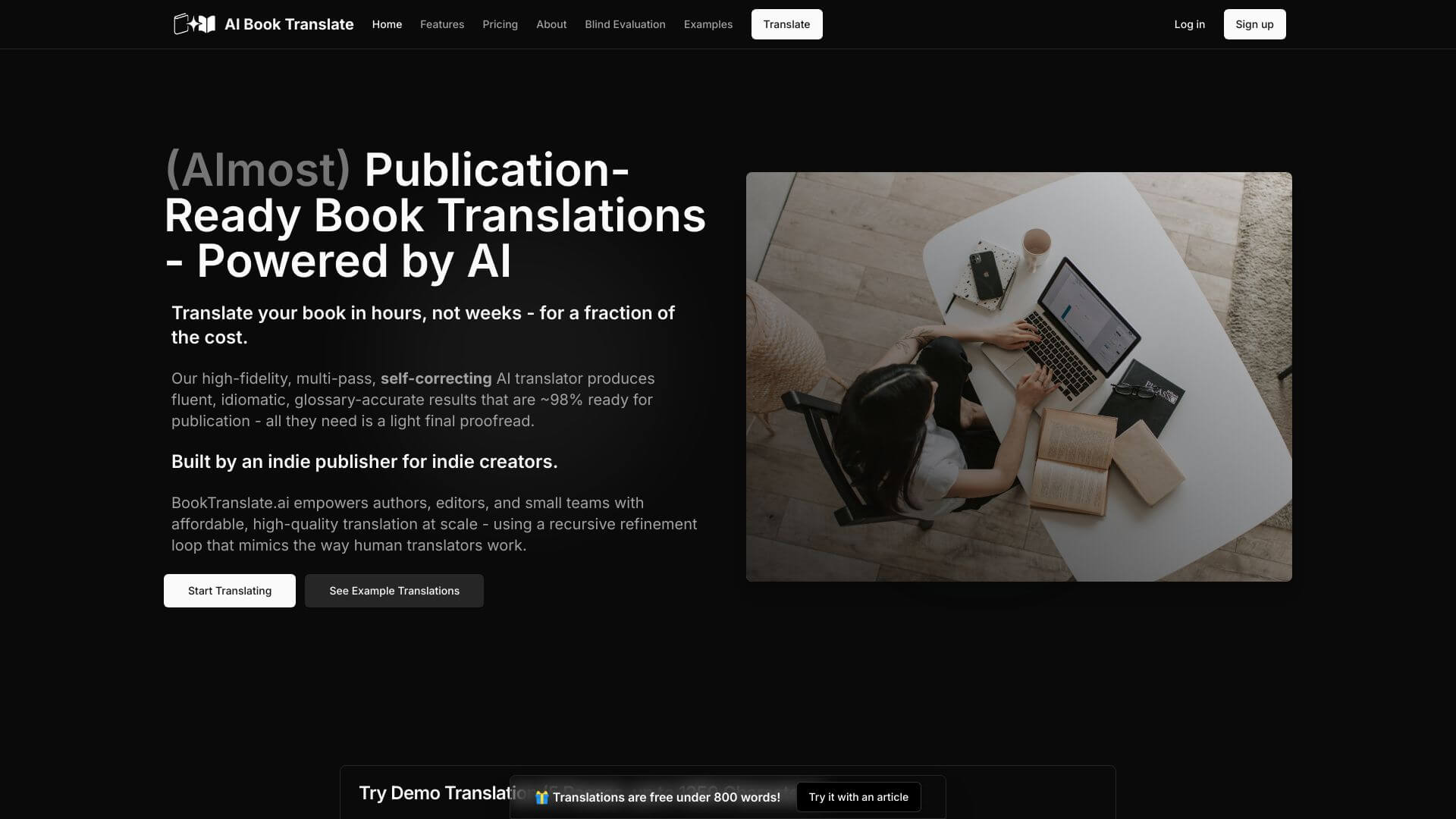
AI Book Translate is an AI Productivity tool. Translates books using AI. It helps to get accurate translations quick, supporting multiple languages. Key features include AI Translation Technology, Real-time Translation, and Multi-Language Support. Best for students, writers and content creators.
About AI Book Translate
AI Book Translate turns books into different languages using smart tech. It's fast and handles many languages. Good for anyone needing to read or share books across the world. It analyzes text for edits, works with file types like PDF, tailors AI to understand specific terms.
Key Features
AI Translation Technology.
Real-time Translation.
Multi-Language Support.
Text Analysis and Editing.
Integration with Popular Formats.
Customization Options.
Frequently Asked Questions
AI Book Translate is an AI tool for translating books. It uses smart computer programs to understand languages and translate accurately.
It quickly translates text from one language to another. It may even translate in real-time and work with many languages.
Most AI translation tools have a free trial or a limited free plan. This lets you try it out before paying for a subscription.
Students can use it for school work or fun reading. Professionals can use it to translate important documents.





