
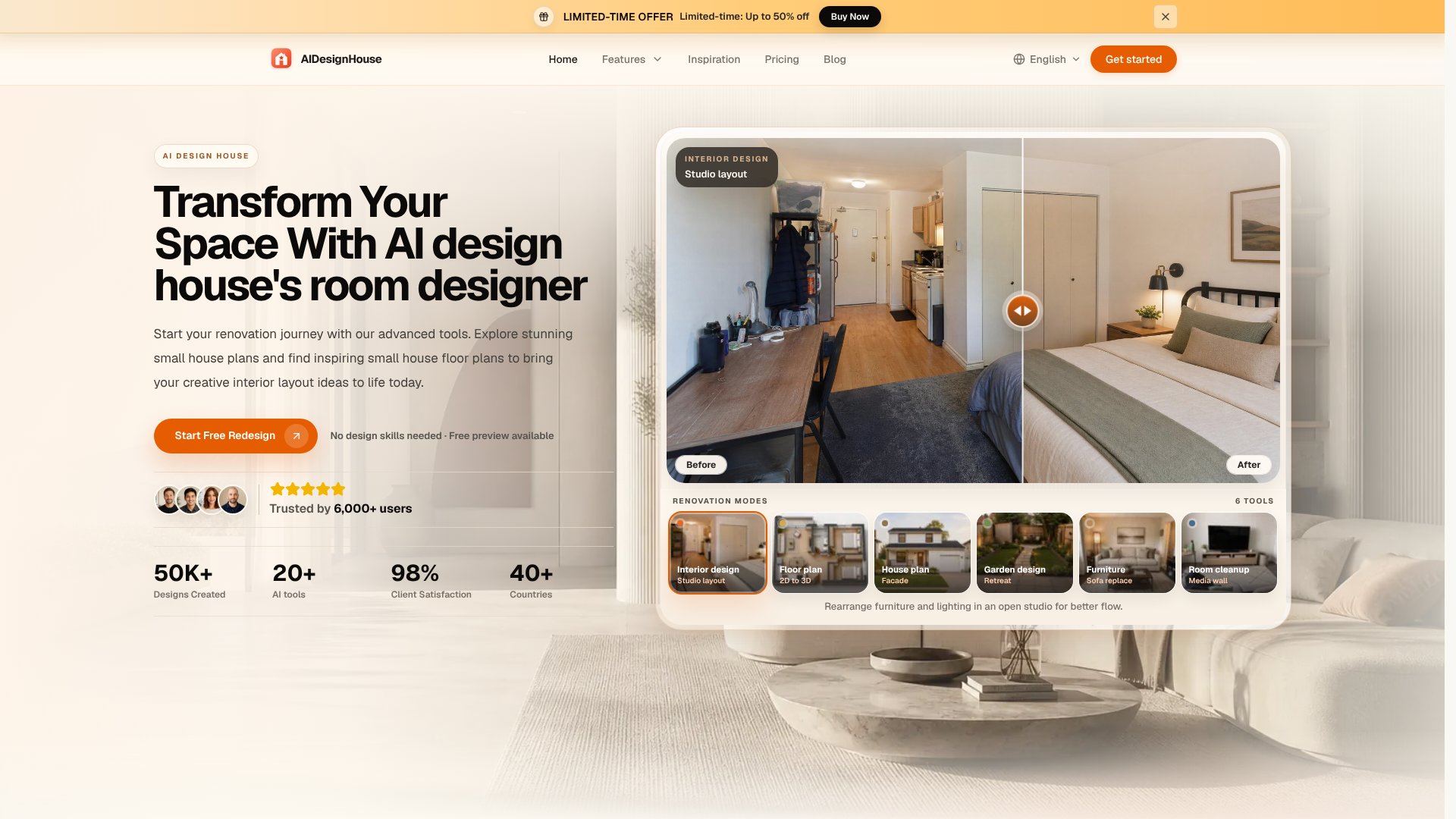
AI Design House, AI interior design, AI is an AI Image tool. AI-powered room planner that transforms photos into floor plans and interior designs. For homeowners, designers, builders, and DIY enthusiasts. Best for real estate, interior design and home renovation.
About AI Design House, AI interior design, AI
AI Design House is an AI-powered room planner and floor plan maker that turns photos into usable design references without requiring design expertise. You upload an image of your current space, select a style, customize the layout, and export high-resolution designs ready to share with contractors or family. The platform handles interior redesigns, floor plan generation, 2D-to-3D conversion, facade updates, garden layouts, furniture swaps, and room cleanup across six specialized tools.
The typical workflow
Start by uploading a photo of your room. The platform analyzes the image and presents style options—modern, minimalist, traditional, or others matching your aesthetic preference. From there, you customize the layout directly: adjust furniture placement, tweak room dimensions, experiment with different spatial arrangements. Once satisfied, you export the designs in high resolution for contractors, designers, or your own reference. The entire process runs in real time without specialized training.
What you get vs. doing it manually
- Real-time lighting simulation: See how paint colors and materials actually look under different lighting conditions before purchasing.
- 2D to 3D conversion: Flat floor plans convert to three-dimensional views, making it easier for non-designers to visualize the final result.
- Fast iteration: Test multiple layout options, color schemes, and design styles in minutes rather than waiting for sketches or consultant meetings.
- Contractor-ready exports: High-resolution output suitable for sharing directly with builders and suppliers, reducing miscommunication.
- No software learning curve: Unlike desktop design tools (AutoCAD, SketchUp), there's no steep training requirement—the interface is built for homeowners and DIY enthusiasts.
Honest trade-offs
The platform excels at visualization and quick concept exploration but isn't a replacement for professional architectural review. Complex structural changes, load-bearing walls, plumbing reroutes, and electrical upgrades still require licensed contractor input. Export quality is suitable for design communication and planning; it's not engineered for final construction documentation. Results depend on photo quality and clear room boundaries—cluttered or poorly lit images may limit accuracy. The tool works best for interior styling, layout optimization, and aesthetic decisions rather than deep structural renovation planning.
Key Features
Upload photos and get AI-generated floor plans and designs instantly
Choose from multiple interior design styles and customize layouts seamlessly
2D to 3D conversion with high-resolution export for sharing with contractors
Real-time lighting simulation for accurate paint color and material visualization
Professional-grade room planner requiring no design skills or training
Supports multiple design types including small house plans and modern home layouts
Frequently Asked Questions
Upload a photo of your room, select your preferred interior design style, customize the layout using drag-and-drop, and export your designs. No design skills are needed.
Homeowners planning renovations, professional interior designers, builders showcasing options to clients, and DIY enthusiasts exploring spatial layouts all benefit from the visual clarity provided.
The platform provides interior design, floor plan generation, 2D to 3D conversion, facade design, garden design, furniture replacement, sitting room paint color visualization, and room cleanup tools.
Yes, you can save and export stunning high-resolution designs to share with contractors, family members, or clients for feedback and decision-making before construction.





