
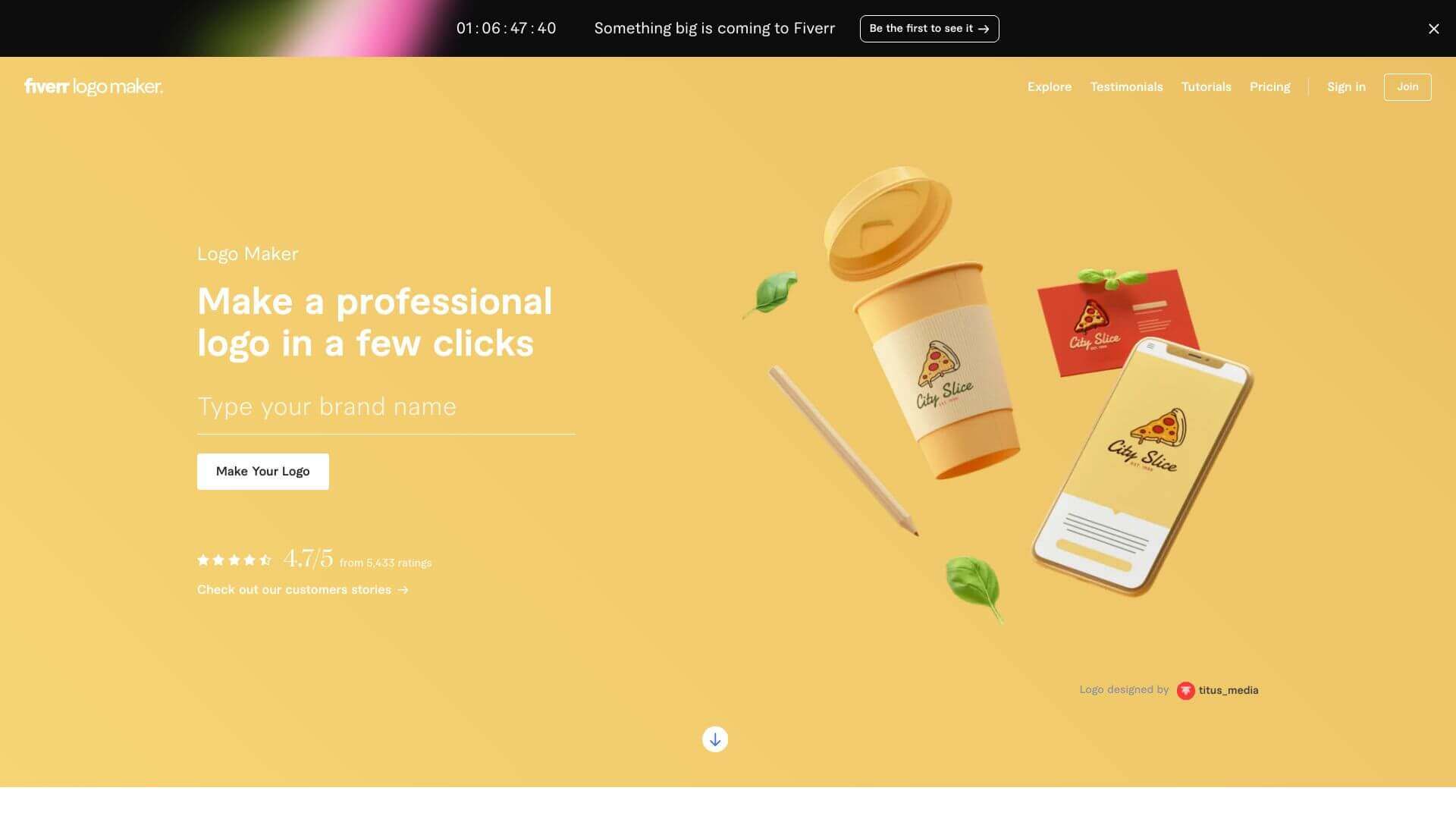
AI Logo by Fiverr is an AI Image tool. Generates custom logos using AI. Give your business details and the tool creates designs you can tweak or get help with. Key features include AI-Powered Logo Generation, Drag-and-Drop Customization, and Branding Packages. Best for designers and business consultants.
About AI Logo by Fiverr
Need a logo fast? This tool makes it easy. Just type in your business name and some details. The AI creates logo ideas. You can change the colors, fonts, and layout. If you want more help, connect with designers on Fiverr. Pay to download the files.
Key Features
AI-Powered Logo Generation.
Drag-and-Drop Customization.
Branding Packages.
- Essential ($30): Get high-quality PNG files perfect for online use.
- Professional ($60): Get files for printing, social media, and websites.
Freelancer Integration.
Preview Across Platforms.
Multi-Industry Compatibility.
Frequently Asked Questions
No—the AI simplifies things with templates and prompts.
Use the editor to tweak colors, fonts, layouts, and shapes.
You can hire Fiverr freelancers for custom revisions and advanced work.
Yes—both packages include commercial rights.





