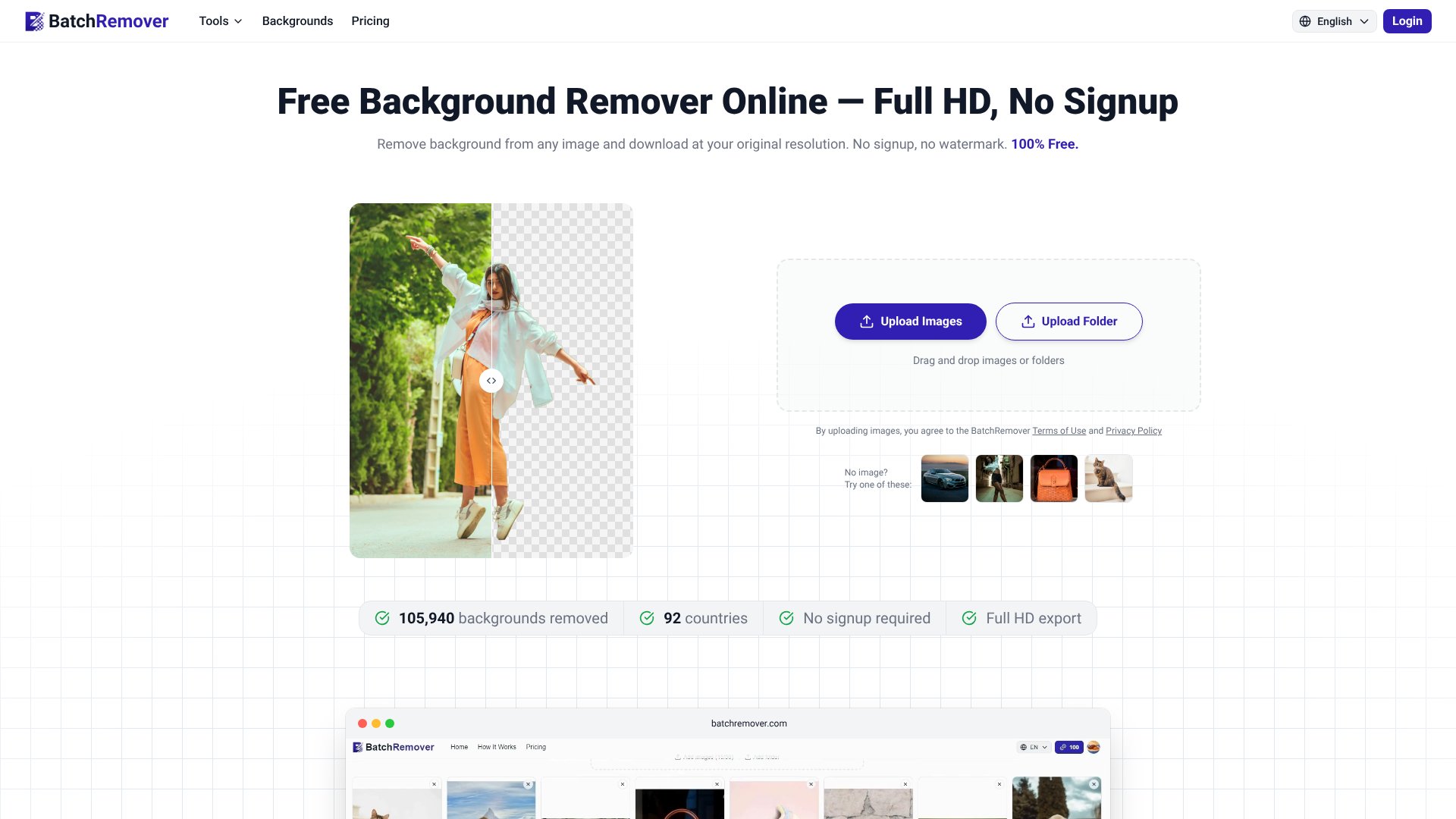
BatchRemover is an AI Image tool. BatchRemover removes backgrounds from images in full HD resolution without signup, watermarks, or quality loss for e-commerce, design, and social media. Best for e-commerce, photography and graphic design.
About BatchRemover
BatchRemover addresses a common frustration with free background removal tools: the hidden downgrade. You upload a high-resolution image and download a noticeably smaller file, unless you pay a premium. The platform removes this friction entirely—single images process free at full original resolution with no watermarks or account signup required.
How it works
The workflow is straightforward. Upload a JPG, PNG, or WebP file (or an entire folder for batch jobs). The AI detects edges with precision, handling difficult subjects like hair, fur, and complex product shapes. Within seconds, you download the result in your choice of format: transparent PNG for design work, compressed JPG for e-commerce listings, or WebP for web performance. All exports preserve your original image resolution.
What you get vs. doing it manually
Beyond removal, the tool includes two features that typically require separate tools or paid upgrades elsewhere:
- Background replacement: After removal, replace with a solid color (white for Amazon listings, blue for passport photos) or upload a custom image without re-editing in Photoshop.
- Canvas resizing: Automatically fit backgrounds to platform-specific dimensions—Instagram, eBay, Shopify, or custom pixel counts—saving you the math and manual scaling.
- Batch processing: Paid plans let you process up to 60 images at once, starting at $0.04 per image, with folder upload support on yearly subscriptions.
Realistic expectations
BatchRemover handles most subjects well, but complex scenarios—translucent objects, fine wisps of hair against similar-colored backgrounds, or heavily textured surfaces—may require light manual cleanup. Single-image processing is genuinely free with no gating; batch features require a paid credit pack. Processing speed is immediate for most images, though very large files or peak-load periods may add a few seconds. The platform does not store images permanently, making it safe for commercial work—everything you process belongs to you from the start.
Key Features
Remove backgrounds from any image without signup or watermarks
Download at full original resolution with no downscaling
Replace backgrounds with solid colors or custom images
Batch process up to 60 images at once with paid plans
Export as PNG, JPG, or WebP for any platform
Resize backgrounds to fit specific platform dimensions
Frequently Asked Questions
Yes, BatchRemover is free for single image processing with no account required, no watermarks, and no resolution limits. Paid plans only apply to batch processing multiple images at once.
Most free background removers downscale output to lower resolutions. BatchRemover provides full original resolution downloads for free, plus included background replacement, resizing, and multi-format export options.
Yes, every image you process with BatchRemover belongs entirely to you, whether free or paid. Use them for product listings, ads, marketing materials, or any commercial project.
Images are processed securely and not stored permanently on servers. BatchRemover does not use images for training or share with third parties. Processed images are automatically deleted after a short period.