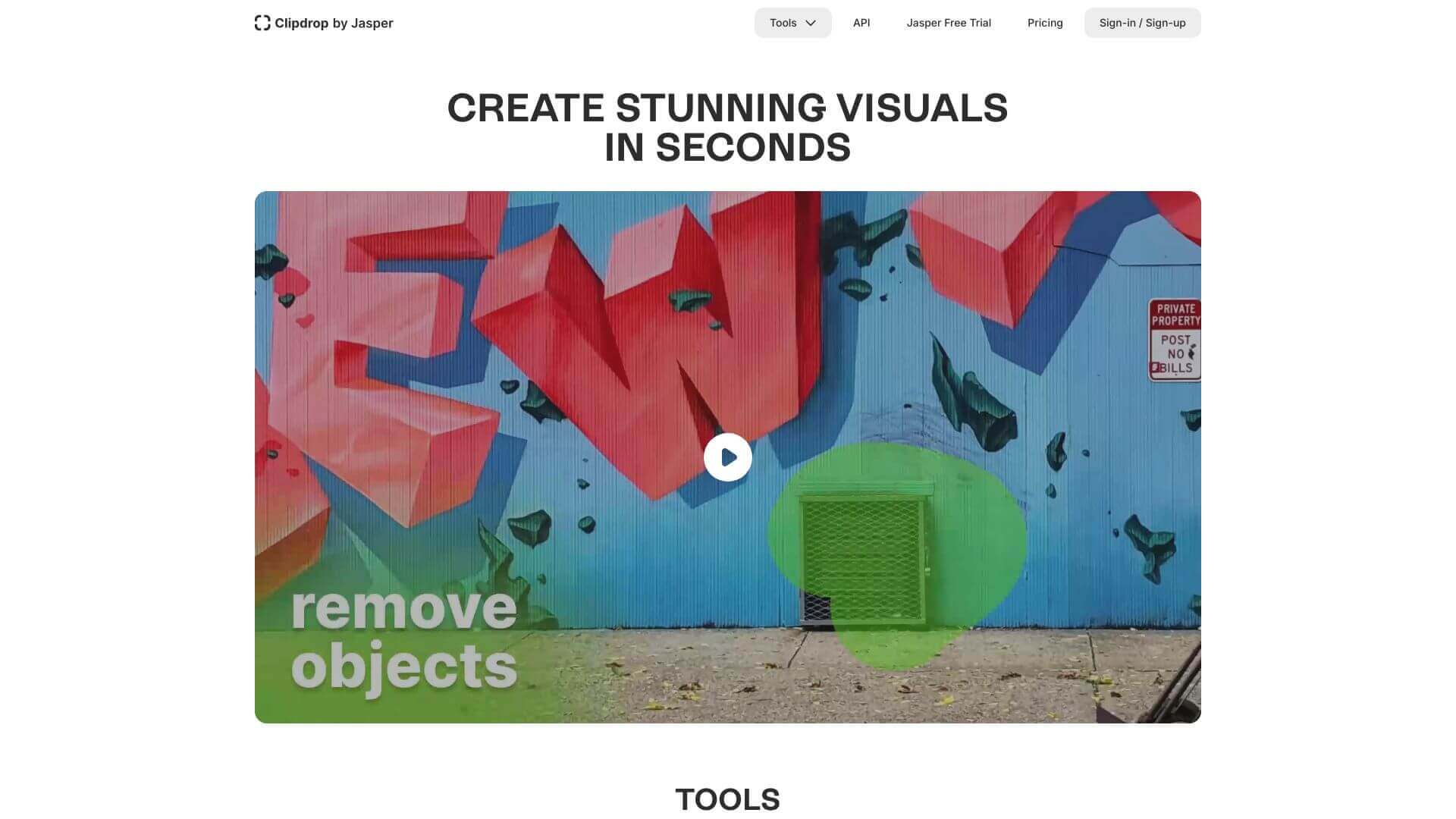
Clipdrop is an AI Image tool. ClipDrop uses AI to help you quickly edit photos. It can remove backgrounds, resize images, and generate new visuals. Key features include Background Removal Tool, Generative Fill, and Universal Resizer. Best for designers, filmmakers and video editors and photographers.
About Clipdrop
ClipDrop is an AI-powered tool that simplifies image editing. It’s great for removing backgrounds or creating images from text. You can even copy real-world objects into your designs. It works on phones, computers, and integrates with other apps. While some features require a subscription, it's a solid choice if you need quick, quality edits.
Key Features
Background Removal Tool.
Generative Fill.
Universal Resizer.
Text-to-Image Conversion.
Real-Time AR Copy-Paste.
Cleanup Mode.
Frequently Asked Questions
Use ClipDrop’s free background removal tool at clipdrop.co/remove-background.
Yes, it can. It uses Stable Diffusion XL to make HD pictures fast.
Yes. You can add ClipDrop plugins to Photoshop to easily clip stuff into your designs.
Yes. You can remove backgrounds and edit pictures a bit for free.