
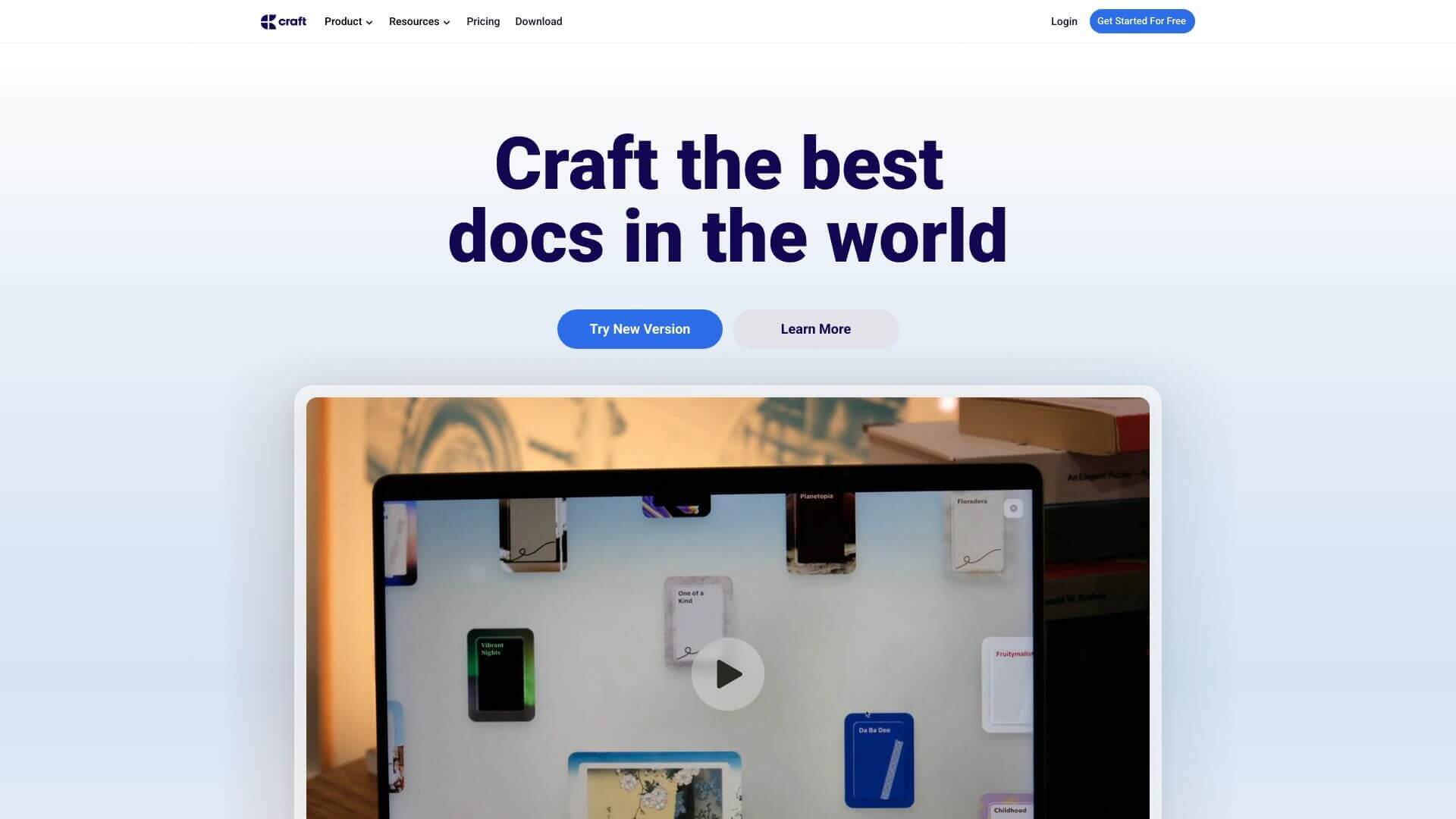
Craft is an AI Productivity tool. Craft helps you make notes and documents. It's great for organizing your thoughts and projects simply and beautifully. Key features include Cross-Platform Compatibility, Drag and Drop Functionality, and Hierarchical Organization and Backlinks. Best for writers, content creators and project managers.
About Craft
Craft is a flexible app for notes and docs, perfect for work or personal use. It's easy to use and works on many devices. You can drag things between apps, use it offline, and even get AI help to sum up text or translate. It helps manage projects, write, or just keep your day on track.
Key Features
Cross-Platform Compatibility.
Drag and Drop Functionality.
Hierarchical Organization and Backlinks.
AI Integration.
Database and Library Creation.
Offline Mode and Sync Capabilities.
Frequently Asked Questions
Craft lets you drag media, like images or documents, right into a note.
Yes, you can access text-based notes offline. But syncing media might need internet.
Not really for real-time teamwork. But you can share notes and see them on different devices.
For now, Android users use the web app. An Android app is planned though soon!





