
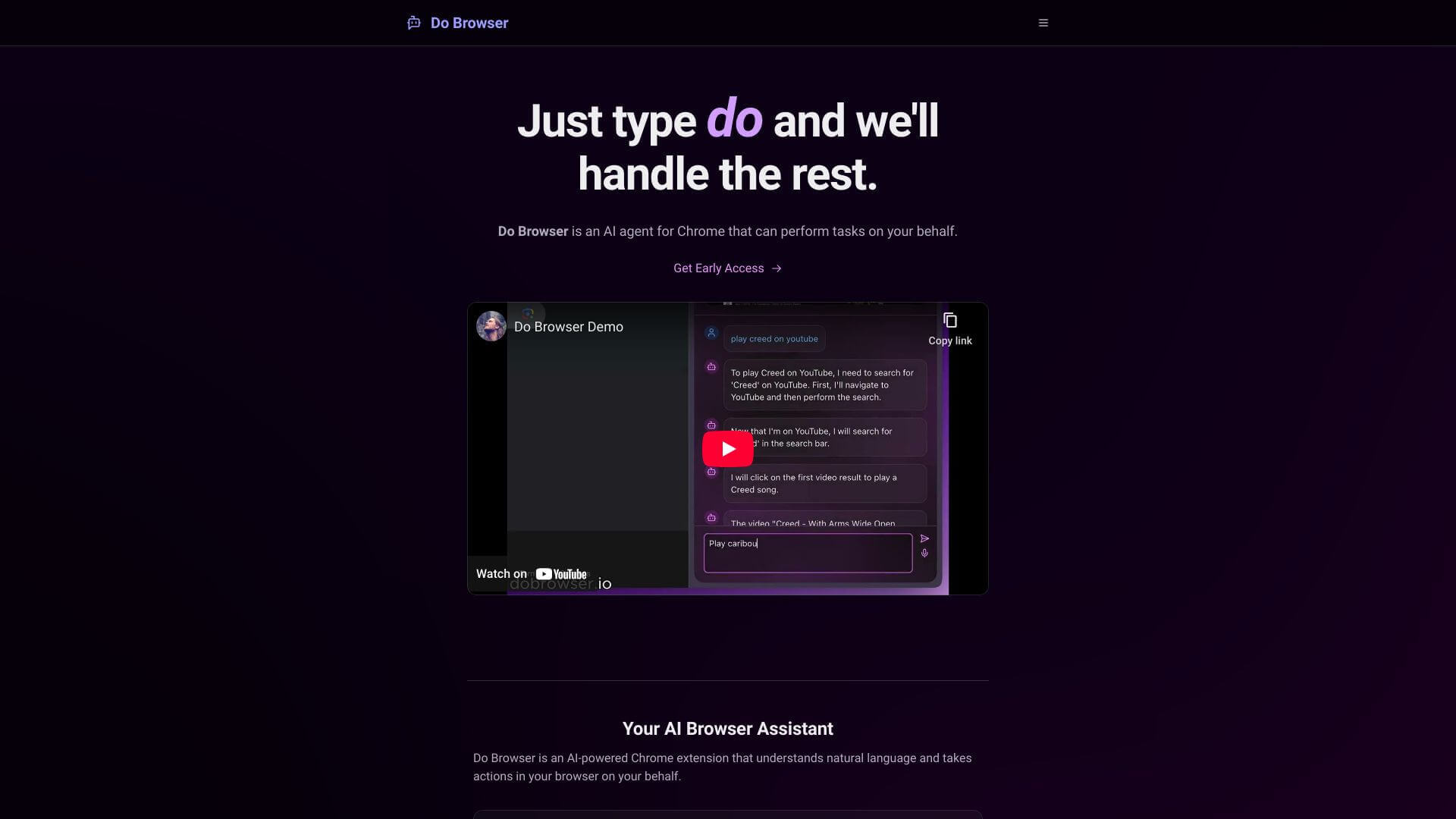
Do Browser is an AI Productivity tool. Automates web tasks using simple voice or text commands. Makes browsing easier and boosts productivity. Key features include Task Automation, Natural Language Understanding, and Form Filling and Data Entry. Best for project managers and business consultants.
About Do Browser
Do Browser is a Chrome extension that uses AI to understand what you want to do online. Tell it what to do with your voice or type it, and it handles tasks on websites for you. It can fill out forms, move around complex dashboards, and even summarize news. It's like having a smart assistant for your browser.
Key Features
Task Automation.
Natural Language Understanding.
Form Filling and Data Entry.
Web Navigation and Interaction.
News Summarization and Analysis.
Customization.
Frequently Asked Questions
Its standout feature is using natural language commands to automate web tasks.
Right now, Do Browser works only as a Chrome extension.
You can tweak Do Browser's settings to make it work the way you need for your specific tasks.
Its task automation, easy web navigation, and form-filling are helpful to get things done faster.





