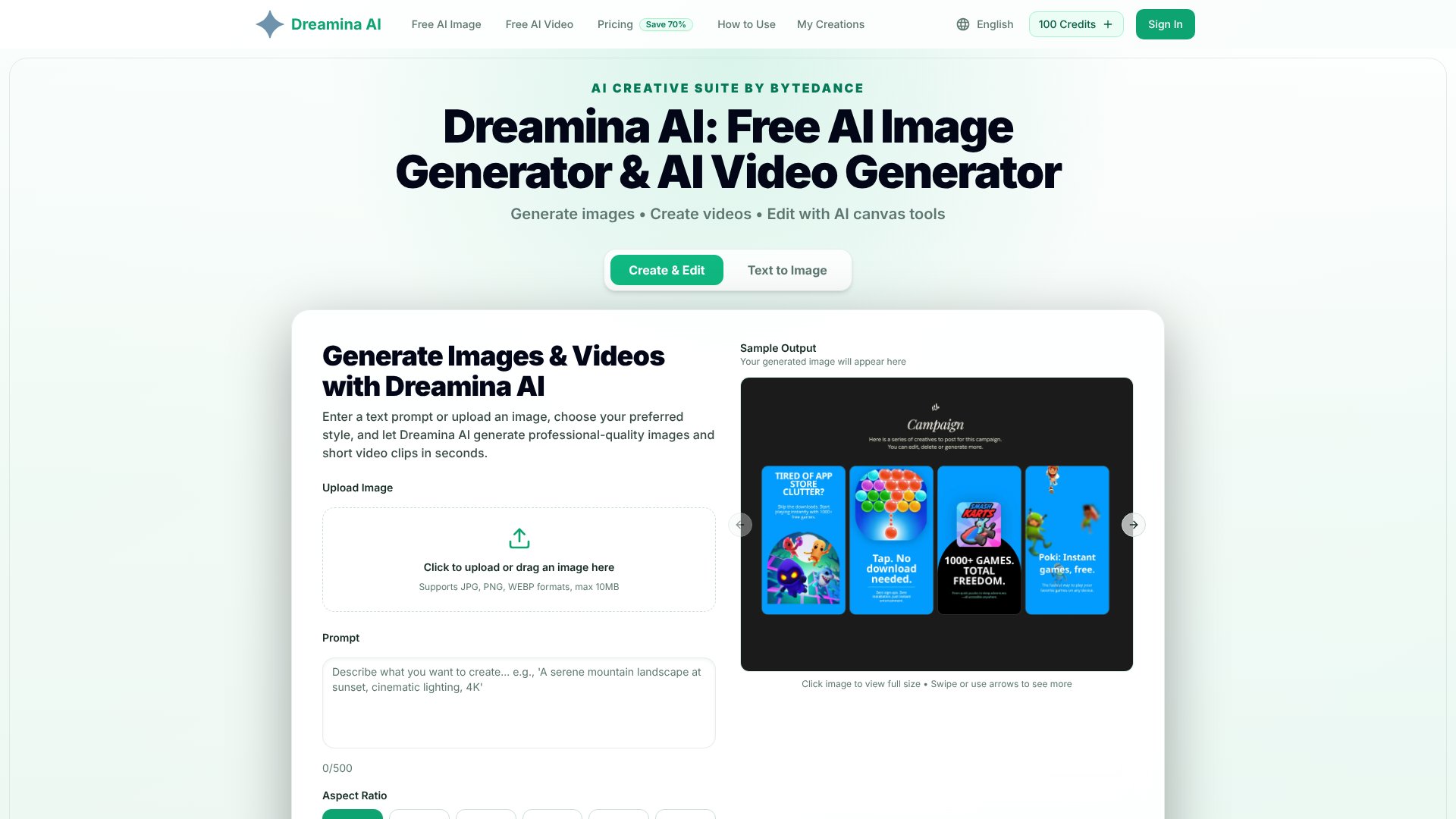
Dreamina AI is an AI Image tool. Generate photorealistic images and short videos from text prompts using AI, with built-in canvas editing tools for creators. Best for marketing, e-commerce and content creation.
About Dreamina AI
Dreamina AI is a browser-based image and video generator built by ByteDance. It converts text descriptions into photorealistic, anime, cinematic, and illustrative visuals in 5–15 seconds, plus generates short video clips from the same prompts. No design experience or local GPU required; everything runs in your browser.
The features that matter
- Text-to-image generation: Enter a prompt—"cozy cabin in the woods at sunset"—and receive a finished image in seconds. Supports natural language descriptions with strong semantic understanding.
- Text-to-video creation: Describe a scene and the platform produces short video clips with smooth motion and consistent styling, ready to download and share.
- Image-to-image & video upload: Upload a reference photo or existing video to guide generation, creating variations or animating static images with matched visual style.
- Multi-layer canvas editor: Combine generated elements on a shared canvas. Inpainting (fill specific areas), outpainting (extend beyond borders), and layer blending let you refine compositions without re-generating from scratch.
- Multiple style presets: Choose from cinematic, anime, photorealistic, illustrative, and additional styles. Each adapts the AI rendering to match your creative direction and aspect ratio requirements.
- Free daily credits plus paid tiers: Start at no cost with daily allowances. Paid plans (Basic, Professional, Enterprise) unlock larger annual credit pools, priority generation queue, and commercial use licenses.
Where it pays off
Product photography, social media content creation, character & concept art, and brand graphics are the most common workflows. Creators report cutting iteration time significantly—concept art that took two days of sketching now completes in under an hour; teams managing multiple brand accounts consolidate three separate tools into one. The text-to-video feature is particularly useful for short-form content pipelines where storyboarding previously consumed days.
What to know before signing up
Output quality is high and consistent enough for client work and commercial use (under applicable paid plans), but results depend on prompt clarity. Vague descriptions yield inconsistent results; specific, detailed prompts perform better. The platform prioritizes speed over infinite customization—if you need frame-by-frame video control or extensive post-processing flexibility, desktop tools may suit you better. Free daily credits are limited; heavy daily use requires a subscription. Commercial licensing is restricted to paid plans, so free-tier creations cannot be monetized.
Key Features
Generate photorealistic, anime, and cinematic images from text prompts in seconds
Create short video clips from descriptions with smooth motion and consistent styling
Multi-layer canvas editor with inpainting, outpainting, and element blending tools
Multiple style presets including cinematic, anime, photorealistic, and illustrative options
Image-to-image and video upload features for creating variations and animations
Free daily credits plus paid plans with priority generation queue and commercial licenses
Frequently Asked Questions
Yes, every user gets free credits daily for generating images and videos. Paid plans unlock more credits, priority processing, and commercial rights, but there is no paywall to start creating.
Images generate in 5–15 seconds. Videos take slightly longer but still seconds, not minutes. Paid plans include priority queue access for faster processing.
Yes, use the multi-layer canvas to remove objects, extend backgrounds, combine elements, and refine details. Inpainting and outpainting tools are available in one place.
No design or technical skills required. Describe what you want in plain English and the AI handles the rest. The platform works on any browser without needing downloads.