EditAI - Edit images with AI is an AI Image tool. AI-powered image editor that lets you edit photos by describing changes in plain text, no Photoshop skills required. Best for creative professionals, social media content creators and e-commerce.
About EditAI - Edit images with AI
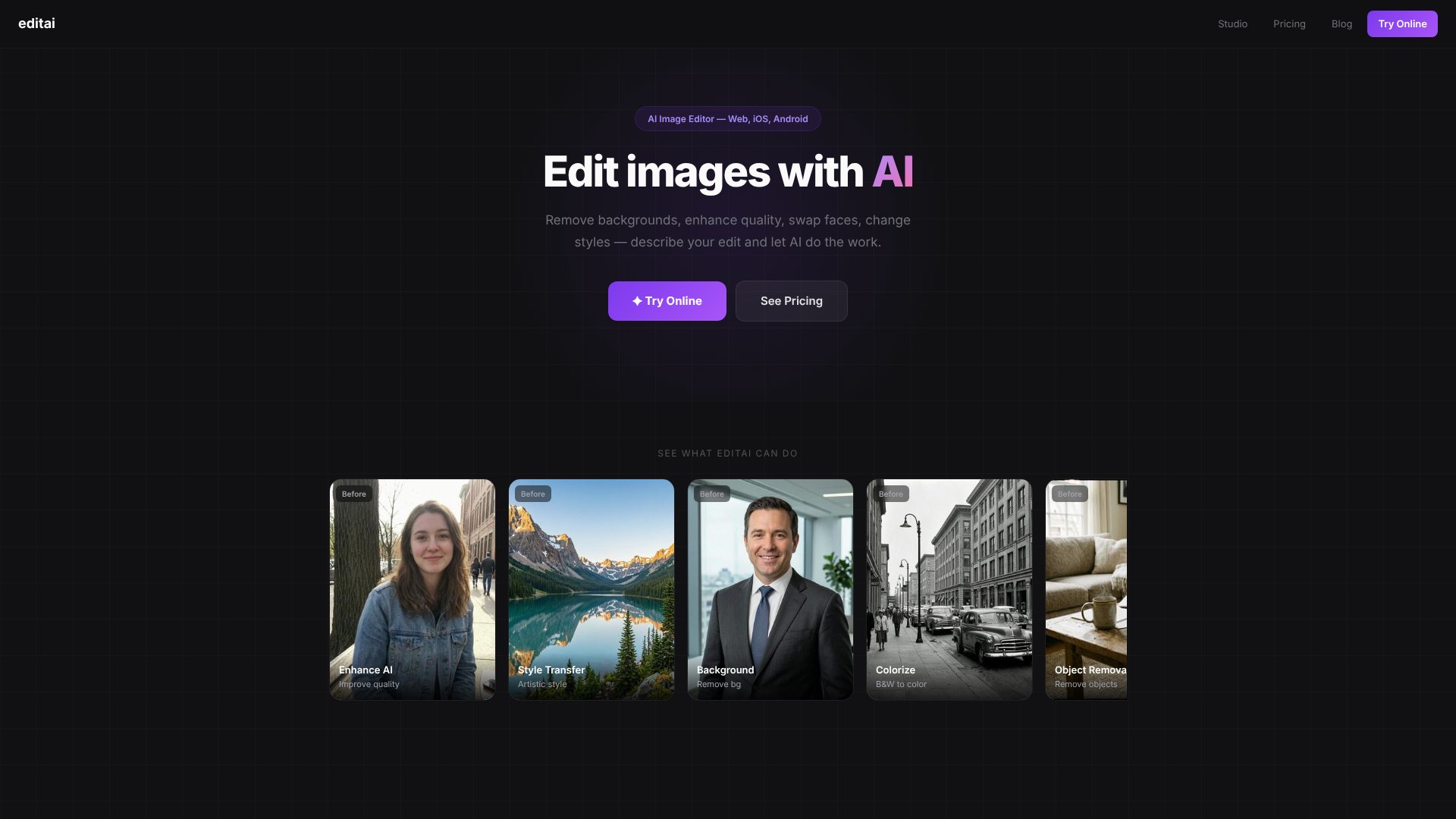
EditAI strips away the technical complexity of image editing. Instead of learning layers, masks, and selection tools, you describe what you want changed—"remove the background," "make it an oil painting," "swap these faces"—and the AI handles the execution. The platform runs on web, iOS, and Android, so your editing toolkit travels with you.
The features that matter
- Background removal — produces clean edges on people, products, animals, or any subject without manual masking.
- Style transfer — converts photos into oil paintings, anime, watercolor, pixel art, vintage, and other artistic treatments.
- Face swapping — exchanges faces between photos with realistic lighting and blending; no uncanny valley artifacts.
- Object & text removal — fills in unwanted elements naturally using AI inpainting instead of leaving obvious patches.
- Quality enhancement — sharpens details, fixes lighting, improves portraits, and upscales images to 4K for print or professional use.
- 500+ filters — trending effects (clay, lo-fi, vintage) built for social media virality; apply them with one tap.
How it stands out
The three-step workflow—upload, describe, download—sidesteps Photoshop's learning curve entirely. You're not choosing tools or adjusting sliders; you're stating intent. The tool also bundles advanced AI models (Nano Banana 2, Seedream 5, Grok) under one interface, so you access cutting-capability without juggling separate services. A free tier grants 3 daily edits, making it low-risk to test before committing to paid plans.
What to know before signing up
EditAI excels at automated, AI-driven transformations but won't replace pixel-level precision work. If you need frame-perfect compositing, spot healing with surgical control, or non-destructive layer workflows, traditional editors remain necessary. The free tier's 3-edit limit also means serious users hit the paywall quickly—the $4.99/month Starter plan (50 edits/day) becomes essential for anything beyond casual experimentation.
Key Features
Remove backgrounds with clean edges on any subject automatically
Transform photos into art styles like oil painting and anime
Swap faces between photos with realistic lighting and blending
Upscale images to 4K resolution for printing and professional use
Remove unwanted objects and people naturally with AI inpainting
Apply 500+ trending filters for viral social media content
Frequently Asked Questions
Traditional editors like Photoshop require manual selection and layer adjustments. EditAI lets you describe changes in plain text like remove the background or make it an oil painting and the AI handles all technical work automatically.
EditAI offers 3 free edits per day. Starter plan costs $4.99/month for 50 edits daily. Pro plan offers 300 edits daily at $9.99/month for heavier users.
Yes. Open EditAI Studio, upload your image, type remove background and hit generate. The AI removes the background in seconds with clean edges and works on any subject.
EditAI is available on web at editee.app, iOS, and Android. The same AI editing tools work across all three platforms with seamless access to your images.





