
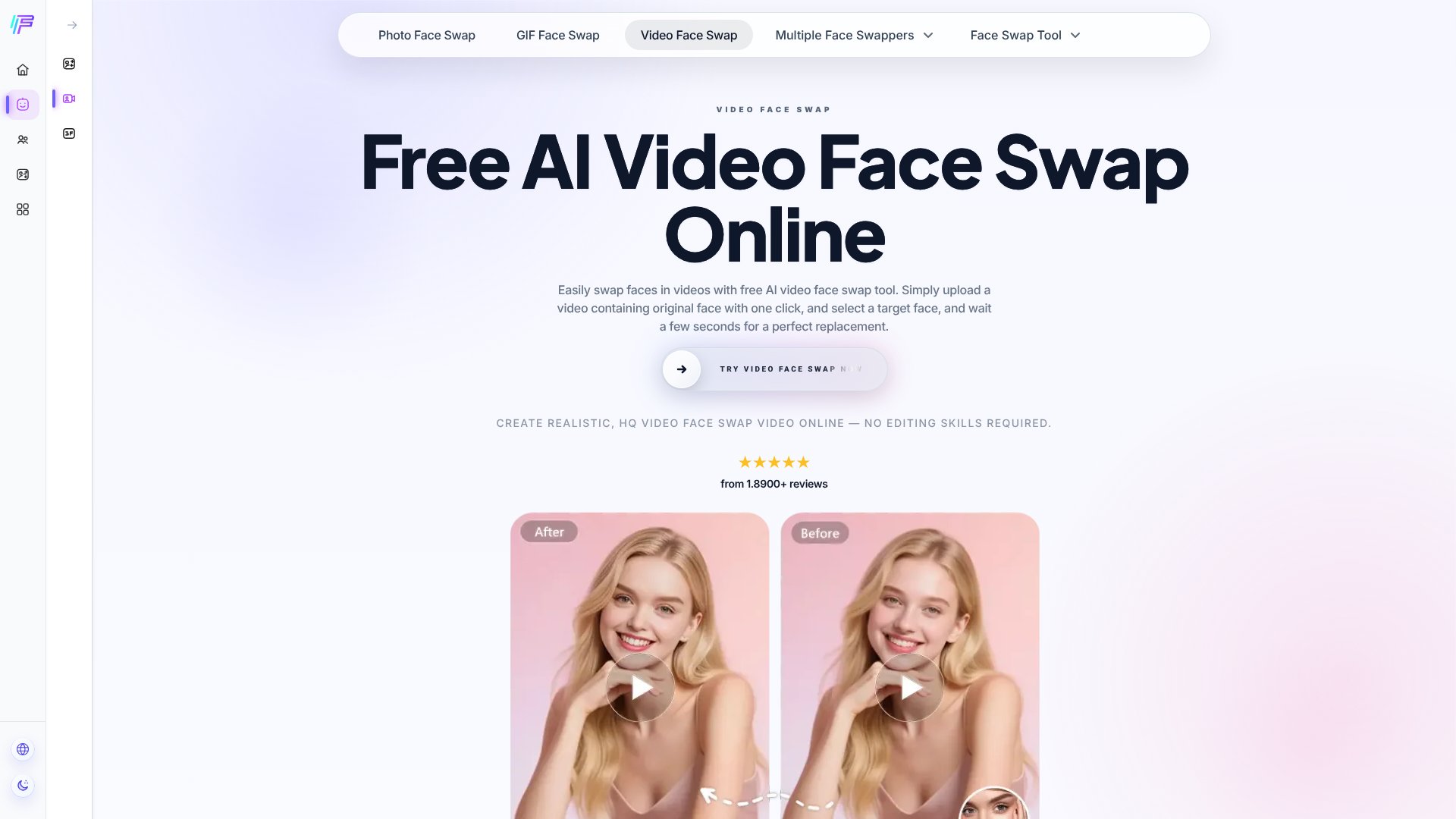
Face AI Video Face Swap is an AI Video tool. Swap faces in videos with AI in seconds. Upload a video, select a target face, and get realistic results without editing skills. Best for entertainment, content creation and social media.
About Face AI Video Face Swap
Face AI Video Face Swap is a free online tool that handles a specific task well: replacing faces in short videos while keeping the rest of the footage intact. If you need to swap one face or multiple faces in a clip without hiring an editor or learning video software, this platform delivers results in seconds rather than hours.
The features that matter
- Multiple face swaps in one video: The tool identifies and replaces all faces in a single clip, not just one target person.
- Batch processing: Upload several videos at once with the same target face, applying consistent swaps across your entire library in one operation.
- Expression & mouth sync: Facial expressions, eye contact, and mouth movements from the original video are preserved in the swapped face, avoiding the stiff look of older deepfake tools.
- 4K output without watermarks: Videos export at up to 4K resolution cleanly—no branding overlay to remove later.
- Speed: Videos under 15 seconds process in under 10 seconds on average.
- No login required: Upload, swap, download—zero account creation or credential friction.
How it stands out
Face AI Video Face Swap works on both mobile and desktop, handles multiple face replacements automatically rather than forcing manual selection, and produces results free of charge. The batch processing feature is the real efficiency win if you're handling several clips with consistent swaps. Most competing tools either charge per video, add watermarks, or cap output resolution.
Realistic expectations
The tool maxes out at 15-second videos, which suits social media clips but not feature film scenes. Lighting, shadow, and skin texture transitions are handled well according to the platform's documentation, but the quality of your output depends heavily on the target face image you provide—low-resolution or poorly lit source faces will limit how good the final swap looks. Processing speed is fast, but you're still waiting several seconds per video. This is free software, not a professional VFX package, so results work well for entertainment, memes, and social content but may not pass scrutiny in professional productions.
Key Features
Swap multiple faces in a single video automatically
Batch process multiple videos with consistent target face
Preserves original facial expressions and mouth movements
Supports up to 4K resolution output without watermarks
Processes videos under 15 seconds in under 10 seconds
Works on mobile and desktop with no login required
Frequently Asked Questions
The tool supports MP4, MOV, and WEBM formats, covering most daily usage needs.
Yes, all uploaded materials are automatically deleted within 24 hours. No login or personal data collection is required.
The tool currently supports a maximum of 15 seconds of video processing, balancing quality with GPU resource requirements.
No, Face AI does not add watermarks to ensure the best video face-swapping experience for users.





