
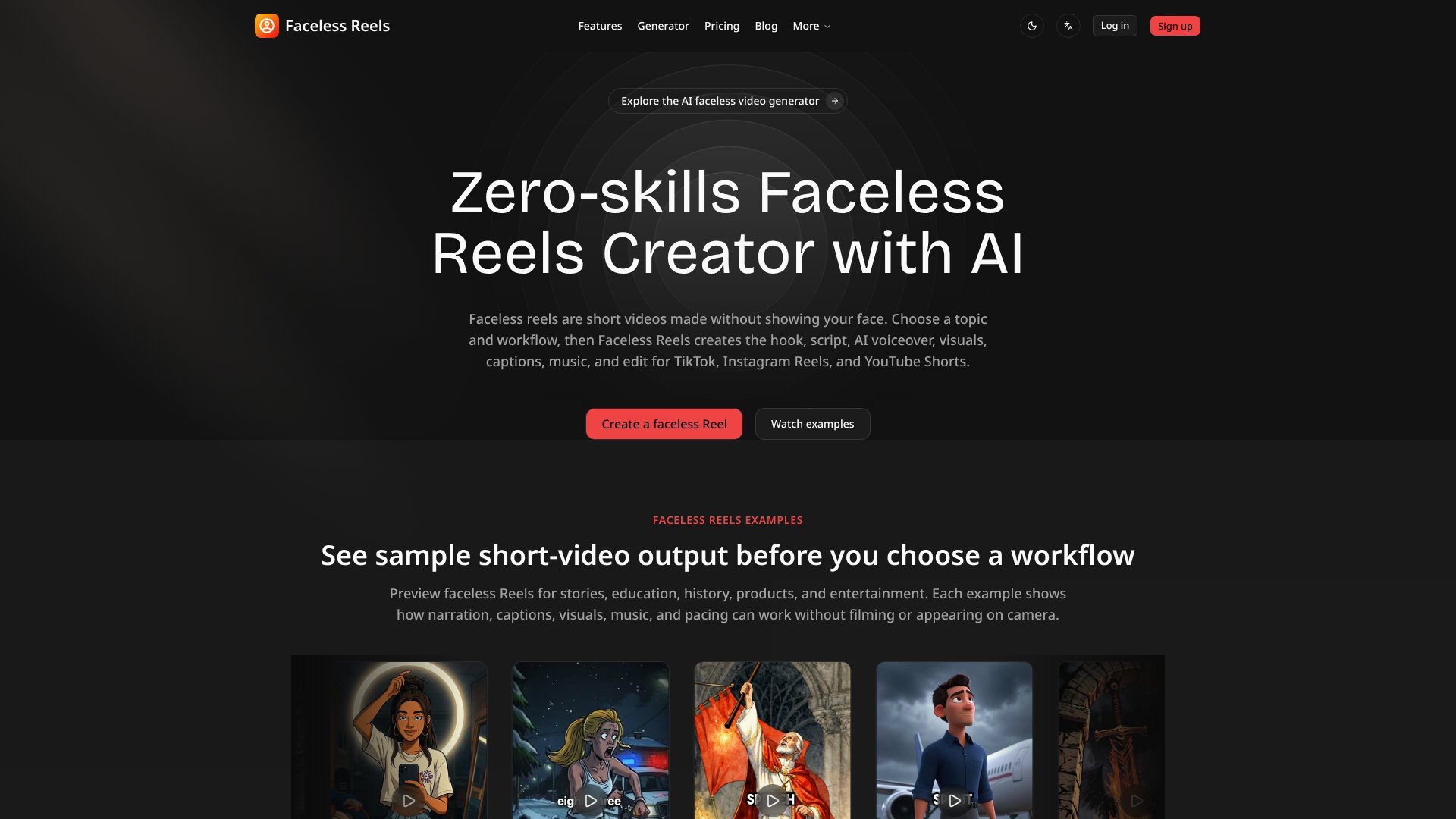
Faceless Reels is an AI Video tool. Create faceless short videos with AI-generated scripts, voiceovers, visuals, and captions for TikTok, Instagram Reels, and YouTube Shorts without on-camera filming. Best for content creation, social media marketing and education.
About Faceless Reels
Faceless Reels is an AI video generator built specifically for short-form content creation without on-camera talent. The tool automates the entire production pipeline—from script writing through final export—by combining topic selection with guided workflow templates. This removes the friction of blank-canvas editing, which is where most creators stall when producing faceless content at scale.
The typical workflow
You select a topic and choose a template (Brainrot MOV, Doodle Explainer, Storytelling, or Open-source Shorts). The platform then generates a hook, writes a full script, produces an AI voiceover, assembles matching visuals, adds captions & background music, and applies editing rules—all without timeline work. You review the draft and export to your chosen platform. The stated production time is roughly 5 minutes per video draft.
What you get vs. doing it manually
Creating faceless content manually requires writing hooks, recording or sourcing voiceovers, finding or creating visuals, syncing captions, licensing music, and color-grading in an editor. Faceless Reels collapses these steps into template-guided choices. The tool exports videos formatted for TikTok, Instagram Reels, YouTube Shorts, Facebook Reels, LinkedIn, and X—meaning one workflow can feed multiple platforms. Basic plans include 50 monthly credits (roughly 10 videos); Pro adds 120 credits; Max offers 250 credits. Site watermarks appear on Basic exports; Pro & Max are watermark-free.
Honest trade-offs
The templates work well for content niches that match their structure: mythology, history, education, product explainers, and fast-paced entertainment. If your idea falls outside these formats, you'll either force-fit it into an existing template or wait for planned workflows like YouTube Automation to launch. Generation happens in a shared queue with one active job at a time across all plans—useful for preventing server overload, limiting for high-volume creators. The platform does not auto-publish to social platforms; you still download & upload manually. Finally, AI-generated content monetization policies vary by platform and region; the tool provides commercial-use guidance but cannot guarantee revenue eligibility.
Key Features
Automated script writing, voiceover generation, and video editing in one workflow
Pre-built templates for storytelling, education, doodle explainers, and product clips
Export single videos to multiple platforms including TikTok, Instagram, YouTube, and LinkedIn
AI-generated visuals, captions, and background music included in each render
No timeline editing required; guided choices produce complete video drafts
Credit-based pricing system with 50 to 250 monthly credits depending on plan
Frequently Asked Questions
Faceless Reels is an AI video generator that creates short-form videos without showing your face. Users choose a topic and template workflow, and the tool automatically generates scripts, voiceovers, visuals, captions, music, and editing for export to social platforms.
Faceless Reels exports to TikTok, Instagram Reels, YouTube Shorts, Facebook Reels, LinkedIn, and X. Each platform receives optimized vertical video formatting with appropriate hooks, captions, and pacing for that feed.
Credits determine monthly video output. The Basic plan includes 50 credits for approximately 10 videos monthly, Pro tier offers 120 credits for about 24 videos, and Max plan provides 250 credits for around 50 videos per month.
No editing experience required. The tool guides you through topic and template selection, then automatically generates the complete video including script, voice, visuals, captions, and music. You review and export the finished result.