
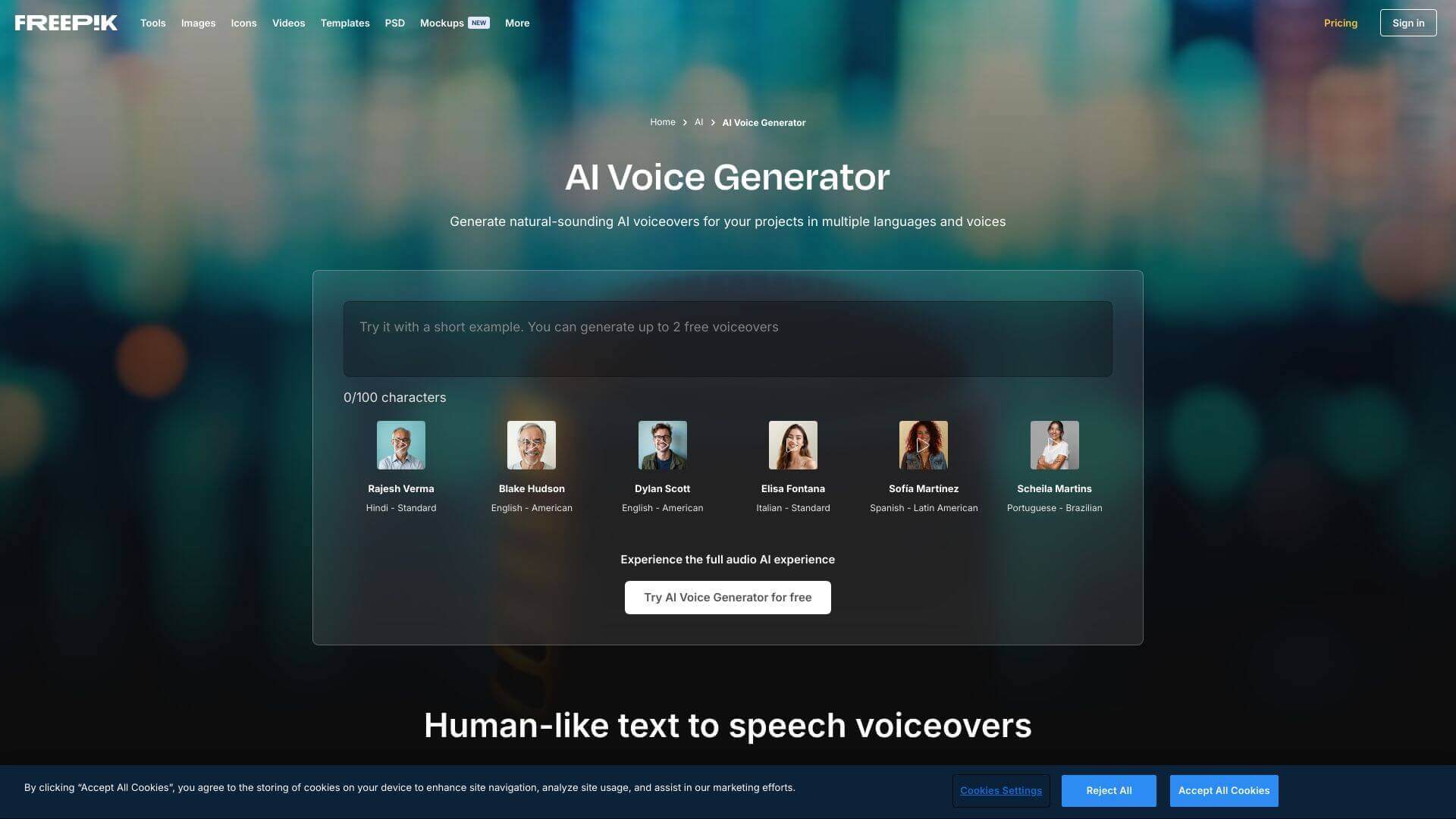
Freepik AI Voice Generator is an AI Audio Generators tool. Converts text into natural-sounding voiceovers. Perfect for videos, podcasts, and more. Key features include Multiple Language Support, Customizable Voice Tones, and Realistic Speech Output. Best for musicians and music producers, content creators and writers.
About Freepik AI Voice Generator
It turns text into realistic audio. Great for making videos and content sound professional without hiring voice actors. You can even change voice tones and use different languages!
Key Features
Multiple Language Support.
Customizable Voice Tones.
Realistic Speech Output.
User-Friendly Interface.
Integration with Freepik’s Ecosystem.
Time-Saving and Cost-Effective.
Frequently Asked Questions
Freepik supports many languages. These include English (American, British, Australian, Canadian), Spanish (Latin American, Spain), Arabic (Modern Standard), Hindi, Portuguese (Brazilian, European), French, Japanese, Russian, German, Italian, and Korean.
Yes, you can use it for personal and professional projects. Just make sure you follow Freepik's Terms and Conditions about intellectual property.
You can change the voiceovers. Adjust the pitch, speed, and tone to get what you need.
Yes, if you're using the free version, each script can only have 500 characters per day. The total is of 2000 characters per day for generating AI voices.