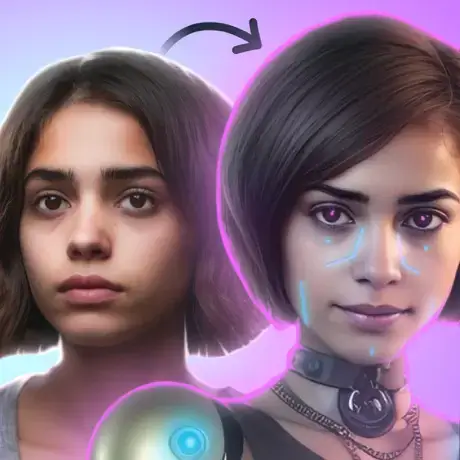
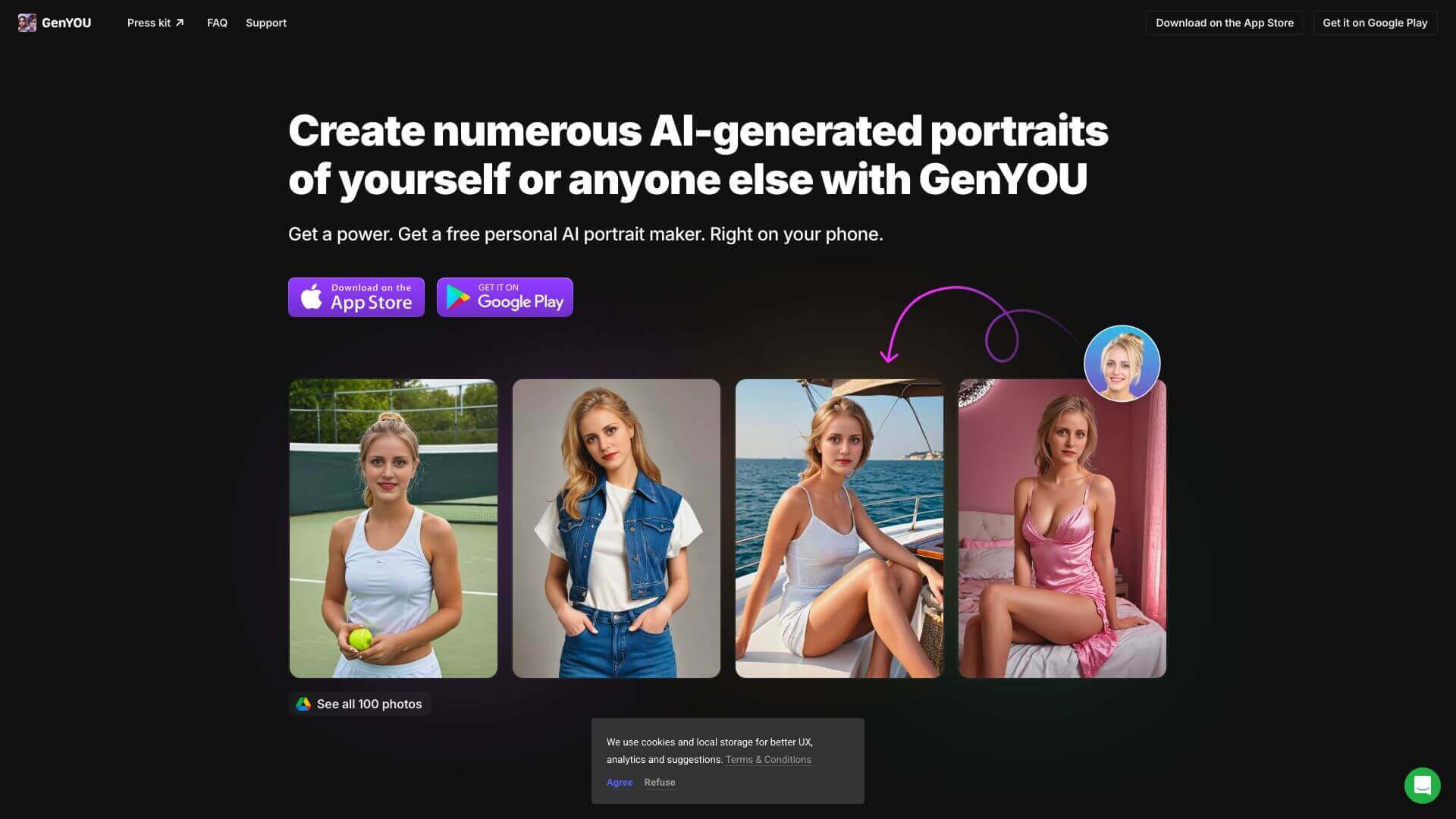
GenYOU is an AI Image tool. GenYOU turns your selfies into cool AI portraits. Get headshots or fun pics in seconds! Key features include AI-Powered Image Generation, Style Variety, and Consistency. Best for content creators and writers.
About GenYOU
GenYOU makes AI pics from your photos. Pick styles like business or fantasy, and it keeps your look consistent. Good for profile pics or just having fun! Free version has watermarks and shares pics publicly. Pay to remove watermarks and get privacy!
Key Features
AI-Powered Image Generation.
Style Variety.
Consistency.
User Customization.
Multiple Use Cases.
Seamless Photo Generation.
Frequently Asked Questions
Yes, you can use GenYOU for free. But the photos you make will have watermarks. Plus, everyone else using the app can see them.
You'll need to upload at least four clear photos. This helps GenYOU create accurate images of you.
Yes, you can get rid of the watermark. Just subscribe to the paid plan.
If you're on the free plan, yes, other people can see your portraits. But if you upgrade to a paid subscription, your portraits will be private.





