
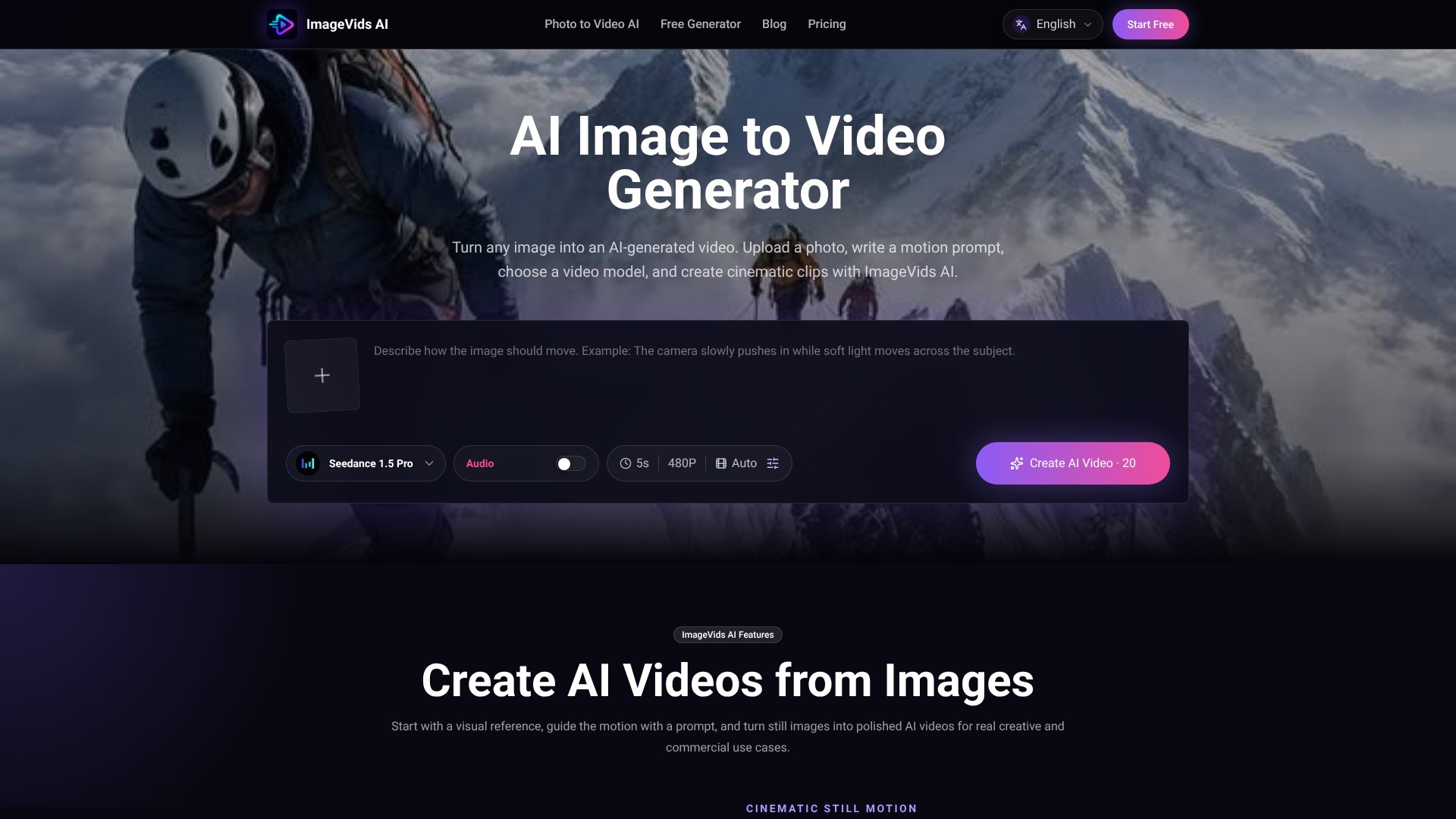
ImageVids AI is an AI Video tool. AI image-to-video generator that transforms still photos into moving videos with prompt-based motion control for creators and businesses. Best for marketing, e-commerce and content creation.
About ImageVids AI
ImageVids AI fills a specific gap: converting still images into video without requiring you to start from scratch with text prompts or video editing software. You upload a photograph—product shot, portrait, landscape, anime art—and describe the motion you want (camera pan, subject movement, lighting shift), and the tool generates a video clip. It's built around that single workflow rather than burying image-to-video inside a broader video editor.
The features that matter
- Multiple AI video models: ImageVids AI includes access to different models (Seedance, Kling, Veo, Wan, and others) so you can test fast drafts against cinematic motion against polished output, all without leaving the workspace.
- Prompt-based motion control: Instead of preset animations, you describe the exact camera movement, subject action, lighting changes, and atmosphere you want, then the AI interprets that direction.
- Free trial credits: New users get trial credits to test prompts and models before committing to a paid plan—realistic when you consider that motion prompts often take iteration to get right.
- Flexible aspect ratios: Generate videos in square, vertical, widescreen, or portrait formats, making it practical for TikTok, Instagram Reels, YouTube Shorts, product ads, or web use without re-rendering.
- Watermark-free exports & commercial licenses: Paid plans unlock cleaner exports and commercial-use permissions, so you can license generated videos for client work or marketing.
Who this is built for
The platform works best when you have a visual anchor—a photograph or artwork—and want to add cinematic motion to it. Product teams can animate still product shots for ads. Social media creators can turn portrait photos into short character clips. Real estate agents can add camera movement to property images. Freelancers and small agencies benefit from the model variety and commercial licensing options.
Honest trade-offs
ImageVids AI depends on having a strong source image to start with. Results are only as good as your prompt and model choice, which means you'll likely generate multiple drafts before landing the motion you want. The free trial lets you test this before paying, but expect iteration. Also, video quality varies by model—faster models produce rougher motion, while higher-quality models take longer and consume more credits. It's not a replacement for traditional video production when you need frame-perfect control or complex edits.
Key Features
Convert still images into moving AI videos with simple prompts
Multiple AI video models for different motion styles and quality levels
Free trial credits to test prompts and models before upgrading
Prompt-based motion control for camera, subject, and lighting
Flexible aspect ratios for social media and commercial use
Watermark-free exports and commercial licenses on paid plans
Frequently Asked Questions
An AI image to video generator turns a still image into a moving video. Upload an image, describe the motion you want, choose settings like model and resolution, then generate an AI video with the specified movements and effects.
Yes. ImageVids AI gives new users free trial credits for image-to-video generation. You can test different prompts, compare models, and explore video styles before upgrading to a paid plan.
Clear images with a visible subject work best, including portraits, product photos, anime art, landscapes, and scene references. Strong subjects paired with detailed motion prompts produce the best results.
Commercial use is available on eligible paid plans. Standard plan includes no watermark, while Pro and higher tiers include commercial licenses. Check pricing and terms before using generated videos for client work or advertising.





