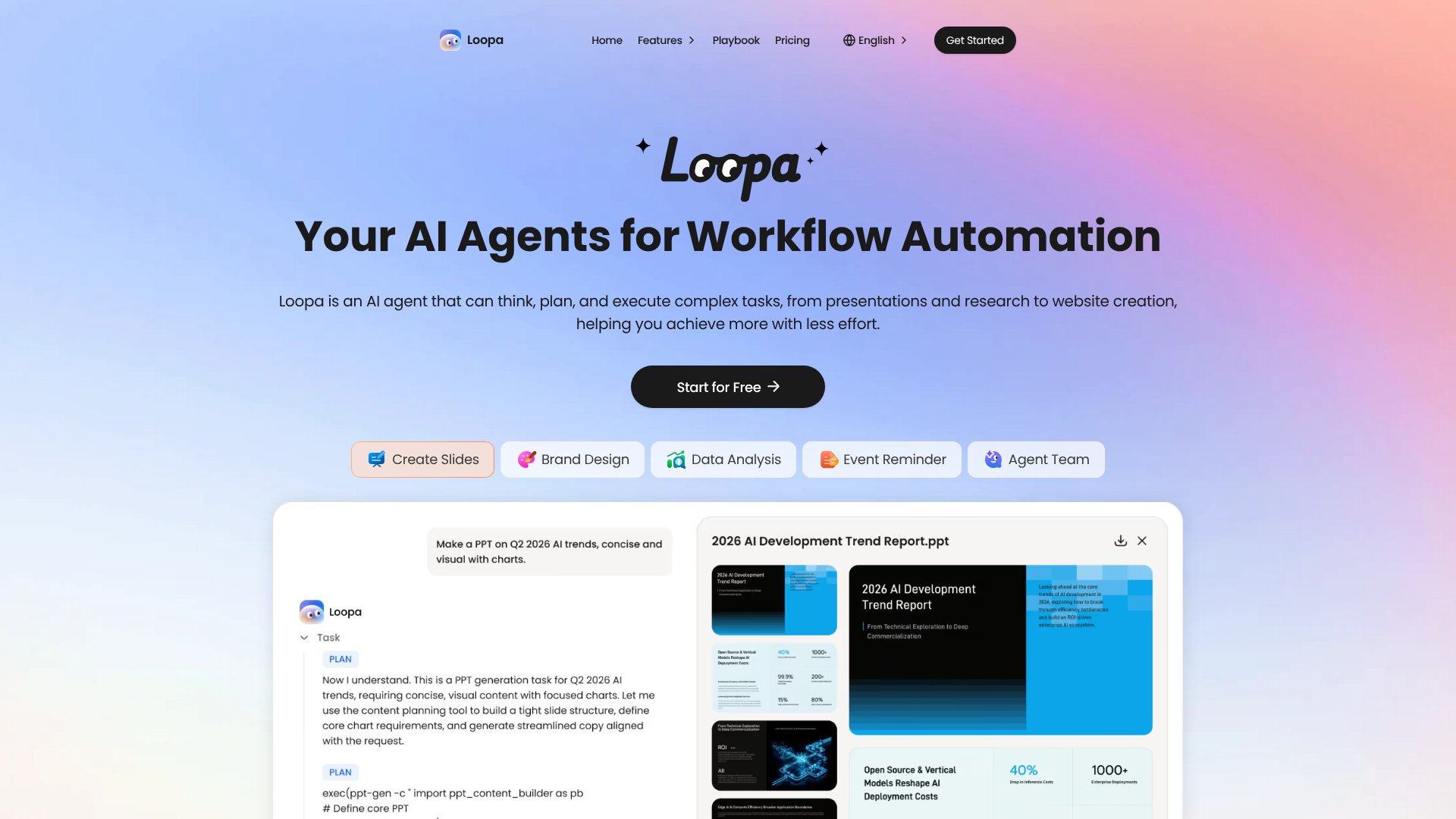
Loopa is an Automation tool. AI agent platform that automates research, content creation, and complex workflows for presentations, reports, and web creation. Best for marketing, education and business.
About Loopa
Loopa is an AI agent platform that handles research, content creation, and workflow automation by executing complex multi-task operations in parallel. Rather than a single chatbot, it functions as a coordinated system that can think through problems, plan solutions, and deliver finished work—whether that's a market research report, a slide deck, or automated email replies across your tools.
The features that matter
- PDF summarization and document analysis: Upload files and extract key insights, critical points, and actionable summaries without manual reading.
- Multi-agent parallel execution: Launch multiple AI agents simultaneously to research, write, review, and execute tasks at the same time, including recurring workflows.
- Content generation: Create slides, images, and videos directly from descriptions or document content, ready for presentations, marketing, or social media.
- Cross-tool automation: Connect email, Telegram, Discord, and other tools so Loopa can read messages, draft replies, and trigger actions automatically across platforms.
- Market research automation: Define a research topic and the platform gathers competitor data, analyzes trends, and compiles structured reports without manual synthesis.
- Secure sandbox execution: Tasks run in an isolated environment where your files and generated content stay private and are never used for model training.
How it stands out
Unlike general-purpose AI assistants, Loopa is built around execution—it's designed to complete full workflows from start to finish. You don't get partial answers requiring follow-up prompts; you upload a document or set a goal, and the platform delivers a finished research report, a polished presentation, or automated email handling. The parallel agent model means research, writing, and review can happen simultaneously rather than sequentially, which meaningfully reduces time-to-result for multi-step projects.
What to know before signing up
This tool works best for users who have clear, defined tasks—not for open-ended exploration. If you need to generate a market report or convert a PDF into slides, the structured approach works well. However, if your work is highly iterative and requires constant back-and-forth refinement, you'll still spend time reviewing and adjusting outputs. The platform's strength is in automating routine tasks and jump-starting content; it's not a replacement for human judgment on high-stakes decisions. Also note that while Loopa supports multiple AI models, the specific models available and their limitations depend on your plan tier.
Key Features
Execute complex multi-task workflows with AI agents running in parallel
Summarize and analyze PDF files and documents for key insights
Generate slides, images, and videos from descriptions or documents
Automate email replies and cross-tool workflows via Telegram, Discord, email
Create market research reports by gathering and analyzing competitor data
Run tasks in secure sandbox with data privacy protection
Frequently Asked Questions
Loopa is an AI agent designed to research, create, analyze, and automate work. It's powered by leading AI models including Qwen, StepFun, DeepSeek, Gemini, GPT, and Claude in a single workspace.
Upload files, define tasks, and Loopa executes them automatically. You can link it to email, Telegram, and Discord for cross-tool automation and set up customized workflows.
Yes. Loopa runs tasks in a secure sandbox environment. Your files and generated content stay private and are never used for AI training.
The page mentions PDF analysis capabilities but does not specify all supported file formats. Visit the website for comprehensive format documentation.