
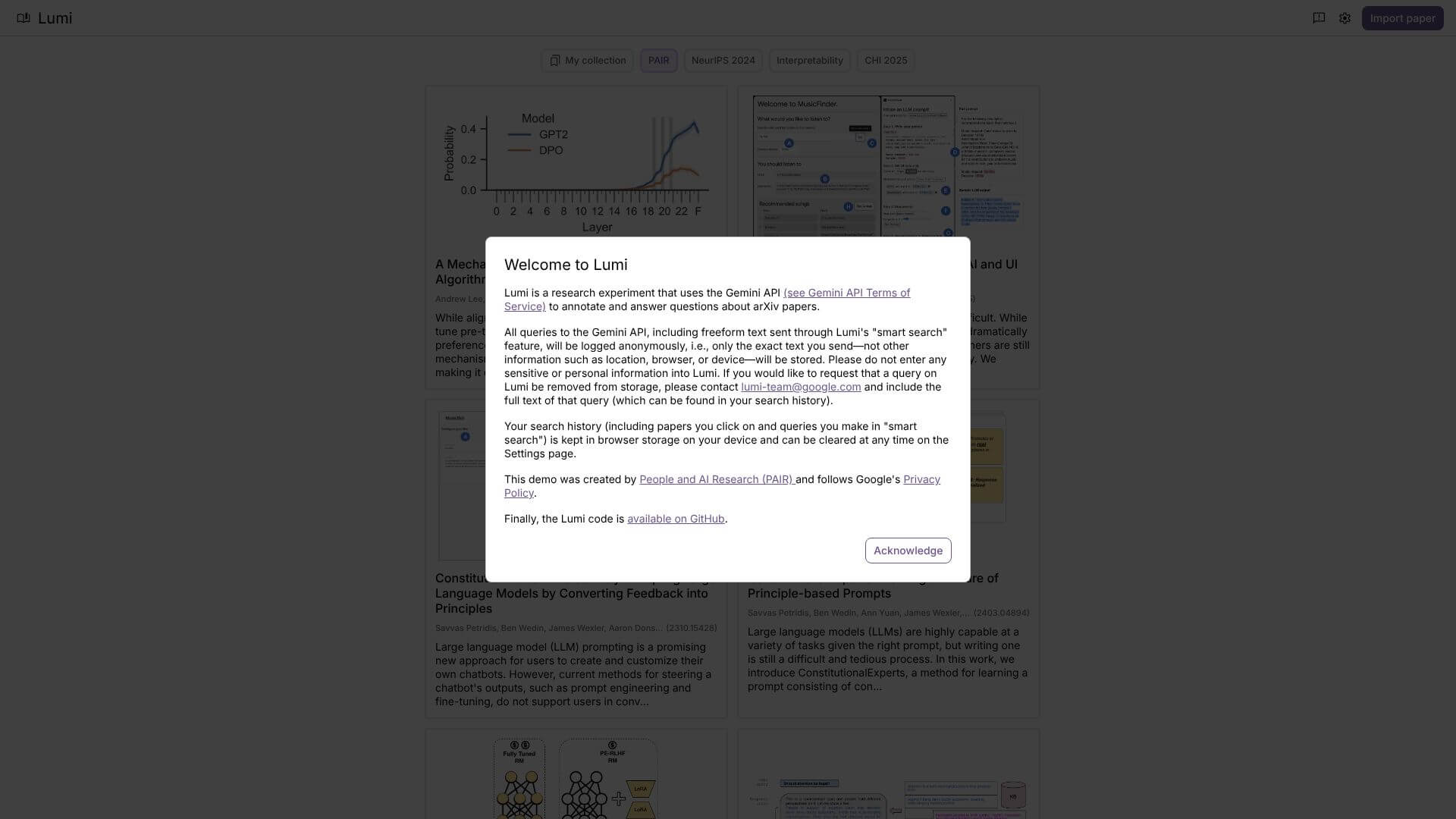
Lumi is an AI for Education tool. Reads and answers questions about arXiv papers using AI, summarizes key points. Key features include AI-Augmented Annotations, Multi-Granular Summaries, and Question-Answer Interface. Best for scientists and researchers, teachers and data scientists and analysts.
About Lumi
Lumi by Google is an AI experiment. It uses the Gemini API to help you read and understand arXiv papers quickly. It adds smart notes, gives summaries, and answers your questions about scientific articles. This tool saves a lot of time for researchers and students.
Key Features
AI-Augmented Annotations.
Multi-Granular Summaries.
Question-Answer Interface.
Citation Mapping.
Gemini API Integration.
Privacy-Focused Design.
Frequently Asked Questions
No. Your search history stays in your browser. You can clear it whenever you want. Lumi logs queries to the Gemini API anonymously.
No, Lumi needs an internet connection to get papers and use the AI.
Right now, Lumi only works with arXiv papers. It doesn't support other places.
Lumi is an experiment, so its future isn't set. Don't rely on it for very important work.