
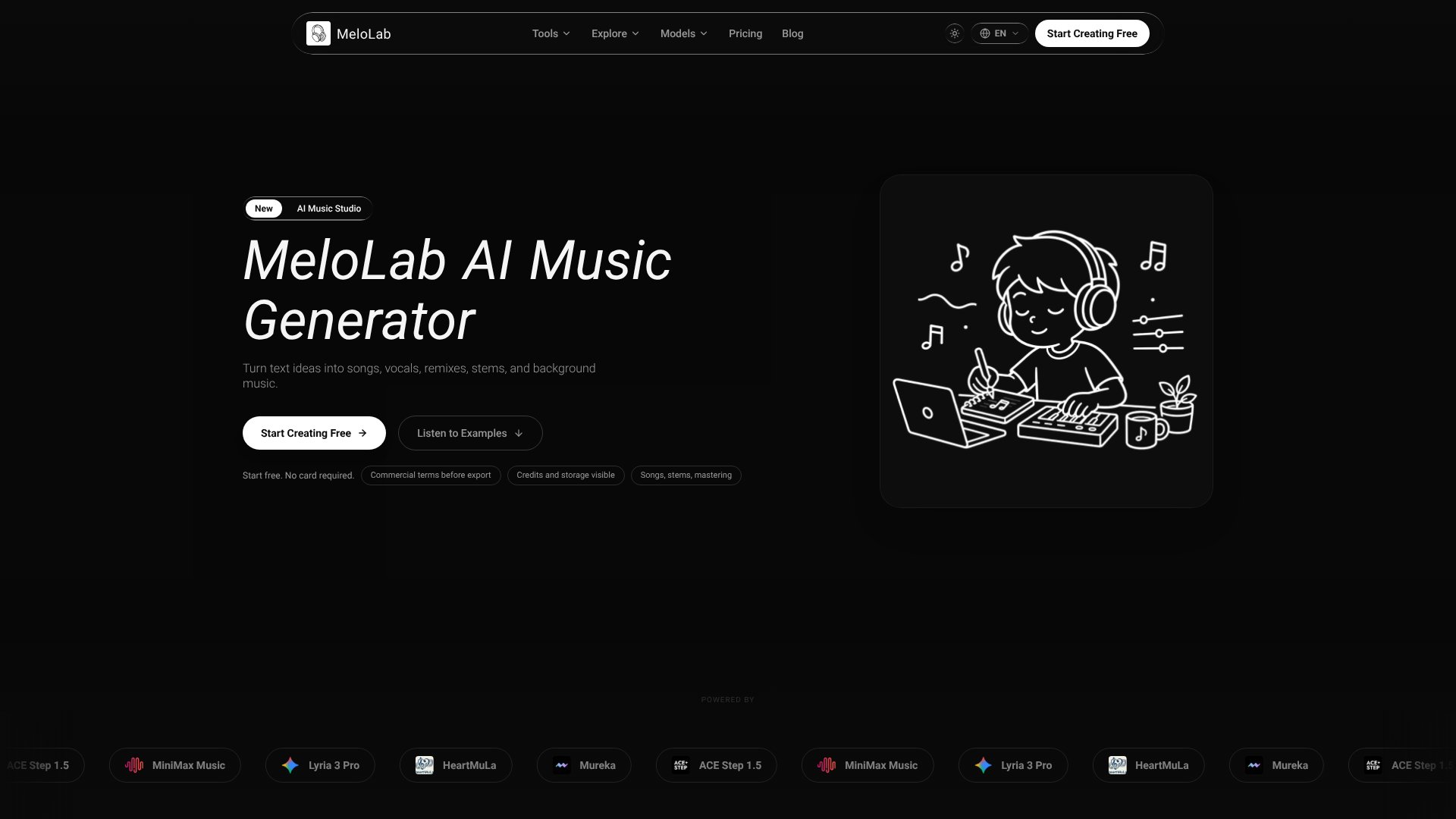
Melolab is an AI Audio Generators tool. AI music generator that turns text descriptions into studio-quality songs, vocals, remixes, and stems for creators and musicians. Best for music production, content creation and game development.
About Melolab
Melolab positions itself as a browser-based AI music studio, targeting creators who need to generate, edit, and license music without leaving their browser. The platform combines text-to-music generation with stem separation, genre transformation, and a DAW-style editor—useful if you're building content libraries or experimenting with arrangements quickly, but the value proposition hinges on whether the generated output suits your actual use case.
The features that matter
- Text-to-music generation: Describe a song in words and receive a studio-quality track with vocals in seconds, powered by multiple AI models including ACE Step 1.5, MiniMax Music, and others.
- Stem separation: Automatically split any track into vocals, drums, bass, and instruments—useful for remixing or isolating elements without access to original project files.
- Genre & style remixing: Transform existing songs into new genres while keeping the core melody or structure intact, or create covers in entirely different styles.
- In-browser DAW: Multi-track editing with waveform timeline, EQ, compression, reverb, automation, and mastering tools—no desktop software required.
- Vocal removal & karaoke: Strip vocals from any track or generate karaoke versions for existing songs.
- Commercial licensing: Check licensing terms before exporting; the platform surfaces commercial-use permissions upfront rather than burying them after download.
How it stands out
Melolab bundles generation, editing, and licensing in one interface. You don't bounce between separate tools for creating a stem pack, tweaking EQ, and verifying rights. The multiple AI model options (ACE, MiniMax, Lyria 3 Pro, HeartMuLa, Mureka) mean you can compare outputs without switching platforms. For content creators building YouTube or streaming libraries, the ability to generate, remix, and export within a browser removes friction.
What to know before signing up
The platform is free to start with no credit card required, but credits are consumed per generation and export. AI-generated vocals, while improving, remain noticeably synthetic in critical listening—suitable for background music, sample packs, and experimental work, less convincing for lead vocal performances requiring emotional nuance. Stem separation works well on clean source material but degrades with heavily compressed or heavily processed audio. The in-browser DAW covers essential mixing but lacks the advanced features found in desktop DAWs like Pro Tools or Ableton Live. Results depend heavily on prompt clarity; vague descriptions yield generic outputs.
Key Features
Generate studio-quality songs and vocals from text descriptions in seconds
Separate vocals, drums, bass, and instruments into individual stems automatically
Transform songs into new genres and styles while preserving core identity
Browser-based DAW with multi-track editing, EQ, compression, and reverb effects
Create remixes, covers, and karaoke versions from any existing track
Export commercial-ready music with clear licensing before publishing
Frequently Asked Questions
Describe your song idea in plain text, select an AI model like ACE or MiniMax, and MeloLab generates a complete studio-quality track with vocals in seconds. No musical experience required.
Yes. Use the AI Vocal Remover tool to separate vocals, drums, bass, and other instruments from any track into individual stems for remixing or creating karaoke versions.
MeloLab displays commercial terms before export so you know your licensing status. Start free with no card required, and review terms for each generated track before publishing.
The browser-based AI Studio offers multi-track editing, waveform timeline controls, built-in effects like EQ and reverb, automation lanes, stem manipulation, and professional mixing tools without external plugins.