
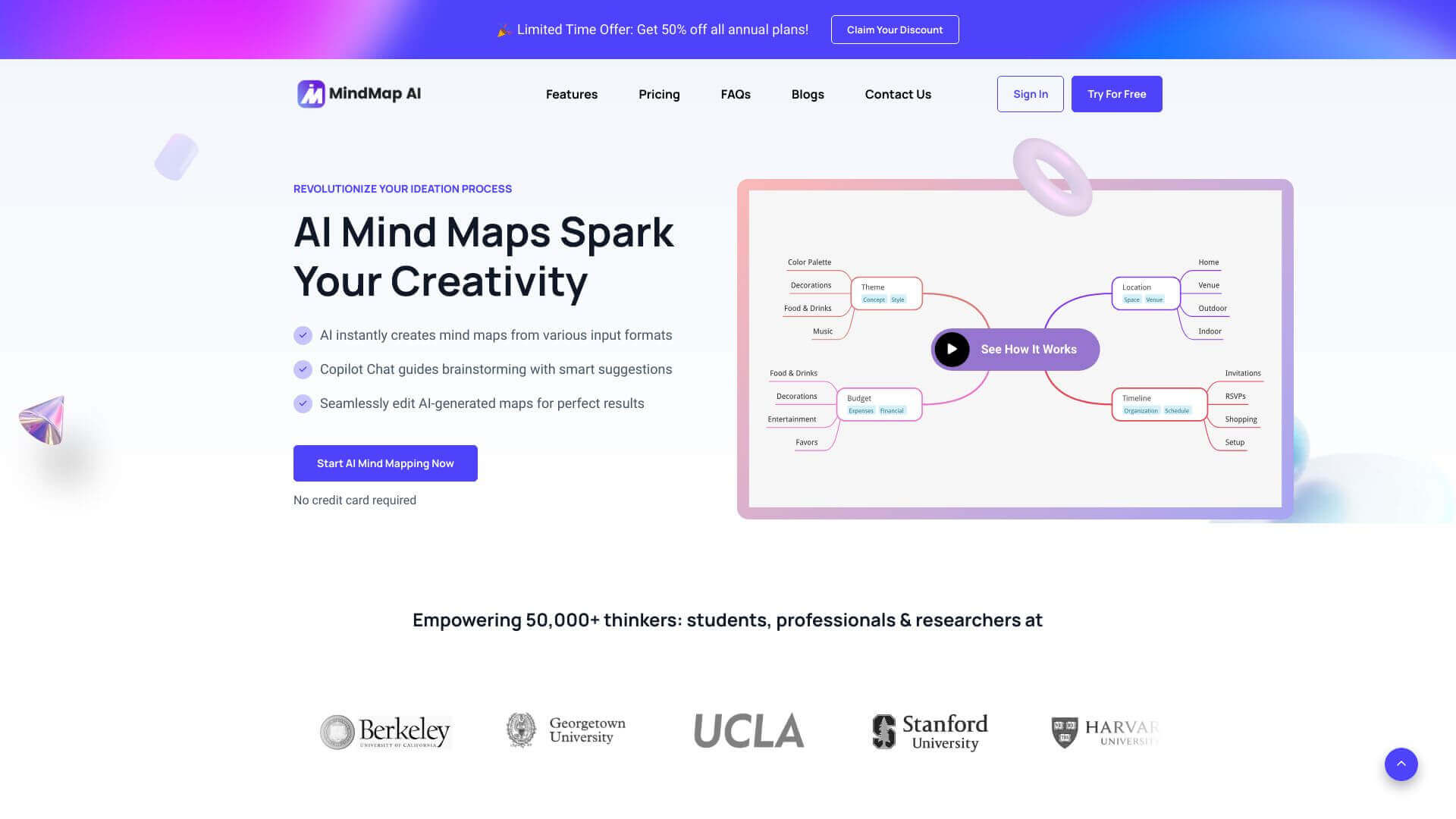
Mindmap AI is an AI Productivity tool. Creates mind maps from text, PDFs, images, audio, and video using AI. Great for quick brainstorming! Key features include AI-Powered Mind Maps, AI Copilot Chat, and Multi-Format Input & Export. Best for project managers, designers and scientists and researchers.
About Mindmap AI
MindMap AI helps you make mind maps easily. Just upload your files—like text, PDFs, or even audio—and it uses AI magic to create a clear, organized map. Perfect for brainstorming, project planning, and making sense of information. You can edit and share your maps, too!
Key Features
AI-Powered Mind Maps.
AI Copilot Chat.
Multi-Format Input & Export.
Seamless Editing & Customization.
Version History & Collaboration.
Dynamic Input Limit Adaptation.
Frequently Asked Questions
It's like having a brainstorming buddy! The AI Copilot Chat helps you come up with ideas and makes your mind maps better by remembering what you've already talked about.
Yes, there are limits, but they depend on which plan you have. If you're a Pro or Lifetime user, you get to upload bigger files.
Definitely! You can share your mind maps in a few ways. You can export them as PNG, SVG, PDF, or Markdown files. Or, you can create a link to share it directly.
Yes, it does! You can work with others using the version history feature and the community forums.





