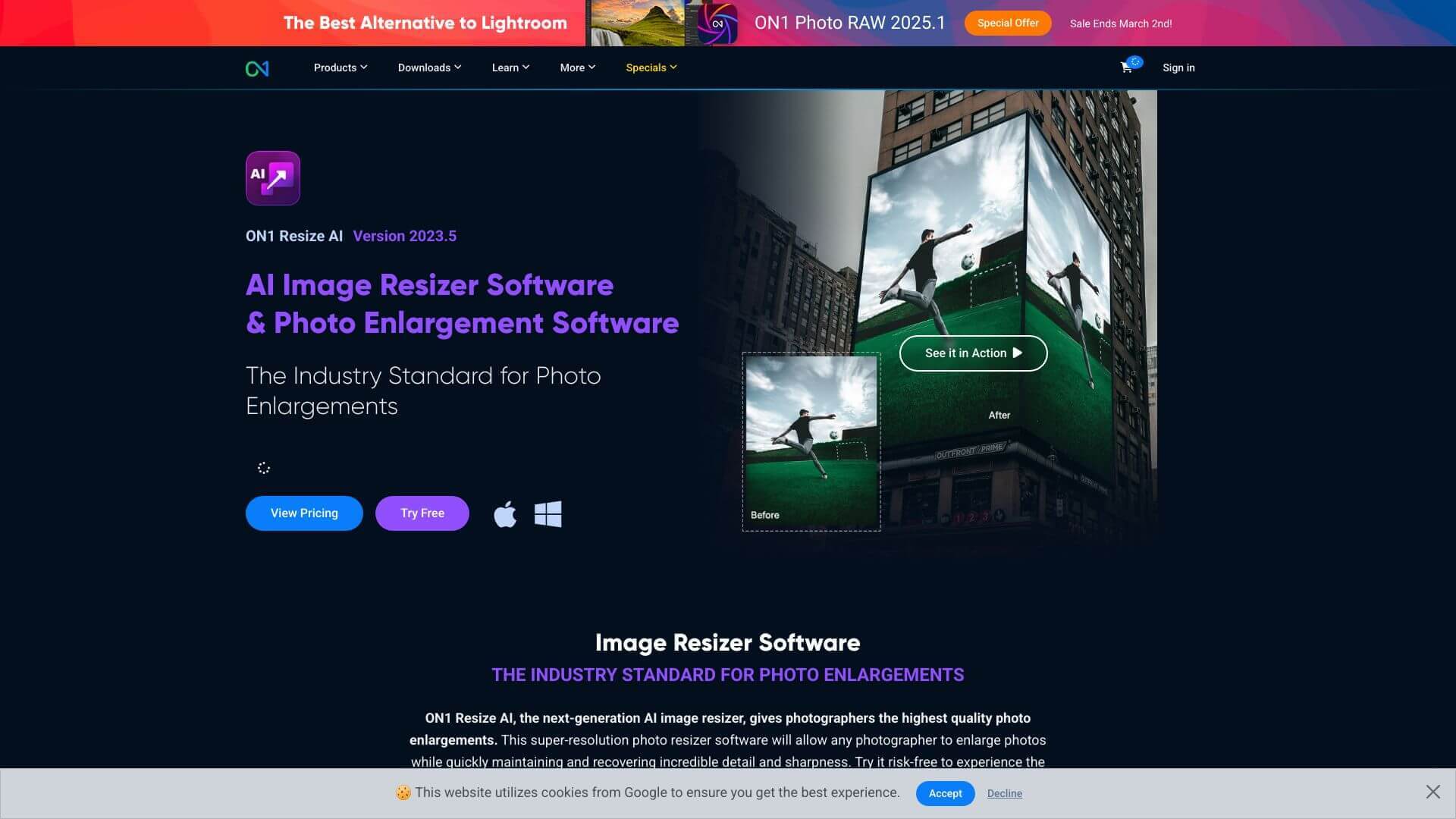
ON1 Resize AI is an AI Image tool. Upscale images easily! ON1 Resize AI uses smart tech to keep details sharp when you make pictures bigger. Key features include AI-Powered Upscaling, Detail Recovery, and Artifact Reduction and Noise Management. Best for photographers, designers and content creators.
About ON1 Resize AI
Want bigger pics without blur? ON1 Resize AI uses AI to keep images crisp when you increase their size. Great for prints or old photos, it fixes details and works with Photoshop. Make big images look their best!
Key Features
AI-Powered Upscaling.
ON1 Resize AI uses AI to make images sharper and more detailed when you increase their size. It adds realistic detail and keeps edges clean.
Detail Recovery.
This feature enhances the details in your images, especially faces. It uses advanced AI to rebuild and improve these details.
Artifact Reduction and Noise Management.
The tool reduces pixelation and blocky areas, making transitions smoother and more natural. It also includes noise reduction to clean up grainy images.
Presets and Batch Processing.
ON1 Resize AI has presets for common print sizes. It also lets you process many images at once, which is great for big projects.
Tiling and Gallery Wrap Features.
You can easily create triptychs or split images for large wall displays. This is perfect for making unique art pieces.
Integration with Popular Editing Tools.
It works seamlessly with Adobe Photoshop, Lightroom, and Capture One. This lets you use ON1 Resize AI without leaving your favorite editing software.
Frequently Asked Questions
Yes, it works on both Mac and PC. It supports different operating systems.
Yes, you can process multiple images at once. It is efficient!
Yes, integrating it as a plugin with Photoshop enables handling layered files and editing directly.
Yes, you can clean up grainy images while enhancing resolution. Noise reduction tools are included.





