Painter is an AI Image tool. Professional digital art software for creating realistic paintings and illustrations with AI-assisted features. Key features include Realistic Brush Engines, AI Auto-Painting, and User Interface and Customization. Best for designers, content creators and photographers.
About Painter
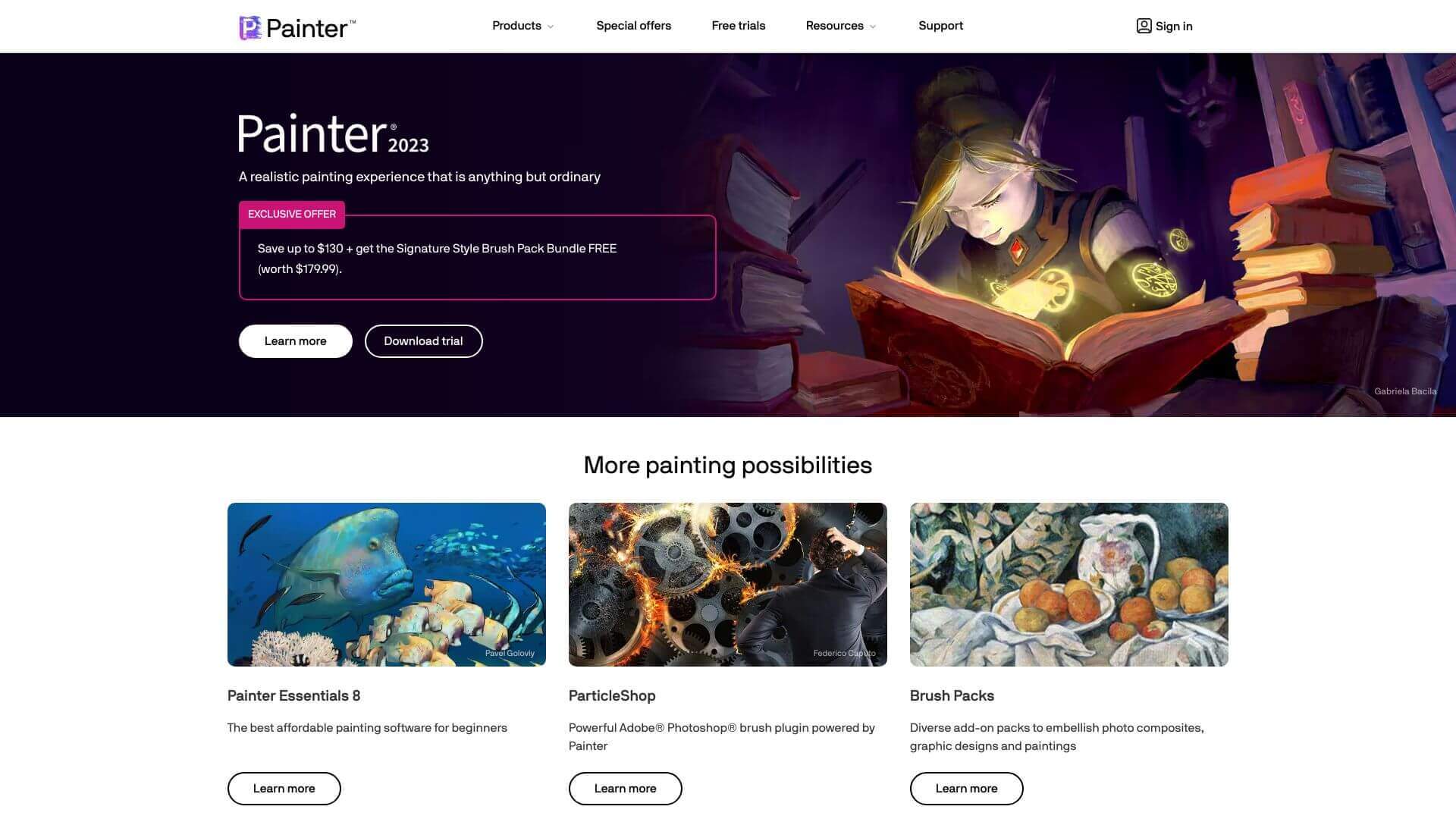
Corel Painter helps you make art like the pros. It has realistic brushes, AI tools to turn photos into paintings, and a customizable workspace. Create amazing art for films, games, or just for fun. It's powerful but takes time to learn, and it’s not cheap. Try the free trial to see if it's right for you
Key Features
Realistic Brush Engines.
AI Auto-Painting.
User Interface and Customization.
Layer Management and Editing.
Advanced Photo Painting Tools.
Compatibility and Integration.
Frequently Asked Questions
It uses smart tech to turn your photos into art that looks like real paintings. Think oil or watercolor styles.
It has many features so it might take a bit to learn. But, tools like AI auto-painting can help you get started faster.
Yes, you can change brushes a lot. You can tweak settings and textures to make cool effects.
Yep, it uses your GPU to run faster. This is great for fluid paint and other fancy features.





