
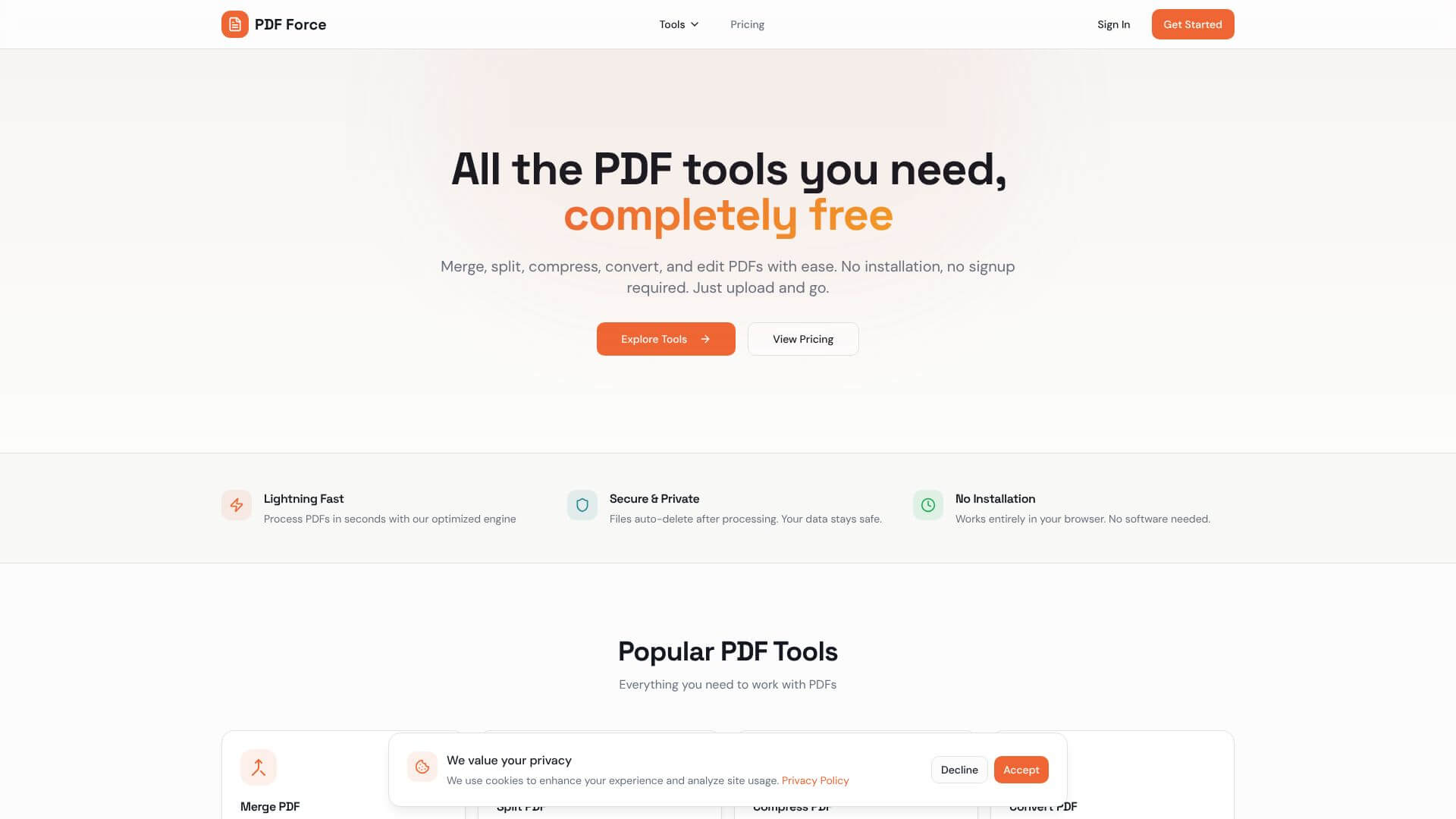
PDF Force is an AI Productivity tool. Free online PDF toolkit for organizing, converting, editing, and securing documents. Key features include Comprehensive PDF Organization and Document Management, Advanced PDF Conversion and Format Flexibility, and Document Protection and Security Features. Best for teachers, writers and students.
About PDF Force
PDF Force is a free online tool for managing PDFs. It lets you organize, convert, edit, and secure your documents. Change PDFs to other formats or make new PDFs easily. It works in your browser, so you don't need to install anything. It's great for anyone who needs to work with PDFs without cost.
Key Features
Comprehensive PDF Organization and Document Management.
Advanced PDF Conversion and Format Flexibility.
Document Protection and Security Features.
PDF Editing and Content Manipulation.
Quality-Preserving PDF Compression.
Frequently Asked Questions
PDF Force stands out because it's completely free, with no sign-up needed. There are no ads, and all features are available without a paywall. It also prioritizes user privacy, with some tools processing files locally. Unlike many competitors that offer limited free access, PDF Force gives you full tool access all the time, at no cost.
PDF Force can process multiple files at the same time, which is great for boosting productivity. However, the exact limits for very large files or huge batches of documents aren't clearly spelled out.
Yes, PDF Force has important security features. You can add password protection to your PDF files. This restricts who can view confidential documents, keeping them secure from unauthorized eyes.
Currently, PDF Force doesn't seem to have a dedicated mobile application. This means its functionality might be limited for users who need to edit PDFs on their smartphones or tablets.





