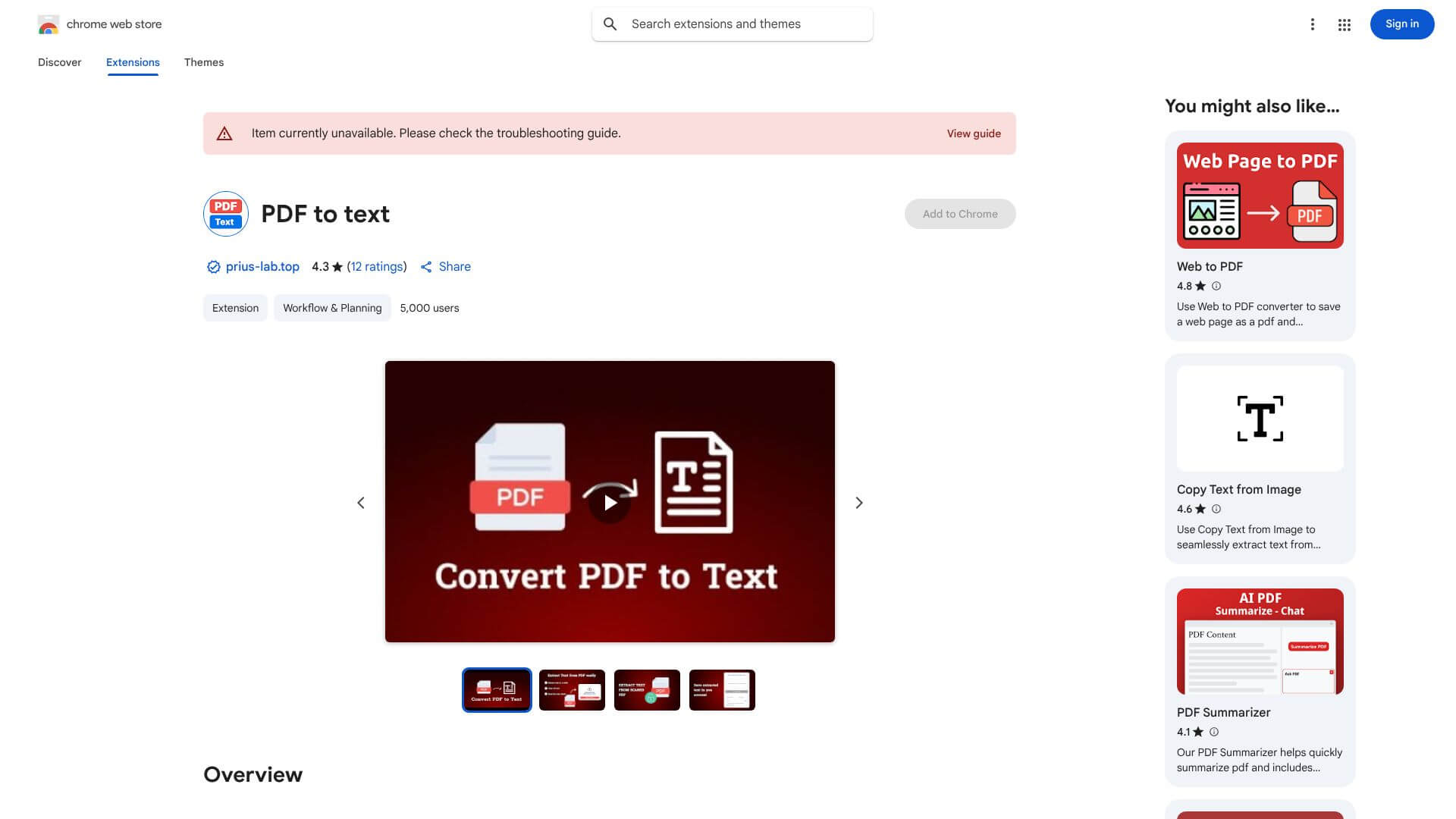
PDF to text is an AI Productivity tool. Extracts text from any PDF, scanned or standard, quickly and easily. Available for Chrome. Key features include OCR for Scanned Documents, Multiple Save Options, and Listen to Your Text. Best for teachers, students and scientists and researchers.
About PDF to text
The PDF to Text Chrome extension extracts text from PDFs, even scanned ones, using OCR. It offers text-to-speech, processes protected documents, keeps a history, and summarizes with AI. Ideal for students, lawyers, and researchers needing quick, editable text.
Key Features
OCR for Scanned Documents.
Multiple Save Options.
Listen to Your Text.
Handles Locked PDFs.
Keeps Track of Your Work.
Smart Summarizing.
Frequently Asked Questions
Yes. The PDF to Text Chrome extension uses optical character recognition (OCR) technology खास for scanned documents and image-based PDFs. This means it turns non-selectable text into editable, searchable text. It lets you get text where normal copy-pasting would not work.
The PDF to Text Chrome extension usually does a good job with complex PDF layouts. This includes tables and multi-column designs. But, the accuracy can vary depending on the PDF's quality. Very old or poorly scanned documents might need some manual fixes after conversion.
The PDF to Text Chrome extension processes documents in the cloud. This means your files leave your computer during conversion. If you're handling sensitive information, you should check their privacy policy. See how they manage and protect your data.
The PDF to Text Chrome extension works well with most PDF files. However, there might be limits for very large files. These limits are especially true for the free beta version. For extremely big documents, you might want to break them into smaller parts for the best results.





