
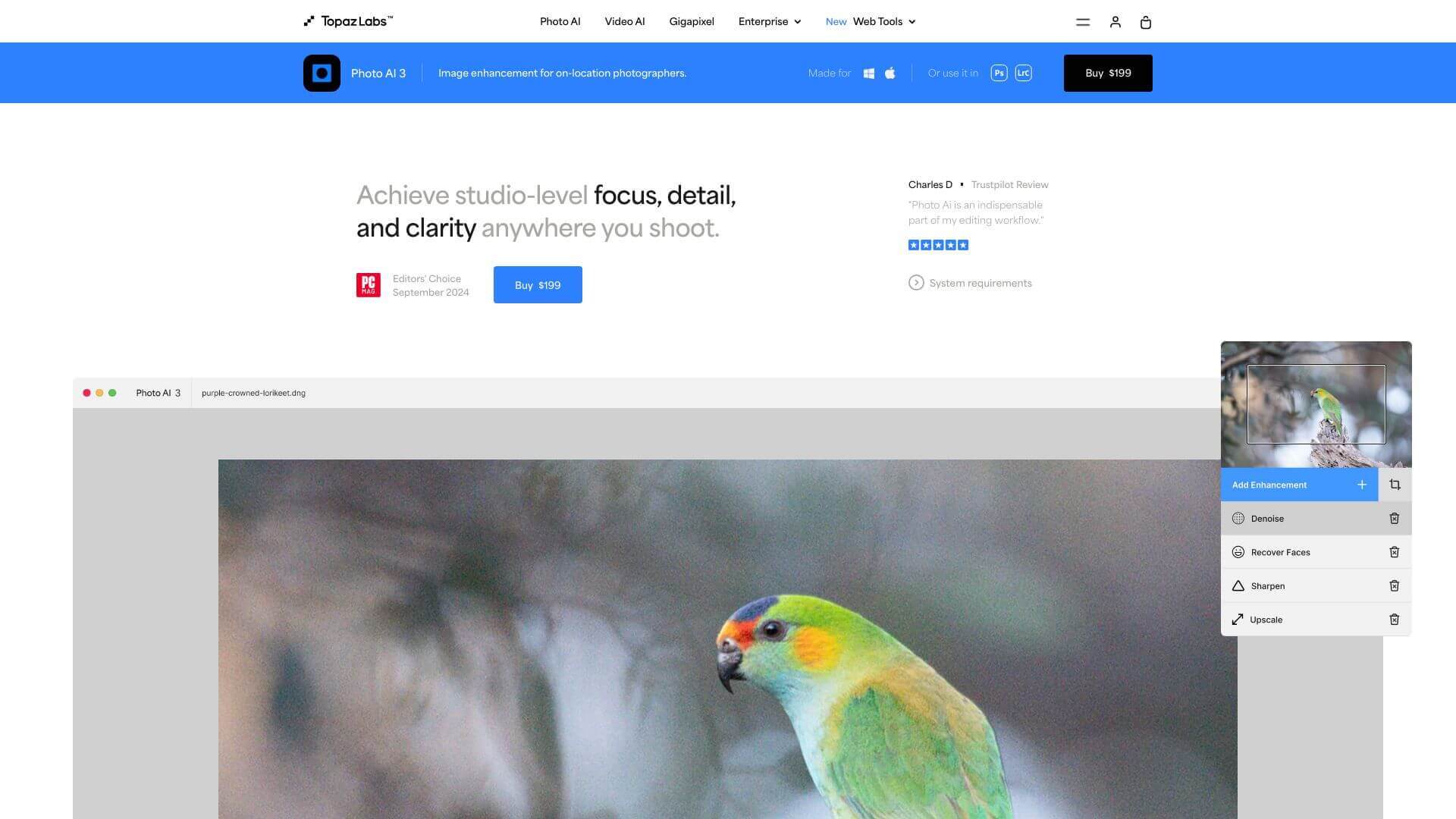
Photo AI is an AI Image tool. Topaz Photo AI quickly fixes blurry, noisy, or low-resolution photos with smart AI tech. It helps make your images look their best. Key features include AI Sharpening and Noise Reduction, Image Upscaling, and Subject Detection and Masking. Best for photographers, content creators and filmmakers and video editors.
About Photo AI
This tool uses AI to clean up your pictures. It sharpens details, removes noise, and makes small images bigger without losing quality. It's great for pros and hobbyists who want better-looking photos fast and fixes exposure too!
Key Features
AI Sharpening and Noise Reduction.
Image Upscaling.
Subject Detection and Masking.
Exposure Adjustments.
Color and Lighting Adjustments.
Super Focus (Beta).
Frequently Asked Questions
It makes editing images easier. It puts noise reduction, sharpening, and upscaling all in one place. This saves you time compared to using different tools.
You'll need Windows 10 or 11. Have at least 16GB of RAM. Also, a good graphics card like NVIDIA GTX 980 Ti or AMD Radeon 570 helps a lot.
Yes, you can. It has an easy-to-use design and automatic features. This makes it good for people who haven't edited much before.
It combines everything for a faster process. But, the other tools might be a little better for very specific things.





