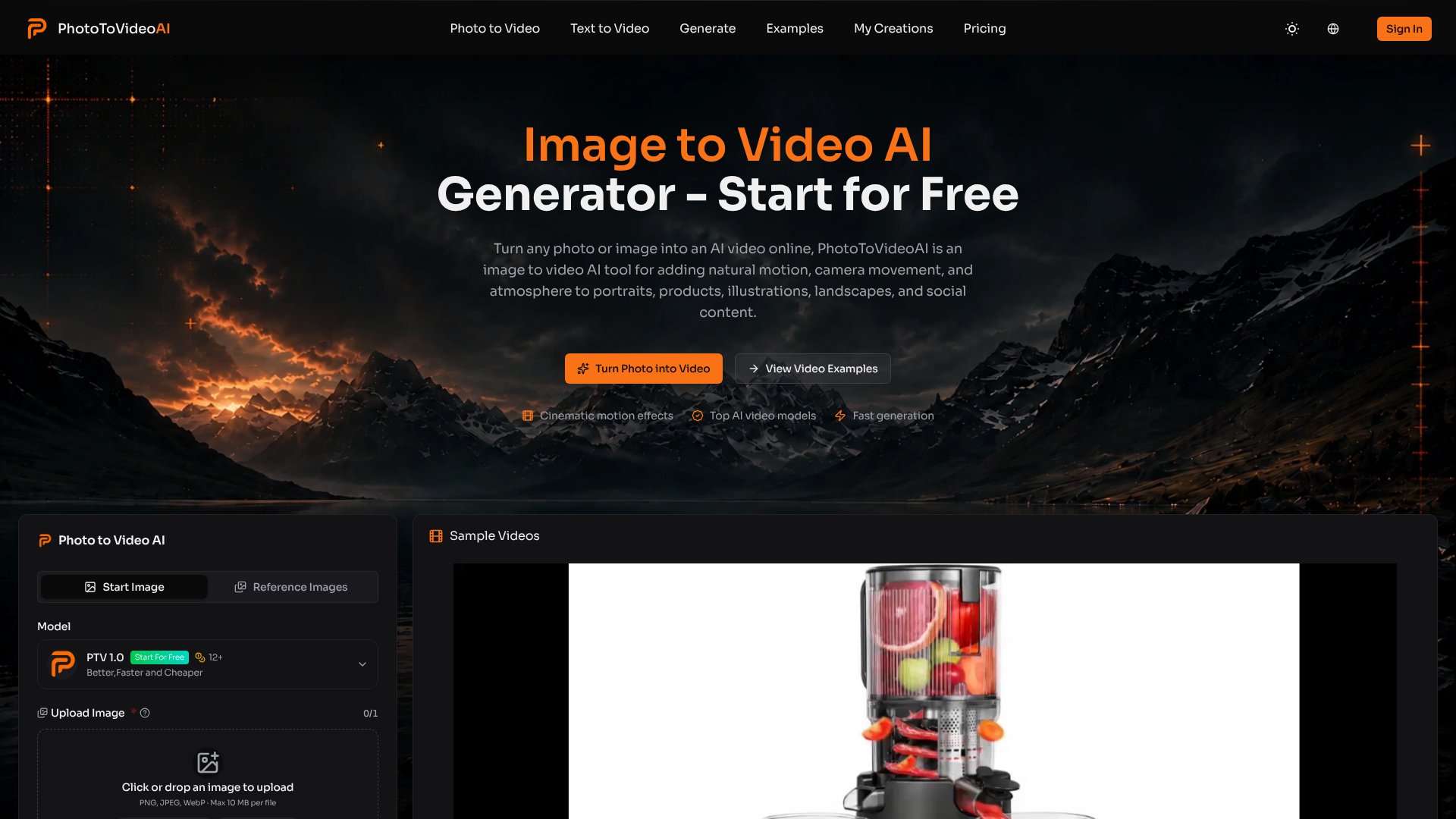
Photo to Video AI is an AI Video tool. Convert still images into animated videos with natural motion, camera movement, and generated audio using AI. For creators, marketers, and product teams. Best for e-commerce, marketing and content creation.
About Photo to Video AI
Photo to Video AI converts static images into short animated videos by interpreting motion prompts and applying cinematic camera effects. Rather than filming new footage, you upload a single image and describe the movement you want—a product rotation, a camera push-in, light shifts across a surface—and the tool generates a watermark-free video ready for publishing. It addresses a real workflow problem: creating motion graphics or product previews without access to cameras, crew, or editing software.
The features that matter
- Multiple input modes: Start with a single image, use first-and-last-frame control to guide the beginning and end, or upload multiple reference images for detailed creative direction.
- Natural motion with cinematic effects: The tool interprets prompts to animate portraits, products, landscapes, and artwork with push-ins, pans, zooms, light shifts, and subtle details like hair or cloth movement.
- Up to 4K output: Generate high-resolution videos that preserve visual detail—faces, product edges, lighting, textures—while adding motion.
- Optional AI-generated audio: Add atmosphere and rhythm to your video without extra editing, suitable for social teasers, product reveals, and story moments.
- Flexible formatting: Choose aspect ratios (2:3, 3:2, 1:1, 16:9, 9:16) and durations to match where the video will live—social posts, ads, portfolios.
- Watermark-free downloads: Videos are ready to share, edit, or republish across channels without platform branding.
How it stands out
The platform's strength lies in its input flexibility. If you want simple animation, upload one image & a motion prompt. If you need more control, the first-and-last-frame mode lets you define where the movement begins and ends. Multi-reference mode gives you even finer control over style, environment, and pose through a single prompt. This layered approach means the tool works for casual creators making social content and for product teams needing predictable, brand-aligned output.
What to know before signing up
The quality of your output depends heavily on your source image and prompt clarity. A clear subject, good lighting, and focused motion descriptions yield better results than vague or overly complex requests. Short, focused clips (one scene, one main subject, one clear motion direction) render more predictably than ambitious multi-element animations. If you're expecting Hollywood-grade realism from a phone snapshot, you'll likely be disappointed. But for social drafts, product concepts, portfolio pieces, and creative previews where you'd otherwise need a camera crew or complex timeline work, the tool delivers genuine time savings.
Key Features
Convert single images to animated videos with AI-guided natural motion
Support for multiple input modes including first-and-last-frame control
Generate videos up to 4K resolution with optional AI-generated audio
Download watermark-free videos ready for social, ads, and publishing
Flexible aspect ratios and duration settings for different platforms
Cinematic camera effects including push-ins, pans, zooms, and light shifts
Frequently Asked Questions
Clear images with one obvious focal subject produce best results. Use portraits with good lighting, product photos with clean edges, landscapes, artwork, or pet photos. Avoid heavily cropped faces or multiple competing subjects for more stable motion.
Yes, use focused motion prompts describing what moves, camera direction, motion intensity, and what to preserve. The tool supports three input modes: single image, first-and-last-frame for more control, and multi-reference images for flexible direction.
Generate up to 4K resolution output with flexible aspect ratios including 2:3, 3:2, 1:1, 16:9, and 9:16. Support 480p and 720p options. Videos download without watermarks, ready for social posts, ads, portfolios, or further editing.
Yes, Photo to Video AI can generate accompanying audio for your animated videos. This adds atmosphere and emotional context, creating more complete viewing experiences suitable for social content, promos, and story clips with less additional editing work needed.





