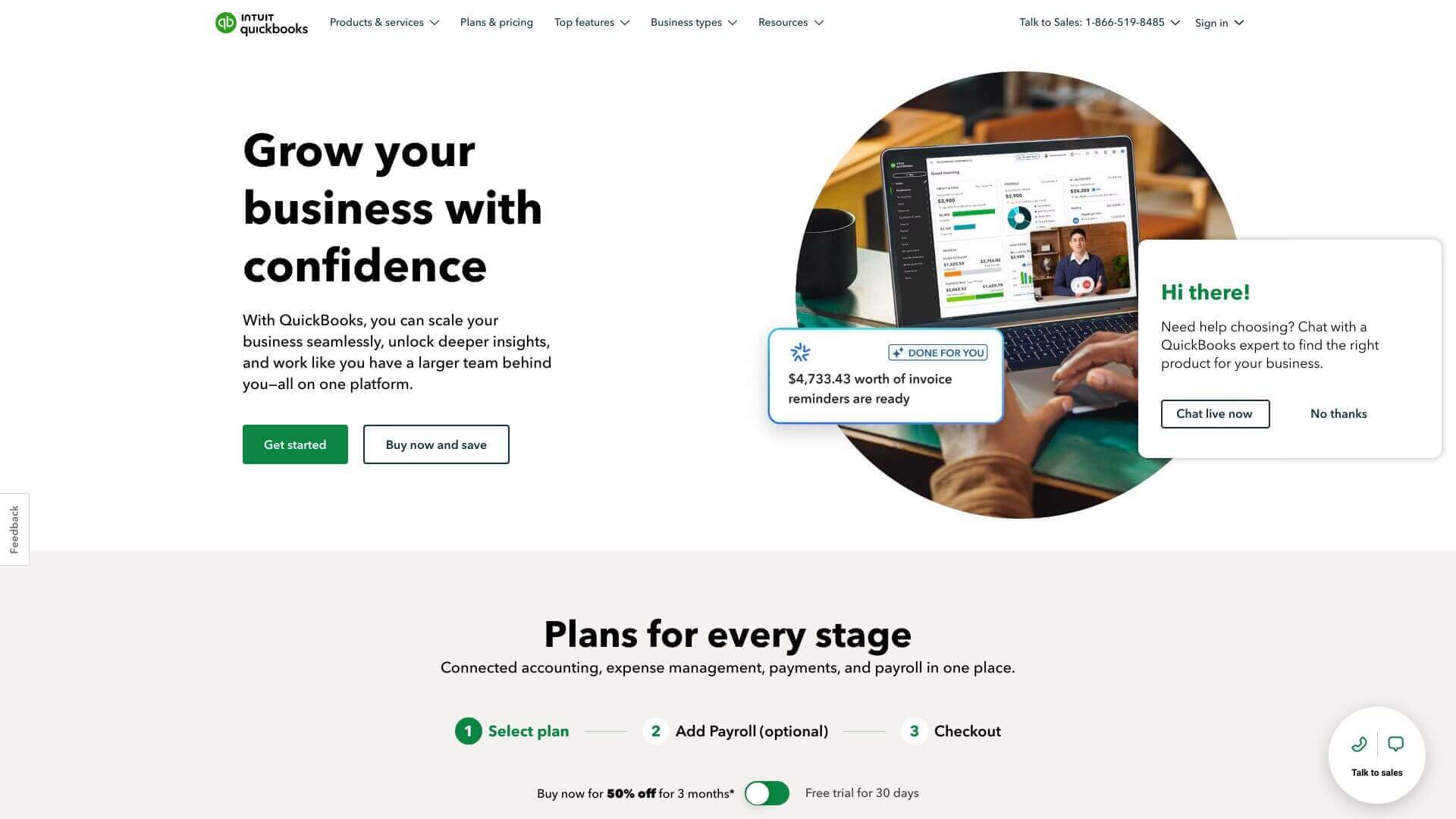
QuickBooks Online is an AI Business tool. QuickBooks Online helps small businesses manage money with ease. It handles invoices, tracks expenses, and makes reports. Key features include Accounting and Bookkeeping, Invoicing and Payment Management, and Inventory Management. Best for financial advisors and analysts and entrepreneurs.
About QuickBooks Online
This tool helps you run your business finances smoothly. You can send invoices, track what you spend, and see how your business is doing with detailed reports. It even works with other apps you might use.
Key Features
Accounting and Bookkeeping.
Invoicing and Payment Management.
Inventory Management.
Financial Reporting.
Automation.
Integration.
Frequently Asked Questions
QuickBooks Online is on the cloud, letting you work together in real-time and get updates automatically. QuickBooks Desktop installs on your computer.
QuickBooks Online works with over 750 apps. This helps move data easily between your different business systems.
Yes, QuickBooks Online has payroll plans. These combine accounting with payroll management.
QuickBooks Online offers support by phone, chat, and AI. If you have the Advanced plan, you get 24/7 support.