
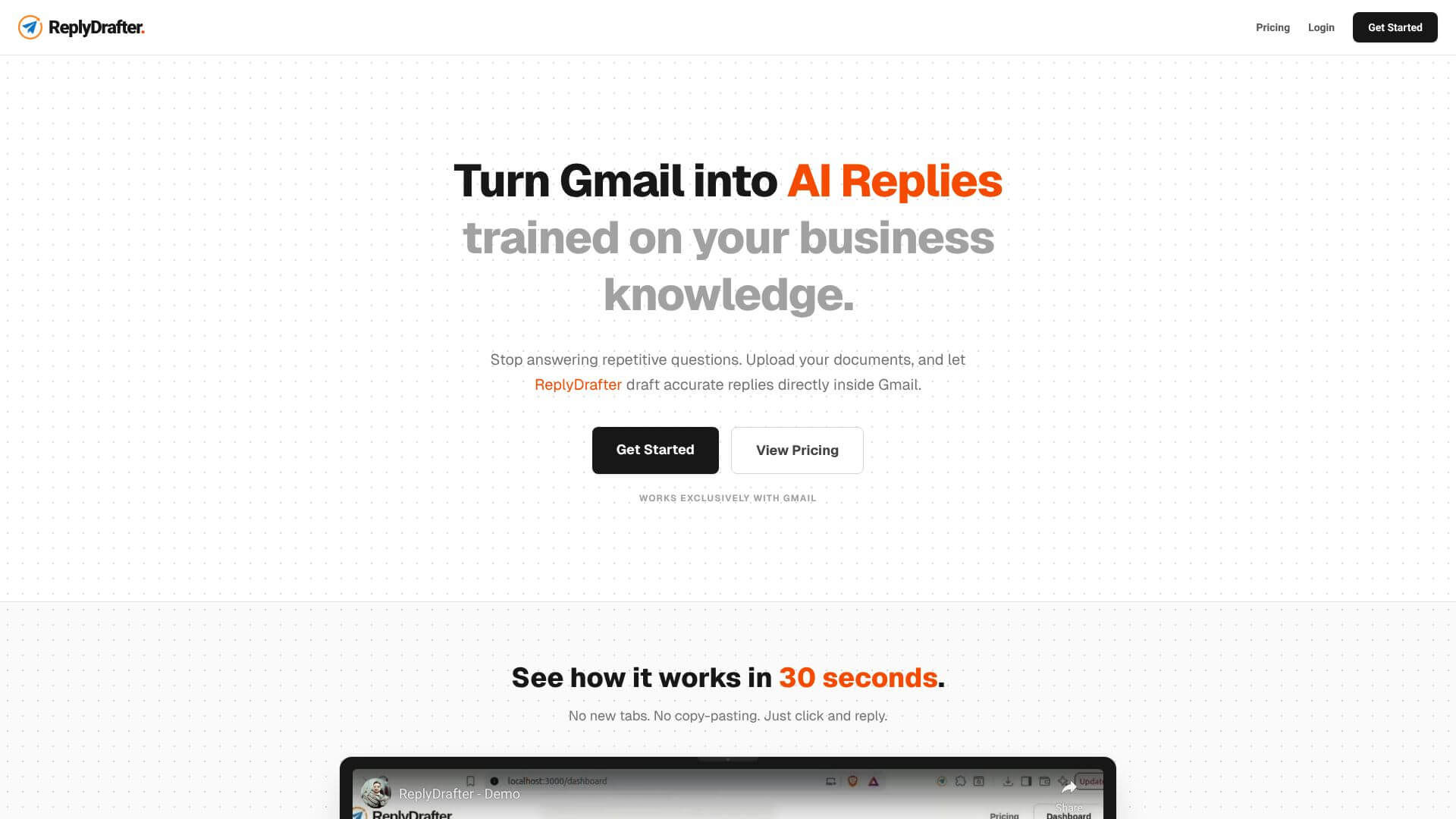
ReplyDrafter is an AI Productivity tool. Automates email replies in Gmail using your business documents. Saves time and effort. Key features include Knowledge Base Upload and Integration, One-Click AI Reply Generation, and No-Copy-Paste Integration. Best for customer service representatives, sales professionals and business consultants.
About ReplyDrafter
ReplyDrafter is an AI email assistant for Gmail. It uses your business knowledge documents (like PDFs, URLs) to write accurate, on-brand email responses. This tool helps freelancers and agencies save time on emails.
Key Features
Knowledge Base Upload and Integration.
One-Click AI Reply Generation.
No-Copy-Paste Integration.
Customizable Tone and Style Matching.
Frequently Asked Questions
ReplyDrafter is an AI email response tool for Gmail. It helps you write accurate and relevant email replies quickly, using information you've already provided.
You upload your business documents like PDFs or website links. When you get an email in Gmail, you click "AI Reply," and ReplyDrafter drafts a response based on your documents and the email content. It pops up right in your compose window.
ReplyDrafter doesn't have a free plan, but it does offer a 7-day money-back guarantee. You can try it out for a week, and if it's not right for you, you can get a full refund.
Freelancers and agencies who get a lot of emails can benefit. It's also great for customer support teams and sales development reps who often answer similar questions or send follow-up emails.





