
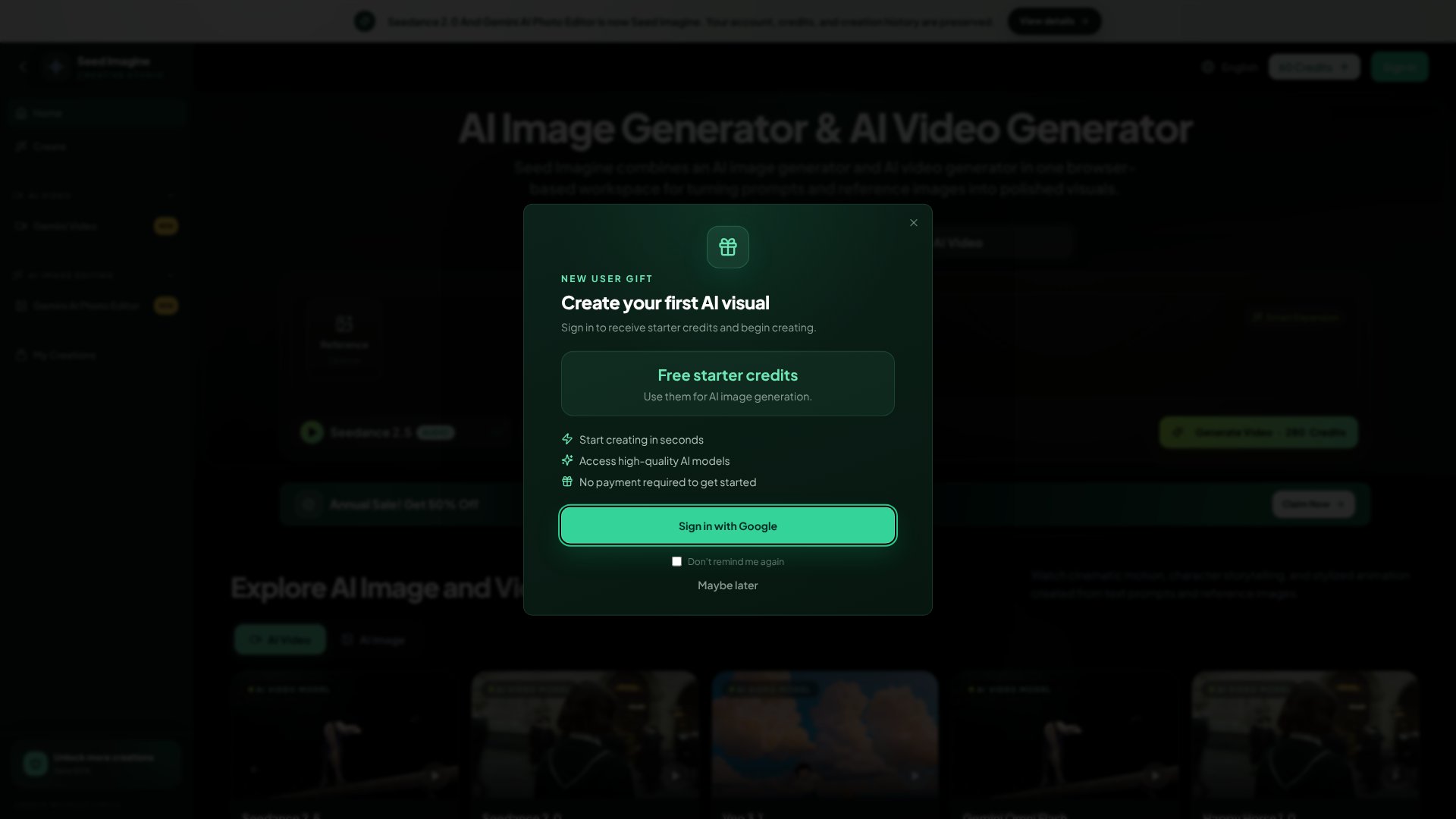
Seed Imagine is an AI Image tool. Browser-based AI tool combining image and video generation from text prompts and reference images for creators and marketers. Best for e-commerce, marketing and content creation.
About Seed Imagine
Seed Imagine is a browser-based creative studio that handles both AI image and video generation from a single workspace. Rather than switching between separate tools, you work with text prompts, reference images, and multiple AI models in one interface—then refine results with built-in editing before downloading.
The features that matter
- Text-to-image and image-to-image generation: Write a prompt or upload a reference photo, then generate product shots, illustrations, concept art, or variations without leaving the workspace.
- Text-to-video and image-to-video: Create short video clips from descriptions alone, or animate still images by specifying motion, camera movement, or mood in your prompt.
- Multiple AI models in one place: Choose from Seedance 2.5, Seedance 2.0, Veo 3.1, Gemini Omni Flash, or Happy Horse 1.0—compare quality, speed, and credit cost across models without switching tools.
- Image editing built in: Remove backgrounds, extend scenes with Smart Expansion, or restyle photos through text descriptions after uploading your reference.
- Batch processing: Apply the same edits to multiple images at once, which saves time when maintaining consistent product catalogs or marketplace listings.
- Flexible output: Control aspect ratio, resolution, and video duration so you can create assets for social posts, ads, product pages, or print in one go.
How it stands out
The platform succeeds because it combines two separate creative tasks—static image generation and video animation—without forcing you to learn different interfaces or manage separate accounts. Reference images anchor your creative direction, letting you explore product scenes or character designs while maintaining visual consistency. The model selector puts quality trade-offs directly in front of you: Seedance 2.5 generates fast video, Veo 3.1 produces 1080p cinema-quality results, and Happy Horse 1.0 costs fewer credits. You can test a prompt across different models to find the right fit for your project.
What to know before signing up
Seed Imagine requires a browser and runs on desktop or mobile, so there's no native app. Generation speed depends on your chosen model and current server demand—the interface shows progress, but you won't know exact timing upfront. Credits are consumed per generation, and rates vary by model and output settings. The tool works best when you have a clear creative brief; vague prompts produce inconsistent results across all AI image and video tools. If you need production-grade photo retouching or frame-by-frame video editing, this platform is a concept and content-generation tool, not a replacement for Photoshop or Premiere.
Key Features
Text-to-image and image-to-image generation from prompts
Text-to-video and image-to-video animation in one interface
Multiple AI models to choose from and compare
Built-in image editing with object removal and background extension
Batch processing for consistent product catalog edits
Browser-based workspace accessible on desktop and mobile
Frequently Asked Questions
Seed Imagine combines AI image and video generation in one browser workspace. You can create photorealistic scenes, character designs, product concepts, illustrations, and cinematic videos from text prompts or reference images.
No design or technical skills required. Describe what you want in plain English and the AI handles the rest. No Photoshop or editing experience needed to create polished visuals.
Yes, you can start with free credits. Credit usage depends on the model, output settings, and whether you're generating images or videos. Paid plans offer larger monthly or yearly allowances.
Images download as PNG or JPEG at high resolution. Videos export in standard formats ready to share and use on social media, ads, and product pages.