
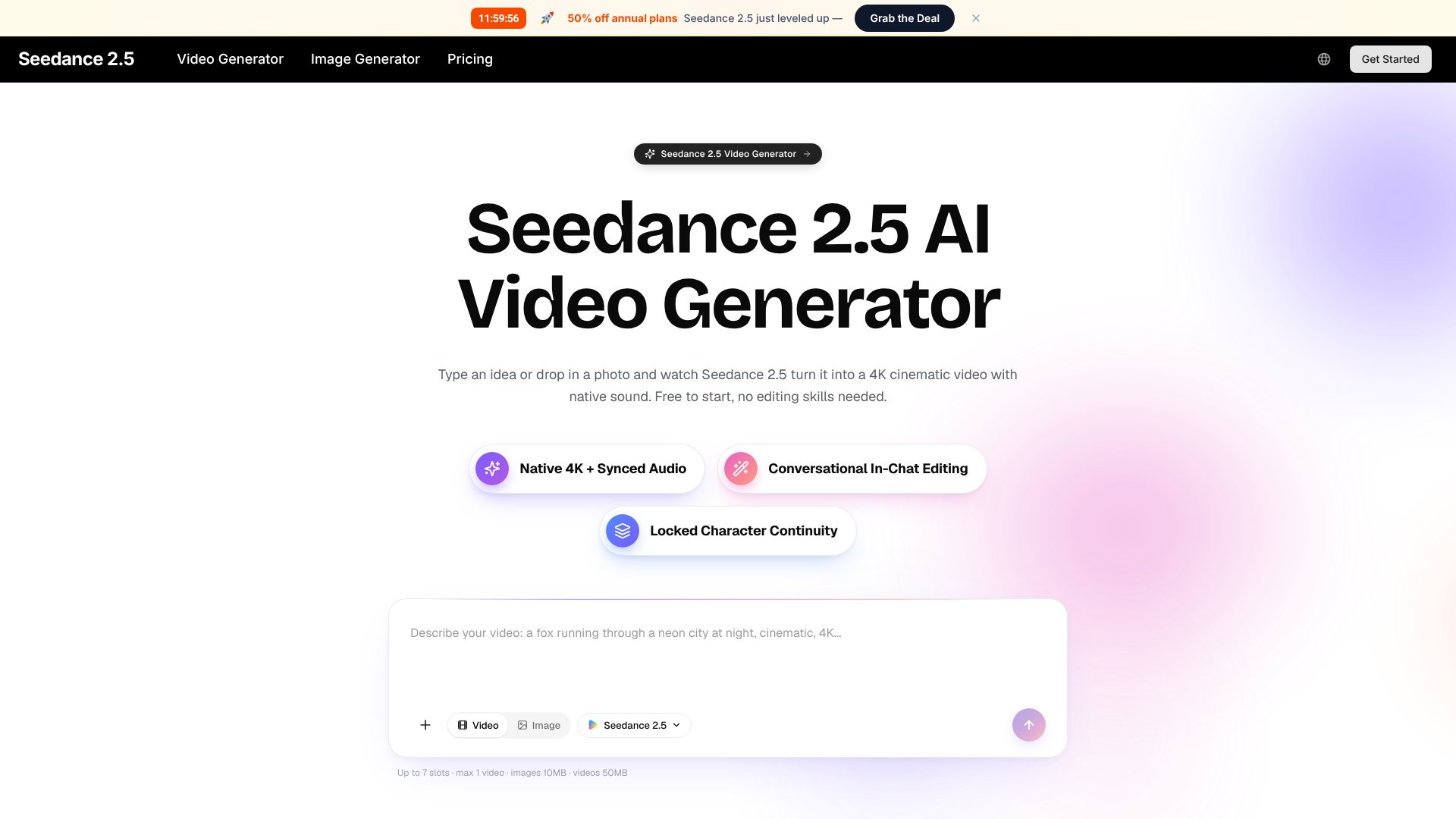
Seedance 2.5 is an AI Video tool. AI video generator that creates 4K cinematic videos from text, images, or photos with native audio sync and conversational editing. Built for creators of all skill levels. Best for content creation, e-commerce and marketing.
About Seedance 2.5
Key Features
4K native resolution with 30fps smooth motion and stable frame rendering
Multimodal input supports text, images, video clips, and audio in single generation
Conversational in-chat editing by describing changes in plain English
Native audio generation with automatic lip-sync and sound effect timing
Multi-shot scene building with locked character and style continuity
Free to start with no credit card required for first videos
Frequently Asked Questions
Seedance 2.5 accepts text descriptions, photos, video clips, and audio cues. You can combine up to 12 inputs in a single generation. The tool treats all inputs together as one creative brief to shape the final video.
Video generations finish in seconds. The landing page states generations happen quickly, allowing users to try an idea, watch the result, and iterate again without waiting hours like manual editing would require.
Yes, Seedance 2.5 supports conversational editing. Simply describe changes in plain English like make the lighting warmer or slow the camera move down, and the tool regenerates the clip without needing keyframes or technical settings.
No experience required. Seedance 2.5 has zero learning curve with no timelines, jargon, or control panels. The tool automatically handles camera work, lighting, motion, and audio, producing polished professional output from your first attempt.





