
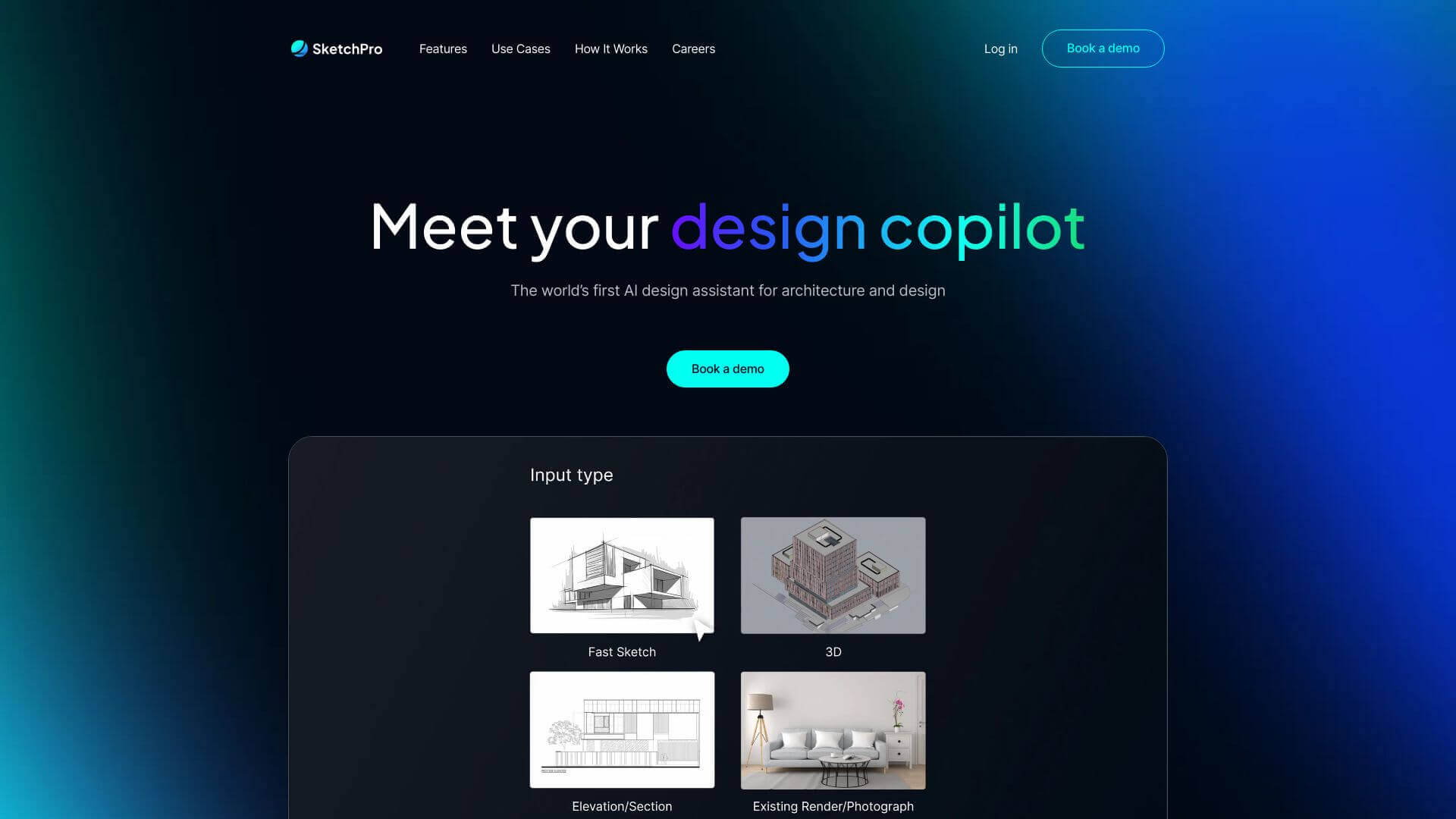
SketchPro AI is an AI Image tool. SketchPro AI turns sketches into detailed visuals. It helps architects and designers easily create renders. Key features include Flexible Inputs, Style Reference Upload, and AI Assistant. Best for designers.
About SketchPro AI
Got a sketch or 3D model? SketchPro AI whips it into a detailed visualization fast! Upload styles for accuracy. Just tell the AI what to do with simple instructions. Change materials, add objects easily. It's great for architecture, interior design, and more to create quick iterations of your designs.
Key Features
Flexible Inputs.
Start with any sketch, elevation, 3D model, or image.
Style Reference Upload.
Make your designs better by uploading style references to help with visualization.
AI Assistant.
Give the system text directions in your own words to help guide the design.
Instant Edits.
Add things to your scene super easily, like just one click.
Custom Materials.
Change the materials in the platform quickly to check out different design looks.
High-Creative Potential.
Lots of space to be creative and come up with cool designs.
Frequently Asked Questions
SketchPro AI accepts sketches, elevations, 3D models, or images as input.
Yes, you can instantly change materials within the SketchPro AI platform.
While it is user-friendly, SketchPro AI seems primarily designed for professionals.
As of the latest available information, this detail is not explicitly stated about SketchPro AI.





