
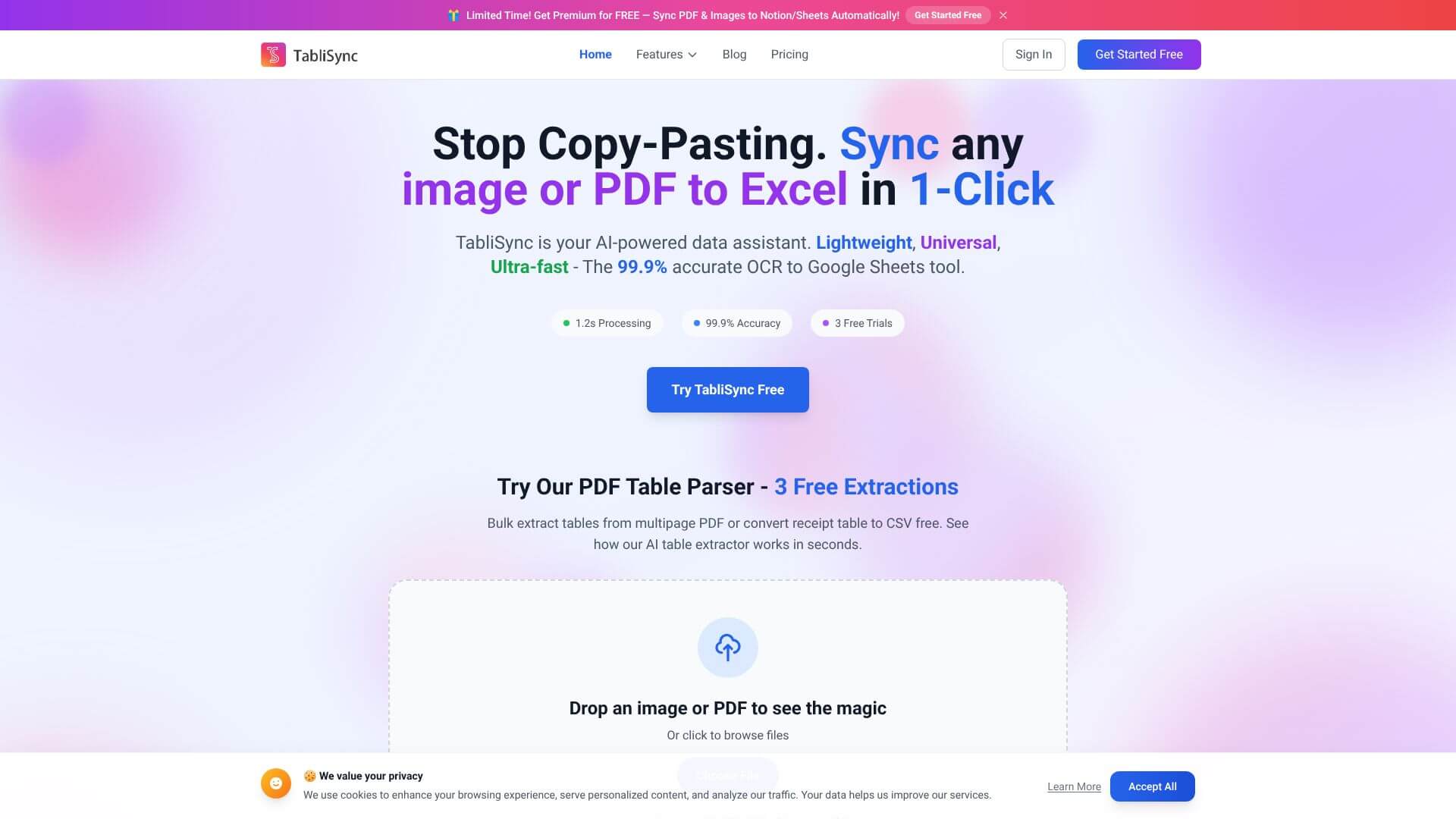
Stop Typing! PDF to Excel via AI is an AI Productivity tool. Converts PDFs/images to editable spreadsheets fast with AI OCR, 99.9% accuracy, and cloud sync. Key features include Ultra-Fast Processing with High Accuracy, Smart Handling of Tricky Documents, and Supports Many Document Formats. Best for data scientists and analysts, financial advisors and analysts and hr professionals and recruiters.
About Stop Typing! PDF to Excel via AI
Stop Typing! PDF to Excel via AI (TabliSync) is an AI-powered OCR tool that converts PDFs and images of tabular data into editable spreadsheets. The platform claims 99.9% accuracy on extracted data and 1.2-second processing per document, targeting businesses where manual data entry from receipts, invoices, and reports creates real time and accuracy problems.
The core features that matter
- Ultra-fast processing with high accuracy converting documents in around 1.2 seconds at a claimed 99.9% accuracy, meaning minimal manual correction after extraction
- Smart handling of tricky documents processing handwritten forms, damaged scans, and unusual layouts through context-aware analysis rather than pure character recognition
- Multiple document format support for PDFs, JPGs, JPEGs, PNGs, and screenshots, covering both digital PDFs and image-based scanned PDFs without separate conversion steps
- Real-time sync with cloud tools connecting to Google Sheets and Notion so extracted data flows automatically to where your team works rather than requiring manual export-import
- Batch processing for many files handling multiple documents in a single operation, useful for processing stacks of receipts or invoices accumulated over time
How it stands out
The PDF-to-Excel space has competitors including Docparser, Tabula, ABBYY FineReader, and Adobe Acrobat's table extraction features. TabliSync's specific position emphasizes speed and cloud integration. The 1.2-second processing claim is meaningfully faster than alternatives that take 10-30 seconds per document; the Google Sheets and Notion sync removes the export-import friction that most extraction tools leave to the user.
The honest qualifier: claimed accuracy rates from any OCR provider need real-world verification. 99.9% accuracy means roughly 1 error per 1000 extracted cells, which is excellent on average but specific document types (handwritten forms with cursive, damaged scans, complex multi-page tables) can produce error rates well above that average. For users processing routine business documents with predictable layouts, Stop Typing! PDF to Excel via AI handles the workflow efficiently with minimal manual correction. For high-stakes data extraction (financial audits, legal documents), human verification of extracted data remains necessary regardless of tool accuracy claims.
Key Features
Ultra-Fast Processing with High Accuracy.
Smart Handling of Tricky Documents.
Supports Many Document Formats.
Real-Time Sync with Cloud Tools.
Batch Processing for Many Files.
Frequently Asked Questions
TabliSync is an AI tool. It converts images and PDFs into editable spreadsheets. It uses AI and OCR to find tables in documents. It works with PDFs, images, and even handwritten papers. It saves data as Excel or Google Sheets files.
Many hours are wasted extracting data from PDFs manually. People copy-paste, re-enter data, and reformat. This causes errors and slows things down. TabliSync automates all of this. It takes out clean data for analysis.
TabliSync is very fast. It converts documents in about 1.2 seconds. It's also very accurate, with a 99.9% accuracy rate. This means less time checking and fixing data.
TabliSync can handle many document types. It works with digital and scanned PDFs. It also supports JPG, JPEG, and PNG images. It can even process screenshots. The tool also handles complex or damaged documents, like handwritten forms or low-quality scans.





