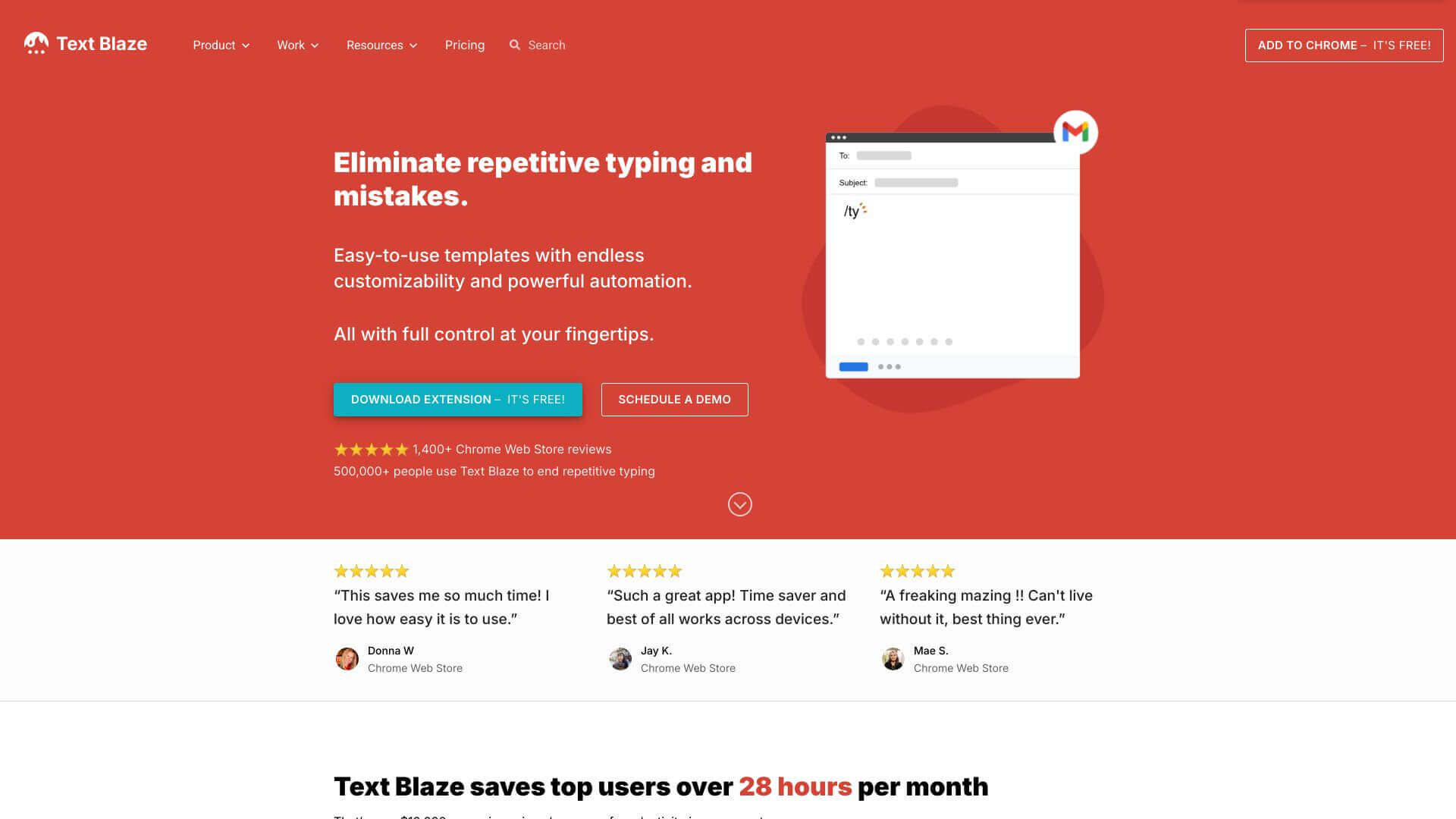
Text Blaze is an Automation tool. Automates your typing! Save time with custom shortcuts for frequently used text in emails, docs & more. Key features include Snippets: Your Reusable Text Blocks, Templates: Pre-Built Content Solutions, and Text Commands: Dynamic Content Insertion. Best for content creators, writers and customer service representatives.
About Text Blaze
Text Blaze is great for anyone tired of typing the same things over and over. It's like having shortcuts for your commonly used phrases, email templates, or even code snippets. You make a snippet, assign it a shortcut, and boom, you're saving time. It works in Gmail, Google Docs, and lots of other places. You can even share snippets with your team to keep everyone consistent. The free plan is a bit limited, but the paid plans are worth it if you use it a lot. It's easy to use, and it's all about making your work life easier.
Key Features
Snippets: Your Reusable Text Blocks.
Templates: Pre-Built Content Solutions.
Text Commands: Dynamic Content Insertion.
White Space Eliminator: Clean Content Formatting.
Autopilot: Web Automation.
Sharing and Collaboration: Team Snippet Management.
Frequently Asked Questions
Yes, teams can use Text Blaze together. You can share snippets in folders, and everyone sees the updates.
Yes, Text Blaze lets you do calculations right in your snippets using formulas.
Text Blaze works with Google Docs and Salesforce well. It might not work directly with every tool. It needs a built-in connection to work perfectly, and the article mentions that Text Blaze doesn’t “directly support all software tools without native integration.”
Right now, Text Blaze is a desktop app and a Chrome extension. There's no mobile app.