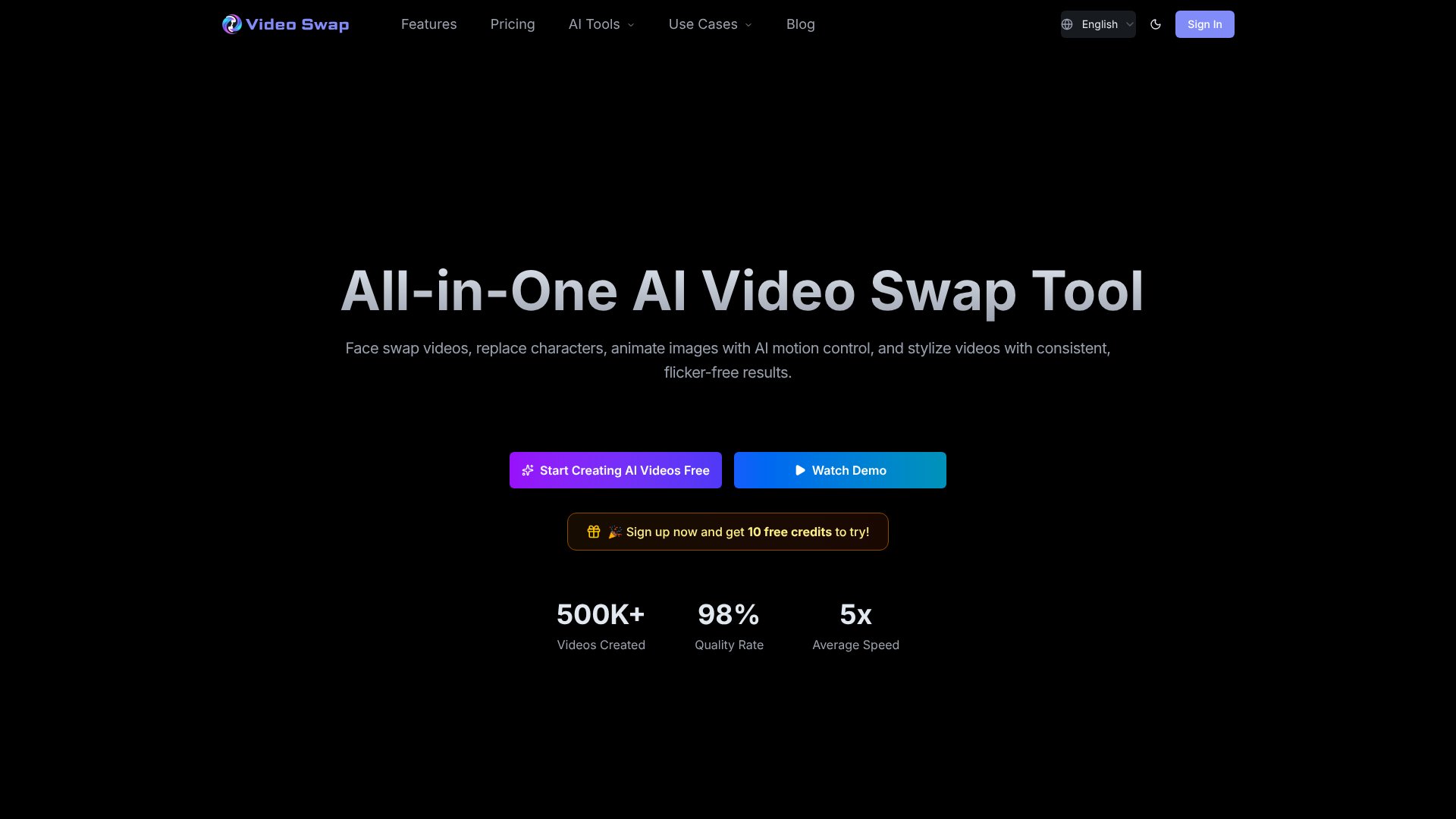
Video Swap is an AI Video tool. All-in-one AI video platform for face swaps, character replacement, motion control, and style transfer without professional editing skills. Best for marketing, content creation and advertising.
About Video Swap
Video Swap is a browser-based AI video creation tool that handles four core transformations: face swaps, character replacement, photo animation, and video stylization. You don't need to install software or learn professional editing—the platform handles the technical work while you upload materials and click generate. The 500,000+ videos already created on it suggest real adoption beyond early adopters, with a reported 98% quality rate backing that up.
The features that matter
- Face Swap: Replaces faces in video while preserving natural expressions, lighting, and smooth movement—marketed specifically at creators making TikTok/Reels content where frame-to-frame consistency matters.
- Character Swap: Swaps full-body characters in the same scene, useful for ad agencies generating multiple localized variants without reshooting.
- AI Motion Control: Animates static images by transferring motion from a reference video, turning photographs into dynamic content.
- Video Style Transfer: Applies one-click stylization (anime, cinematic, cartoon, or custom styles) with flicker-free consistency across clips.
- Commercial License: All paid plans include rights to use generated content commercially—important if you're producing client work or branded content.
How it stands out
The tool's main differentiator is speed paired with acceptable output quality. Character swap, for instance, is designed to cut ad production time by letting you generate 10 localized variants in the time a traditional workflow takes for one. Motion control targets a specific gap: animating still photos without greenscreen setups or footage libraries. The credit-based pricing (starting at $0.0346 per credit on the Ultimate plan) scales with your actual usage—longer clips and higher resolutions consume more, but you only pay for what you process.
What to know before signing up
Results depend heavily on input quality and reference materials. Face swap works best with clear lighting and frontal angles; character swap requires consistent framing in your source video. The platform is fastest at standard resolutions (720p for character swap, 480p as baseline), and jumping to professional mode doubles credit consumption. If you're generating dozens of videos weekly, the Ultimate plan ($148.90/month for 4,300 credits) is cheaper than lower tiers; sporadic users are better served by the Basic plan ($21.90/month). The flicker-free stylization and stable expressions are genuine strengths, but don't expect pixel-perfect results on every input—you'll still need to review outputs and occasionally re-run with different settings.
Key Features
Face swap with natural expressions and smooth movements
Character replacement while maintaining scene consistency
AI motion control to animate static images with motion transfer
One-click video stylization with flicker-free results
Browser-based tool requiring no software installation
Commercial use license included in all plans
Frequently Asked Questions
The platform supports four main features: Video Face Swap for natural face replacements, Character Swap for full-body recasting, Video Style Transfer for visual consistency, and AI Motion Control for animating static images with motion transfer.
No, the platform is designed for beginners. Users simply upload materials, select effects, and click generate. All complex AI processing happens automatically in the background without requiring professional editing skills.
Yes, all paid and free plans include a commercial use license. Generated videos can be used for social media, advertising, brand content, and other commercial purposes, provided you have rights to input materials.
All uploaded materials and generated videos are processed in a secure environment and will not be leaked or used without authorization. The platform prioritizes user privacy and data security for all video creation activities.