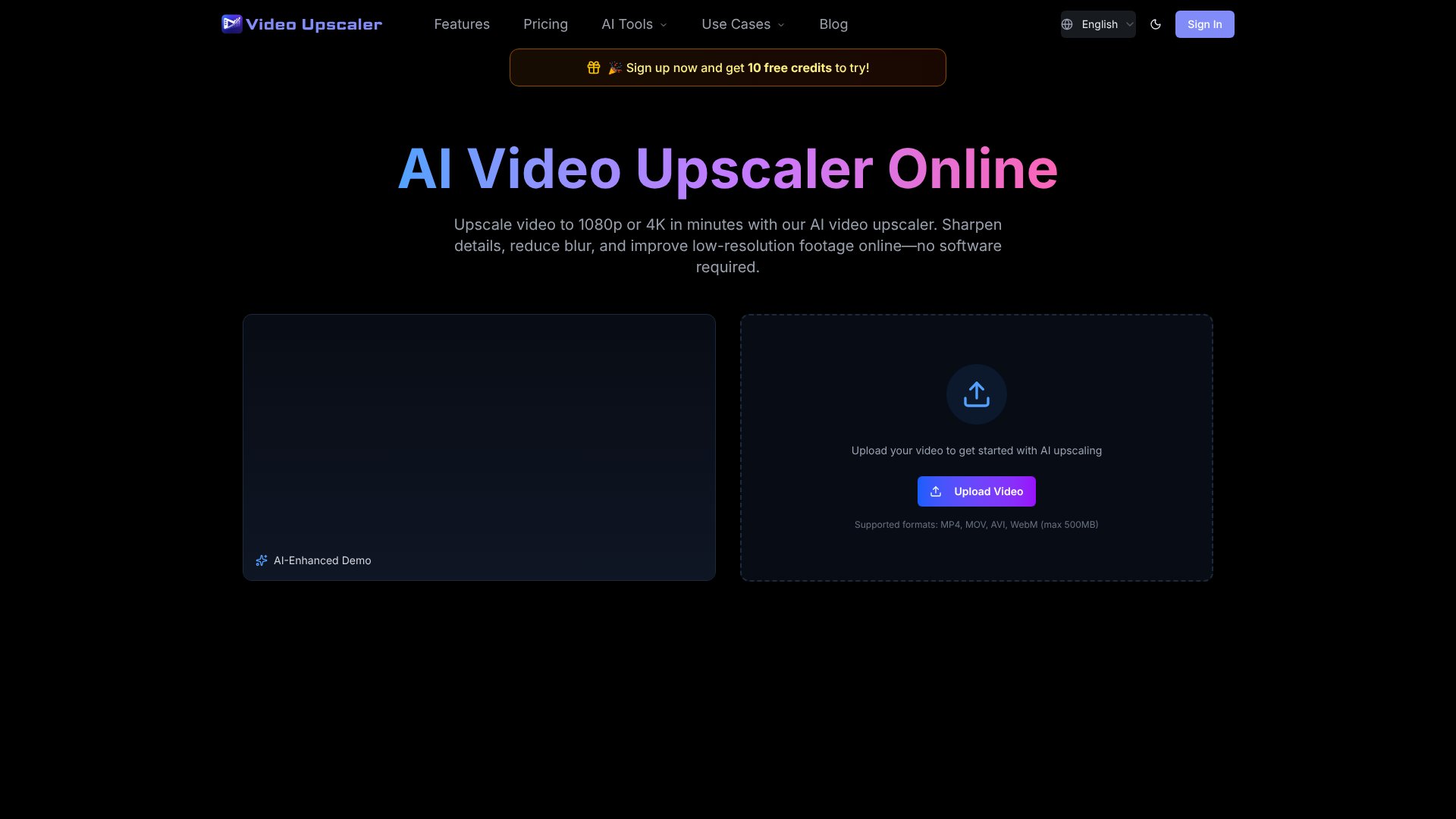
Video Upscaler is an AI Video tool. AI-powered online tool to upscale videos to HD, 2K, and 4K while reducing blur, noise, and compression artifacts. No software required. Best for marketing, content creation and video production.
About Video Upscaler
Video Upscaler is an online AI platform that enhances low-resolution video frame by frame without requiring desktop software installation. It addresses a common problem: old footage, compressed social media clips, gaming recordings, and product demos often lose detail and clarity when viewed on modern HD or 4K screens. Rather than simply stretching pixels, the tool analyzes edges, textures, and structures to create genuinely sharper results while preserving natural motion.
The features that matter
- Multiple output resolutions: Upscale videos to 1080p, 2K, or 4K depending on your source material and display target.
- Five specialized AI models: Proteus, Artemis, Nyx, Gaia, and Starlight are tuned for different use cases—anime, gaming, restoration, and general upscaling—so you can match the model to your footage type rather than applying one generic filter.
- Noise and artifact reduction: The platform reduces blur, compression noise, and low-bitrate degradation alongside upscaling, which matters for old camera footage or videos compressed through social media uploads.
- Motion preservation: Upscaling shouldn't make movement look jittery or artificially smoothed. The tool maintains consistent motion across frames, making it suitable for talking-head videos and fast-motion clips like gaming or sports.
- Format flexibility: Accepts MP4, MOV, AVI, and WebM files up to 500MB, covering most common video sources without conversion overhead.
- Commercial licensing included: All plans include rights to use upscaled videos commercially, plus priority support.
How it stands out
The platform uses a credit-based system where costs scale with your choices—resolution, AI model, frame rate, and clip duration all factor in. A 5-second 1080p upscale costs 20 credits; the same clip upscaled to 4K costs 40 credits. This granularity means you pay for what you actually use rather than overpaying for a fixed tier when you only need occasional enhancement.
What to keep in mind: extremely compressed or very low-resolution source footage may have limited improvement regardless of model choice. Audio remains untouched during processing. The 500MB upload limit suits individual clips and shorts but not full-length films. If you're batch-processing hundreds of videos or need real-time upscaling within a production pipeline, the per-video workflow may feel slow. For freelancers, content creators, and small teams enhancing social media clips, old archives, or product demos, it delivers practical results without learning complex software.
Key Features
Upscale videos to 1080p, 2K, or 4K resolution online
Reduce blur, noise, and compression artifacts from footage
Multiple AI models for anime, gaming, and restoration
Preserve natural motion without jittery or over-processed results
Support for MP4, MOV, AVI, and WebM formats up to 500MB
Commercial use license and priority support included
Frequently Asked Questions
An AI video upscaler increases video resolution and improves visible detail frame by frame. It helps make low-resolution, blurry, noisy or compressed videos look clearer on HD and 4K screens.
Yes. Upload your video, choose a 4K output option, preview the enhanced result, and export the upscaled video online without installing desktop software.
VideoUpscale.net supports MP4, MOV, AVI and WebM formats. The current upload limit is 500MB for each video file.
AI upscaling can reduce blur, sharpen edges and improve visible detail, but results depend on original quality. Extremely compressed or very low-resolution videos may have limited improvement.