
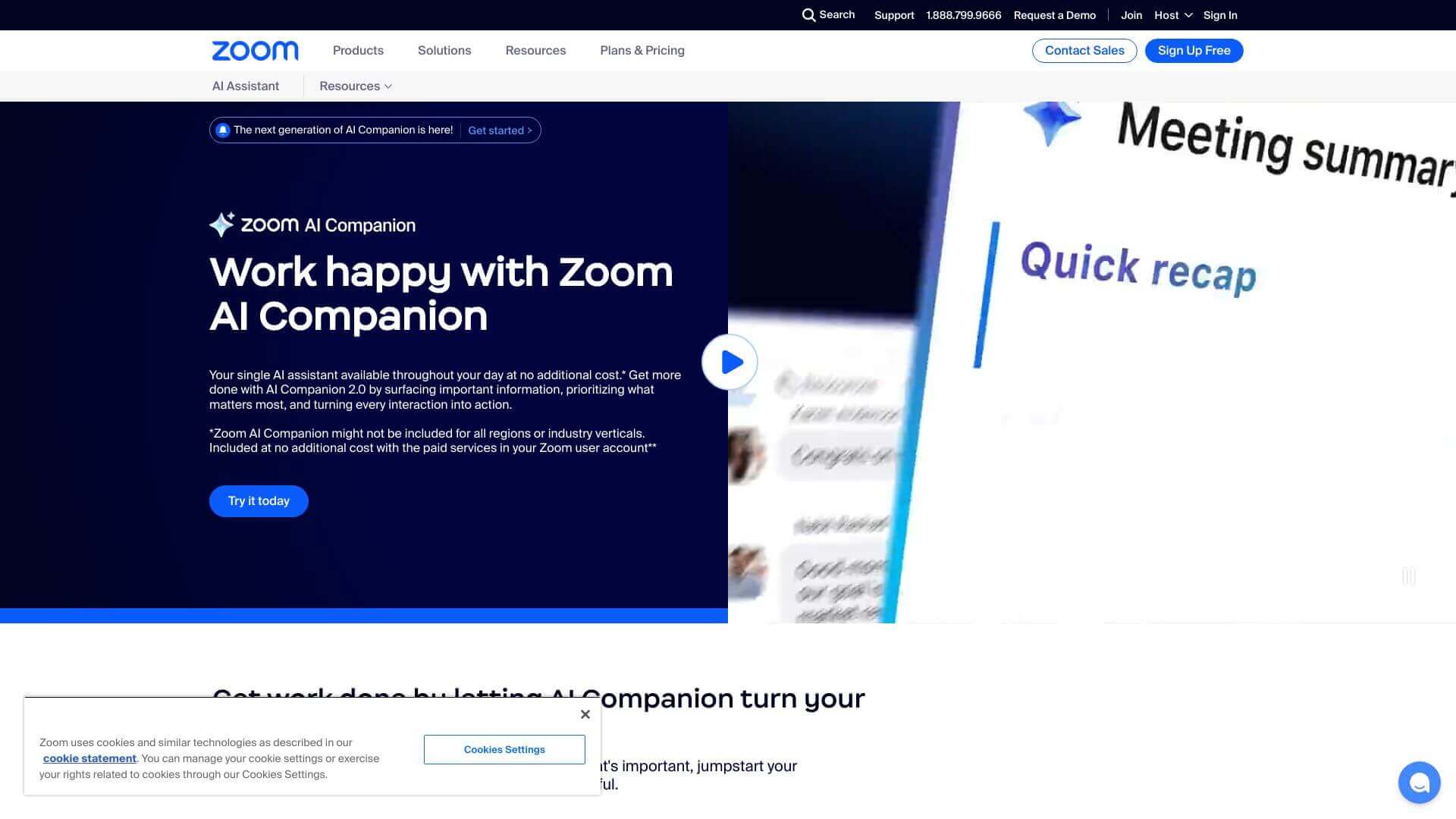
Zoom AI Companion is an AI Productivity tool. Helps Zoom users with meeting summaries, chat and email drafts, whiteboard ideas, and more, all within Zoom. Key features include Meeting Summaries, Chat Summarization, and Content Creation. Best for project managers and business consultants.
About Zoom AI Companion
Zoom AI Companion assists with everyday tasks in Zoom. It can summarize meetings (even without recording!), condense long chats, and help write emails and messages. It also creates ideas on whiteboards and pulls info from the web. It works across Zoom apps and it comes included with paid Zoom plans. It can make communication easier and faster for teams.
Key Features
Meeting Summaries.
Chat Summarization.
Content Creation.
Smart Recording Analysis.
Whiteboard Collaboration.
Web Content Integration.
Frequently Asked Questions
Zoom AI Companion is part of Zoom, but someone with admin rights needs to turn it on first.
It looks at what you type in, Zoom content, other data sources, stuff from the web, and files on your computer.
You can use Zoom AI Companion in Zoom apps on different devices, but you need a paid Zoom plan.
Yes, you should know that AI Companion needs to get into a lot of different data sources.





