Best AI Video Tools for Photographers
Photographers often have stunning still images but lack video skills or equipment to bring them to motion. This guide covers 22 AI video tools that convert photos into animated videos, add effects, and generate audio-synced content. Most require no technical expertise or recording.
What photographers should look for
Input flexibility and format support
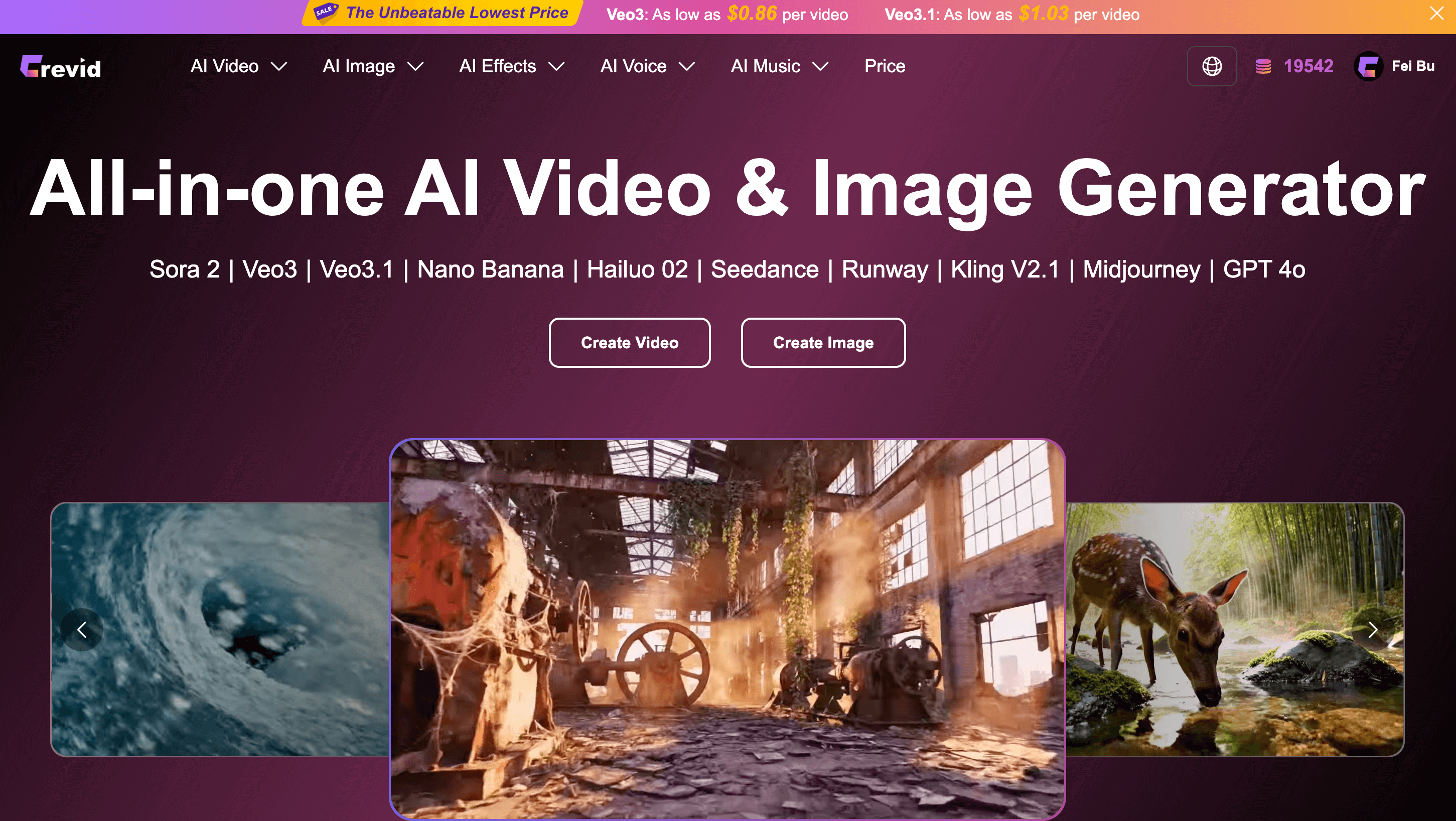
Check whether the tool accepts your image format (JPG, PNG, RAW) and if it handles batch processing. Some tools like Crevid AI aggregate multiple AI models, while others like AI Image To Video focus on single-image conversion. Verify output resolution matches your portfolio needs.
Animation control and effect options
Assess the depth of customization available. Animate My Pic offers 50+ effects and text-to-video capability. Tools like Perfect Clips automate specific use cases (resume videos), while Image to Video and KOOX AI provide general-purpose animation. Determine if presets or manual controls suit your creative vision.
Audio integration and sync quality
Evaluate how the tool handles audio. Grok Imagine 1.0 provides synchronized audio generation, critical for social content. Some tools generate audio automatically while others require you to add it separately. Test audio quality and synchronization timing before committing to bulk conversions.
Most popular AI Video Tools for Photographers
The AI video tools for photographers people are actually searching for right now — ranked by real Google search traffic.





Highest AIapps editorial scores
Directory scores from AIapps. These are not user-review averages.





Newly launched AI Video Tools for Photographers
The latest AI video tools for photographers added to our directory.

Frequently asked questions
- Can AI video tools for photographers batch convert multiple images at once?
- Most listed tools process one image per conversion, though Crevid AI aggregates multiple AI models in one interface. For large batches, you may need to convert images individually or check if your chosen tool offers API access for automated workflows.
- Do these AI video tools work with professional camera image formats like RAW?
- Most tools accept standard formats (JPG, PNG). RAW files typically need conversion to JPG or PNG first. Check individual tool documentation, as some like AI Image To Video prioritize ease of use over format breadth.
- What quality are the videos produced by AI video tools for photographers?
- Output resolution varies by tool, typically ranging from 720p to 1080p. Tools like Img2Video AI and Viyou AI use advanced models for smoother motion. Test with your own images before converting a portfolio, as quality depends on source image quality and subject matter.
Related guides
Other AI tools for photographers
AI Video Tools for other roles
- Best AI Video Tools for Content Creators (163)
- Best AI Video Tools for Marketers (138)
- Best AI Video Tools for Filmmakers and Video Editors (123)
- Best AI Video Tools for Social Media Managers (122)
- Best AI Video Tools for Designers (55)
- Best AI Video Tools for Teachers (46)
- Best AI Video Tools for Writers (43)
- Best AI Video Tools for Business Consultants (43)