
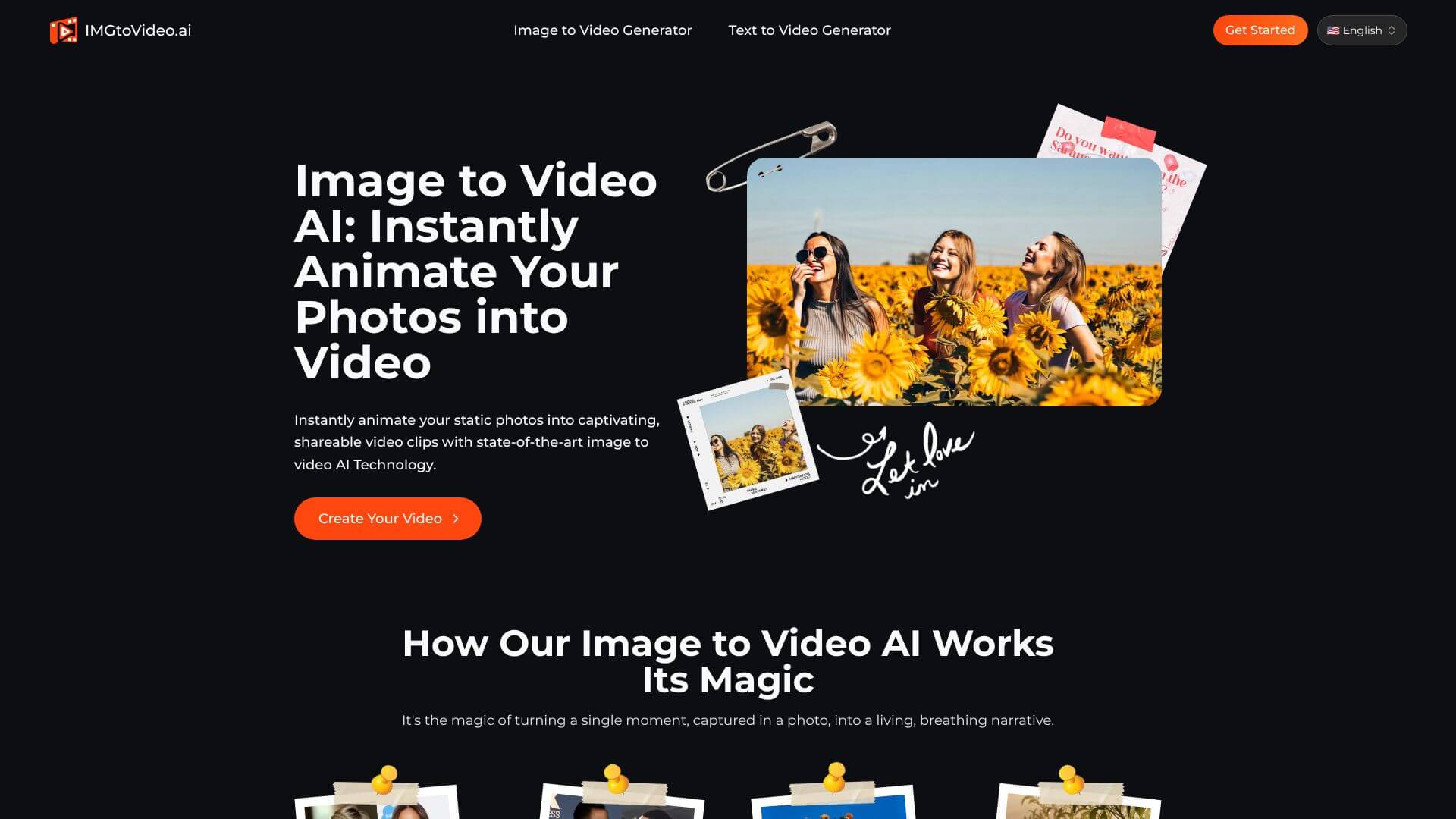
Image to Video is an AI Video tool. Transform static images into lively videos with AI. Simple, quick, and effective. Key features include Automated Motion Analysis, Multiple AI Models, and Customizable Video Length and Quality. Best for marketers, content creators and designers.
About Image to Video
ImgToVideo.ai turns your images into engaging AI-powered videos. It's easy to use. You get commercial licenses and priority rendering for quick results in HD quality.
Key Features
Automated Motion Analysis.
Multiple AI Models.
Customizable Video Length and Quality.
Helpful Prompt Suggestions.
Commercial Use Included.
Fast
Frequently Asked Questions
Image to Video AI works well with JPG, PNG, and WebP images. It analyzes the image and creates motion, so clear, high-quality images usually give the best results.
Image to Video AI offers different video quality options. You can choose from HD (720p) to Full HD (1080p). Some premium plans may offer even higher resolutions like 4K.
Yes, if you have a paid plan, you get a commercial license. This allows you to use the videos for your business, marketing, or social media. Always check the terms to be sure.
Image to Video AI doesn’t have a refund policy. So, it’s a good idea to try the free version first to make sure it meets your needs before you subscribe.





