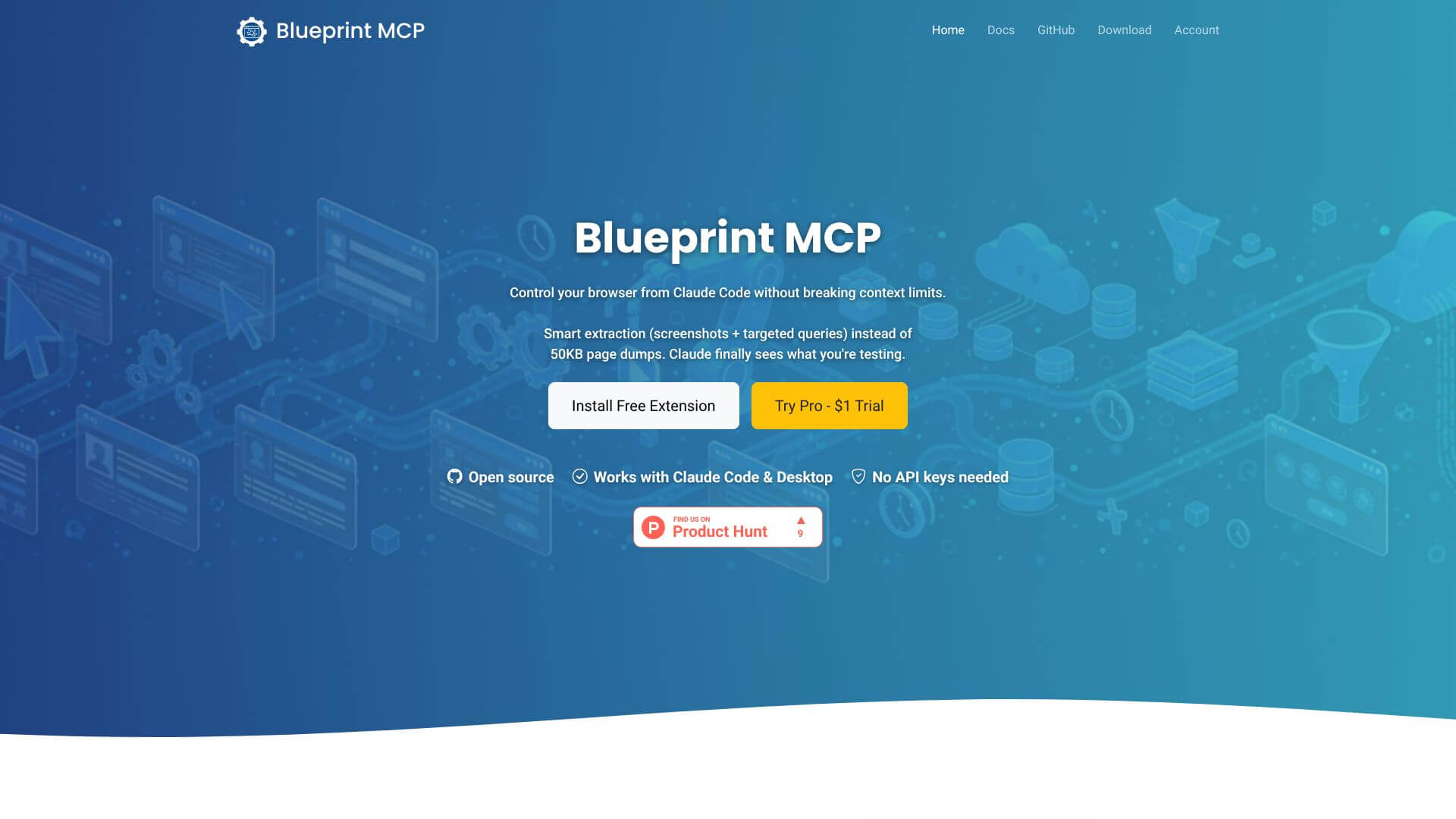
Blueprint MCP is an Automation tool. Controls your Chrome browser with AI, helping Claude interact with the web directly. Key features include Browser Automation and Navigation, Visual Testing and Screenshot Capture, and Smart Content Extraction and DOM Querying. Best for software developers and engineers, data scientists and analysts and business consultants.
About Blueprint MCP
Blueprint MCP integrates AI assistants like Claude with Chrome. It lets AI control your browser to automate tasks, extract info, and manage tabs. This avoids large data dumps, keeping AI workflows smooth and efficient. It's built for smart web interaction.
Key Features
Browser Automation and Navigation.
Visual Testing and Screenshot Capture.
Smart Content Extraction and DOM Querying.
Network Monitoring and Request Inspection.
Tab and Window Management.
Element Discovery and Interaction
Frequently Asked Questions
Blueprint MCP is a special tool, like a Chrome extension and server, that lets AI assistants control your web browser. Imagine giving instructions to an AI, and it uses your actual Chrome to do things online, like browsing websites or filling out forms.
Blueprint MCP is designed to get around a common problem where AI models get too much information from a webpage. Instead of sending the AI a huge, messy chunk of a webpage, it smartly pulls out only the important bits, making it easier for the AI to understand and work with.
Yes, absolutely! Blueprint MCP uses your real Chrome browser. That means it keeps all your bookmarks, extensions, and logged-in accounts just as they are. It's like the AI is using your browser as if it were you.
Blueprint MCP can do a lot more! It can take screenshots, extract specific text from pages, watch network activity, manage your tabs, and even search your browsing history. It lets the AI interact with a webpage just like a human would.