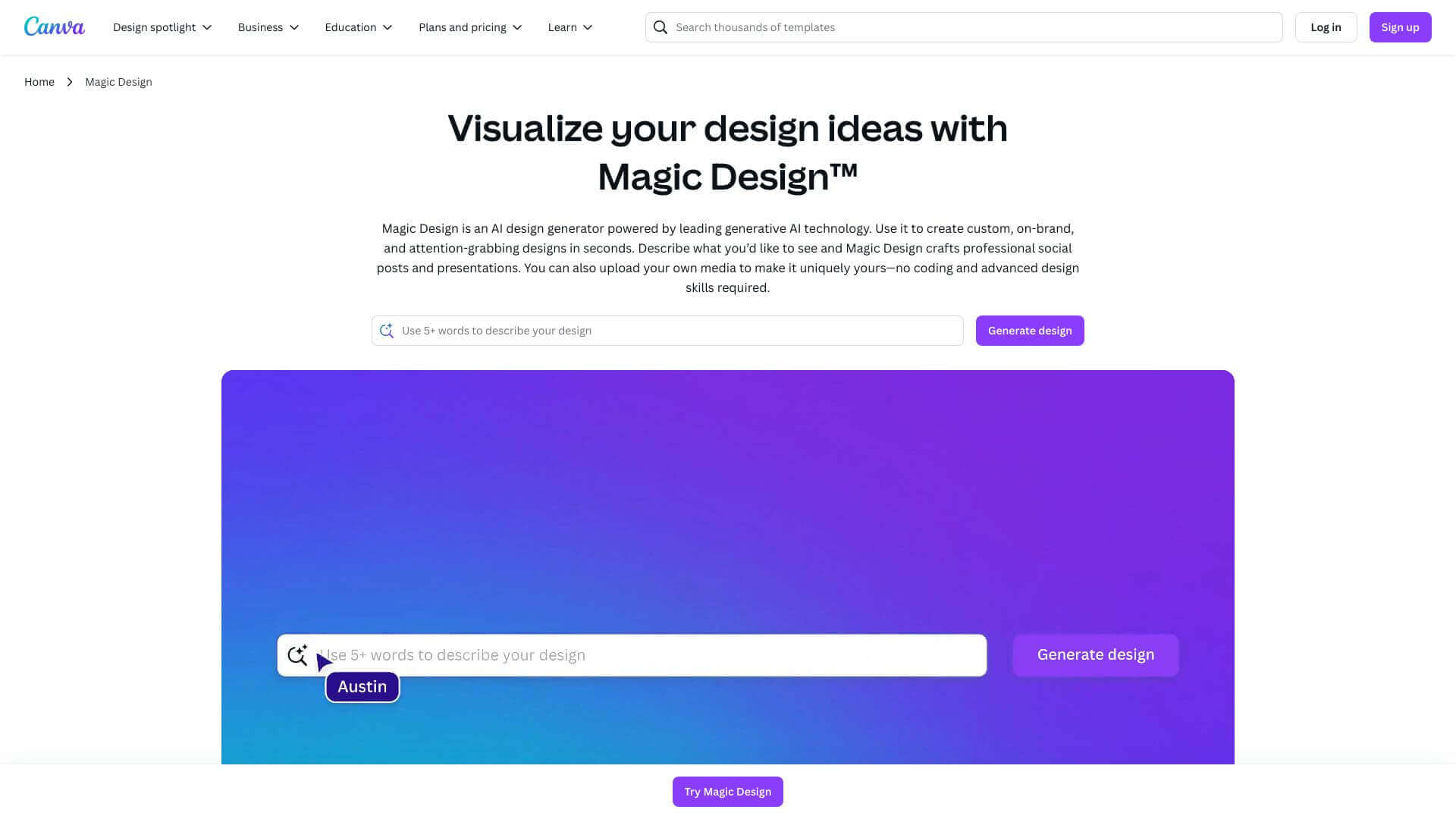
Canva Magic Design is an AI Image tool. Generates instant designs! Just type a prompt, and Magic Design creates images, videos, presentations, and more. Key features include Magic Design for Images, Magic Design for Presentations, and AI-Powered Content Generation. Best for marketers, content creators and designers.
About Canva Magic Design
Magic Design helps you quickly make cool visuals. You type what you want, and it uses AI to create templates and designs. It's great for social media, presentations, and videos. You can tweak them, but the free version has limits. It's super easy, even without design skills. Good for businesses, teachers, and anyone needing fast designs. Sharing is easy, but moving to PowerPoint might mess things up!
Key Features
Magic Design for Images.
Magic Design for Presentations.
AI-Powered Content Generation.
Personalization and Customization.
Integration with Other Canva Tools.
Compatibility and Sharing.
Frequently Asked Questions
You don't need to be a design expert. Knowing Canva basics helps, but it's made to be easy to use.
Yes, but things might look different in PowerPoint or Google Slides.
It uses your brand colors from Canva. You'll need to add logos and fonts yourself.
The 30-day Pro trial has lots to offer. The free plan is limited, so you might not see everything it can do.