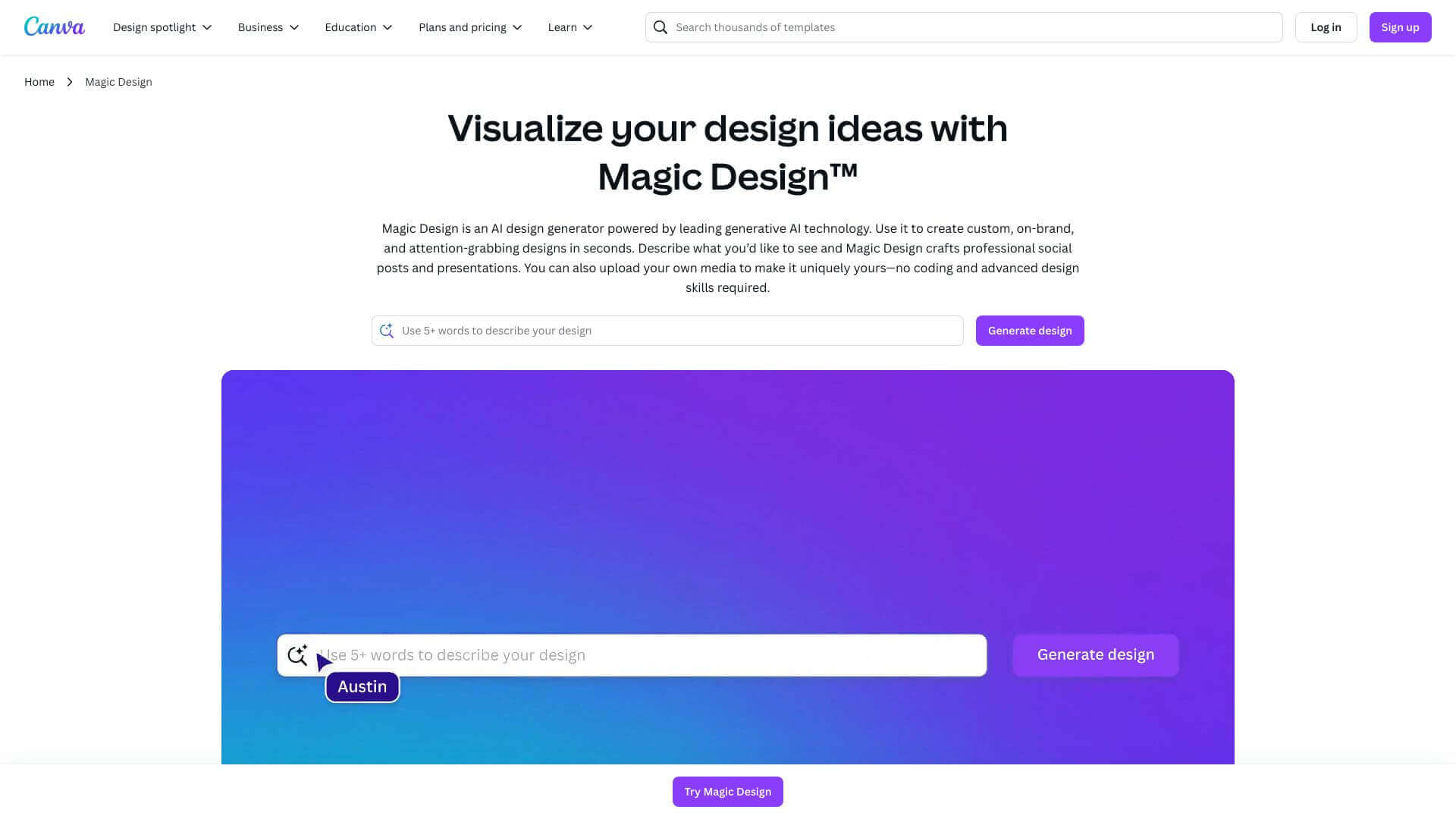
Canva Magic Design is an AI Image tool. Generates instant designs! Just type a prompt, and Magic Design creates images, videos, presentations, and more. Key features include Magic Design for Images, Magic Design for Presentations, and AI-Powered Content Generation. Best for marketers, content creators and designers.
About Canva Magic Design
Magic Design helps you quickly make cool visuals. You type what you want, and it uses AI to create templates and designs. It's great for social media, presentations, and videos. You can tweak them, but the free version has limits. It's super easy, even without design skills. Good for businesses, teachers, and anyone needing fast designs. Sharing is easy, but moving to PowerPoint might mess things up!
Key Features
Magic Design for Images.
Creates image templates based on text prompts with selected themes and styles. Great for social media and other visual content.
Magic Design for Presentations.
Generates slide decks from short text descriptions, producing multiple draft presentations with cohesive designs. Very helpful for business and education.
AI-Powered Content Generation.
Lets you input simple text prompts to create images and videos. AI optimizes the content for various platforms.
Personalization and Customization.
Allows you to fine-tune templates by adding your own images, adjusting colors, and using brand assets (Pro plans and higher).
Integration with Other Canva Tools.
Works seamlessly with other Magic Studio features, like Magic Media for videos and Magic Edit for image editing.
Compatibility and Sharing.
Lets you export and share content as PDFs, MP4 videos, or through QR codes, right from Canva. However, compatibility with Google Slides might be limited.
Frequently Asked Questions
You don't need to be a design expert. Knowing Canva basics helps, but it's made to be easy to use.
Yes, but things might look different in PowerPoint or Google Slides.
It uses your brand colors from Canva. You'll need to add logos and fonts yourself.
The 30-day Pro trial has lots to offer. The free plan is limited, so you might not see everything it can do.



