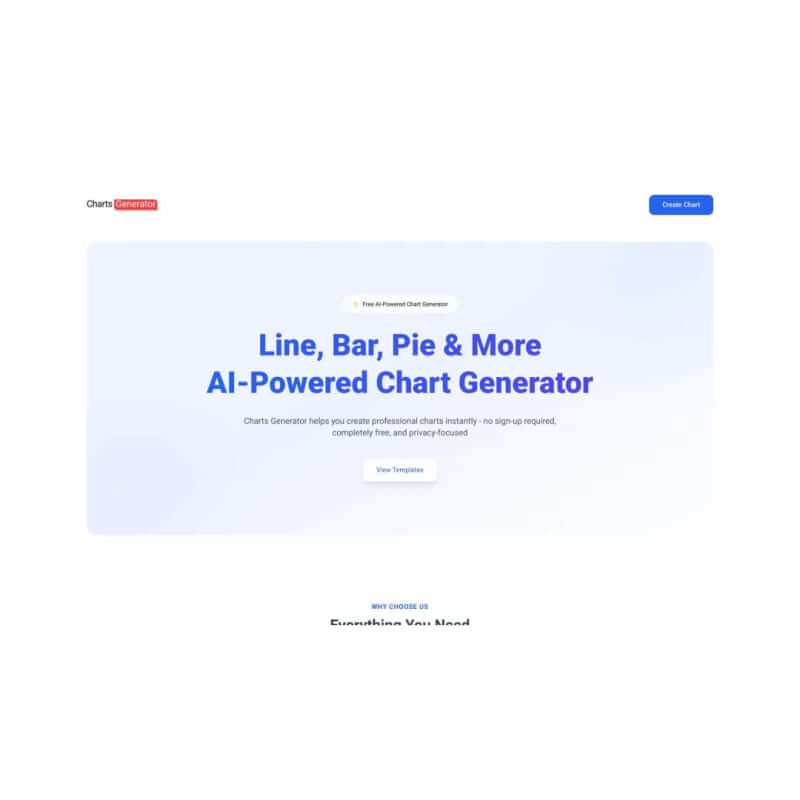
Charts Generator is an AI Business tool. Charts Generator makes charts without complex skills. Just add data to create easy graphs, like pies and bars. Key features include Chart Type Variety, Manual Data Entry, and Customization Options. Best for data scientists and analysts, marketers and teachers.
About Charts Generator
Charts Generator is an online helper to turn info into charts fast. It works for reports, school, or social media. Pick a chart, add data, and change how it looks. Then, share it as a picture. It's simple to use and helps make data clear.
Key Features
Chart Type Variety.
Manual Data Entry.
Customization Options.
Export Capabilities.
Data Analysis Tools.
Collaboration Features.
Frequently Asked Questions
Usually, you can type data yourself or upload it from spreadsheets, depending on what the tool lets you do.
Yes, you can usually change colors, labels, titles, and more to fit how you want to show it.
If there's a free version, it might not have as many features as the paid ones, like fewer chart options or limits on exporting.
Charts Generator might not directly support this, but you could use it with other apps made for teamwork.