
ChromaForge logo

ChromaForge

Creates color systems, manages design tokens, and ensures accessibility for digital products.

No ratings yet
Visit ChromaForge
View Alternatives
ChromaForge screenshot

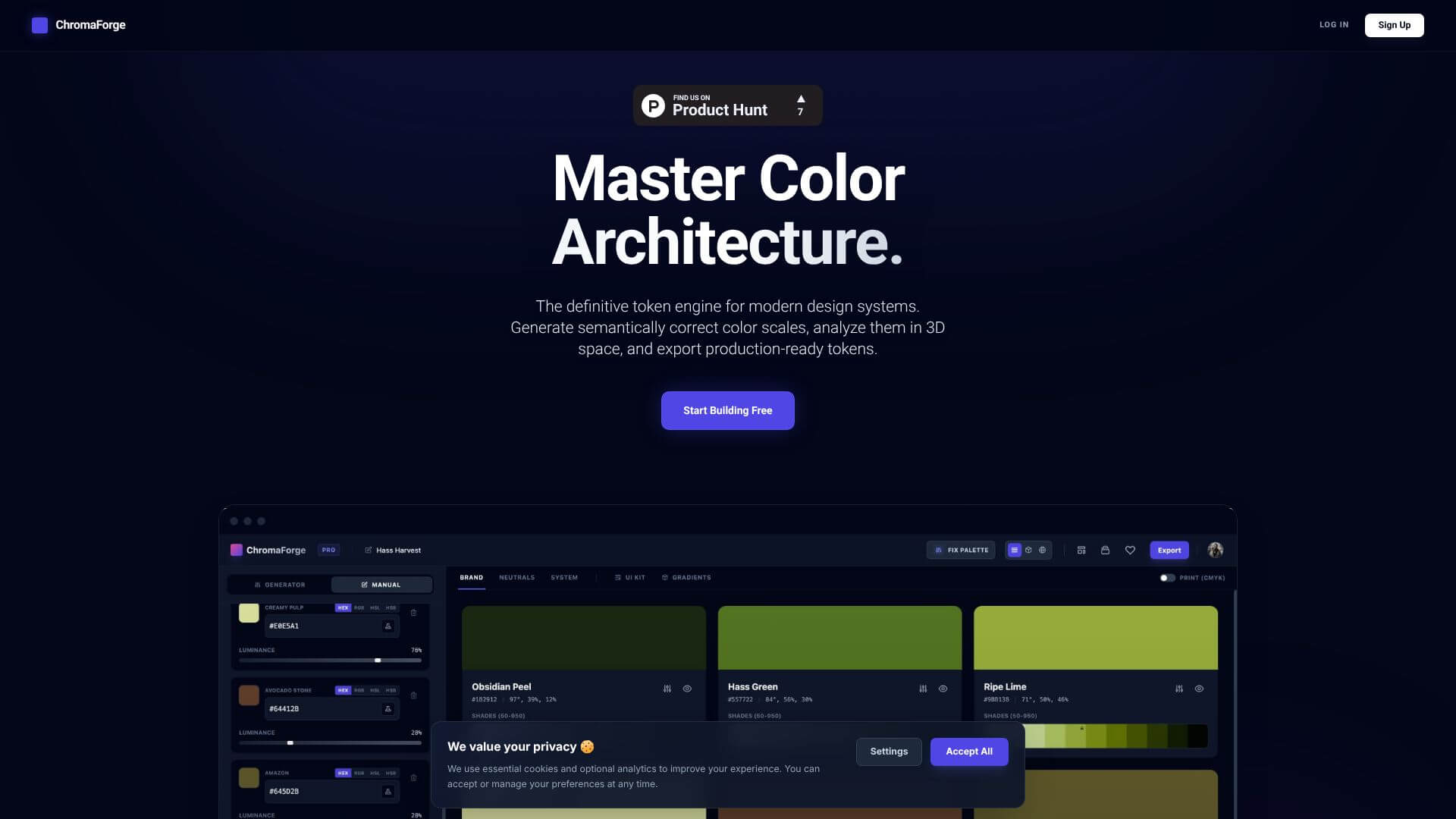
ChromaForge is an Automation tool. Creates color systems, manages design tokens, and ensures accessibility for digital products. Key features include Automatic Shade Generation, Accessibility Compliance, and Figma Integration. Best for designers, software developers and engineers and business consultants.

4.2 (5 reviews)28 upvotes6 key features6+ alternatives →

About ChromaForge

ChromaForge is an advanced platform for building color systems. It creates precise color palettes and scales and includes automatic shade generation. This tool helps design and development teams keep colors consistent, supporting accessibility and modern design workflows.

Key Features

Automatic Shade Generation.

ChromaForge automatically makes a full scale of colors. You give it a base color. It creates 50 shades, from very light (50) to very dark (950). This saves a lot of time. You don't have to adjust each color by hand.

Accessibility Compliance.

This tool builds in accessibility. It checks color contrast ratios. This means your colors will meet WCAG standards right away. You won't need extra accessibility checks. This helps avoid problems later on.

Figma Integration.

ChromaForge works directly with Figma. You can easily bring your color palettes into your Figma design files. This makes it simple to move from color creation to actual design work. It smooths out the design process.

Multiple Export Formats.

You can export your color systems in different ways. This includes CSS variables, JSON, and design tokens. This is good for both designers and developers. They can use the color data in tools that work best for them.

Brand Organization System.

The tool lets you group your colors. You can put them into categories like "Brand," "Neutrals," or "Semantic" colors. This helps big teams find the right colors fast. It makes organizing palettes much easier.

Real-time Color Preview.

You can see your colors in action immediately. ChromaForge shows your palettes on example

Frequently Asked Questions

ChromaForge automatically checks color contrast ratios. This makes sure your colors meet WCAG standards. You won't need to do separate accessibility checks.

Yes, ChromaForge integrates with Figma. You can easily bring your color palettes into your Figma designs. This helps your design and development teams stay in sync.

Yes, ChromaForge has a free plan. It lets you generate colors and create palettes. You can also export these colors and use basic Figma integration.

Teams managing design systems or multiple brands get a lot from ChromaForge. Product designers and developers also benefit. It helps them create consistent and accessible color systems faster.


User Reviews

Similar Tools

View all →