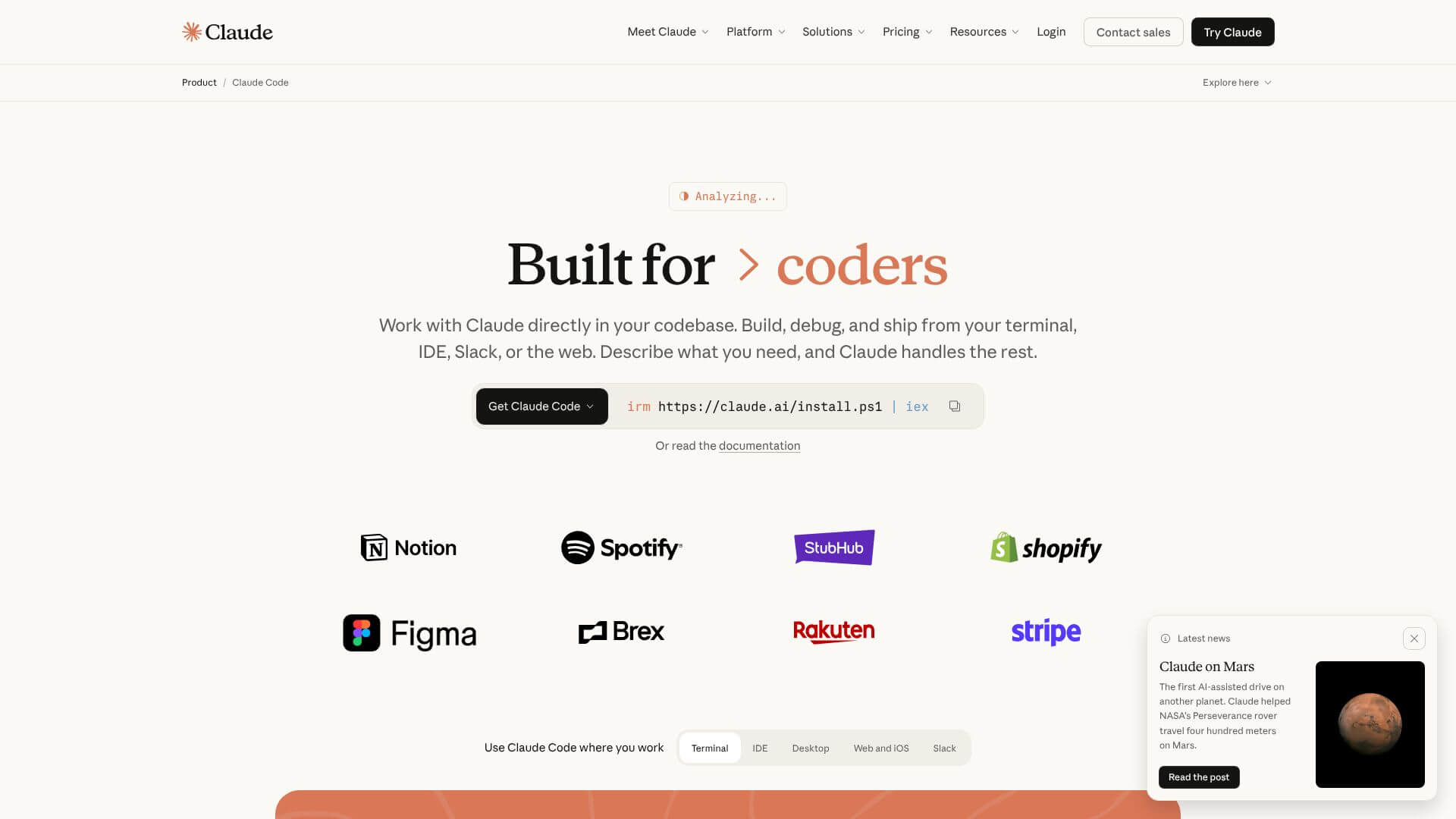
Claude Code is an AI Code tool. Writes, debugs, and refactors code using natural language commands in your terminal. Key features include Multi-file code generation and editing, Autonomous task execution with permission controls, and Context management through CLAUDE.md files. Best for software developers and engineers, business consultants and project managers.
About Claude Code
Claude Code is Anthropic's terminal-based AI coding agent that helps developers write, debug, and refactor code while understanding entire codebases. The platform combines multi-file code generation with autonomous task execution, CLAUDE.md context management, subagent parallelization, Model Context Protocol integration, and skills with custom commands — targeting professional software developers.
The core features that matter
- Multi-file code generation and editing with whole-project awareness, making coordinated changes across many files including tests and related logic
- Autonomous task execution with permission controls running commands, creating branches, and committing changes with configurable approval requirements
- Context management through CLAUDE.md files storing project instructions, coding rules, and preferences for consistent behavior across sessions
- Subagent parallelization for complex workflows creating multiple smaller agents working concurrently on different parts of large tasks
- Model Context Protocol (MCP) integration connecting to Google Drive, Slack, GitHub, and custom company tools via the open standard
- Skills and custom slash commands bundling instructions with code for reusable complex tasks and quick command shortcuts
How it stands out
The AI coding agent space has competitors including Cursor (IDE-focused), Aider (CLI-based), Cline (VS Code), and GPT-5.3 Codex. Claude Code's specific position is the terminal-native workflow combined with Claude's reasoning strength and the CLAUDE.md context system. For developers comfortable in terminal environments who value structured project context, that combination matches the use case more directly than IDE-bound alternatives.
The honest qualifier: AI coding agent quality depends heavily on the underlying model. Claude Code inherits Claude's strengths in instruction-following, code work in complex codebases, and handling long context. The subagent parallelization is genuinely useful for large refactors but adds complexity that requires careful oversight to avoid coordination problems. The MCP integration is forward-looking but currently limited by which services have MCP servers available. For developers working in complex codebases who value the terminal workflow and want to apply Claude's capabilities to software engineering, Claude Code provides comprehensive infrastructure.
Key Features
Multi-file code generation and editing.
Autonomous task execution with permission controls.
Context management through CLAUDE.md files.
Subagent parallelization for complex workflows.
Model Context Protocol (MCP) integration.
Skills and custom slash commands.
Frequently Asked Questions
Claude Code is an AI agent you use from your computer's terminal. It lets developers hand off complex coding tasks while keeping control over all changes. Instead of working inside a code editor, Claude Code is a terminal-based tool. It looks at your whole codebase, understands your project, and can run commands. It can also change files, run tests, and create pull requests. It's powered by Anthropic's Claude models, like Claude Opus 4.5 and 4.6, which are great at reasoning and coding.
Claude Code's main job is to be a coding agent that knows your whole codebase. You give it a task in normal language. Then, it checks your project, reads files, makes a plan, and changes code across multiple files. It runs tests and fixes any issues. It can handle simple bug fixes or big refactors across different codebases and teams. It's different from simple code completion tools because it understands what you want across entire projects. It remembers context and fixes itself when it finds errors.
Claude Code has a bunch of key features. First, it can generate and edit code in multiple files with full awareness of the codebase. Second, it can execute tasks on its own but requires your permission. Third, it uses CLAUDE.md files to store project-specific instructions. Fourth, it can use subagents to work on different parts of a task at the same time. Fifth, it integrates with the Model Context Protocol (MCP) to connect to external tools and data sources. Sixth, it offers Skills and custom slash commands for creating reusable workflows.
Claude Code has some great strengths. It really understands codebases and keeps context across big projects. It can improve development speed by 25% to 75%. It integrates with git workflows and works on macOS, Windows, and Linux. However, it also has challenges. Permission prompts can interrupt workflows. Code quality can be inconsistent, and it might make mistakes. Token costs can get high, and context window limitations can be an issue. It also needs clear instructions, and it might not be easy for non-technical users to learn.