
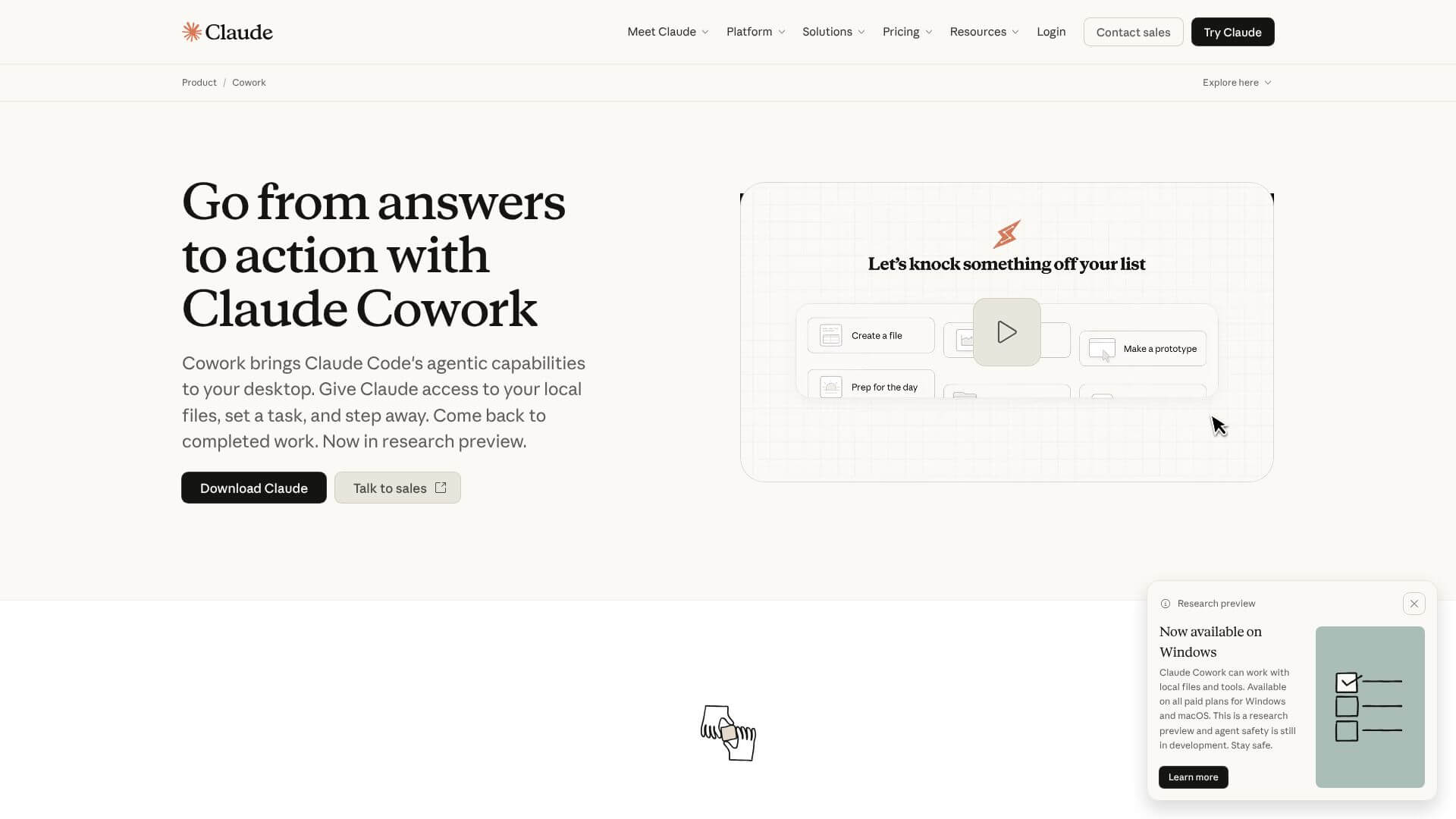
Claude Cowork is an AI Productivity tool. Runs complex tasks on your computer. It reads files, uses apps, and browses like a human. Key features include Direct Local File Access, Multi-Step Task Decomposition and Autonomous Execution, and Professional Output Generation. Best for marketers, content creators and writers.
About Claude Cowork
Claude Cowork is Anthropic's desktop AI agent that handles multi-step tasks autonomously across local files, web browsing, and integrated business apps. The platform combines direct file access with task decomposition, professional output generation, browser integration, connector-based tool support, and scheduled automation — targeting knowledge workers who want a personal AI assistant beyond chat.
The core features that matter
- Direct local file access reading, writing, creating, and modifying documents in your folders without upload/download workflow
- Multi-step task decomposition and autonomous execution breaking large tasks into steps and running them with progress tracking
- Professional output generation producing finished Excel sheets with formulas, polished PowerPoint slides, formatted Word documents, and PDF reports
- Browser integration and web research using web browsers to find information online and combine it with local file context
- Connector-based tool integration connecting to 38+ work apps including Slack, Notion, and Google Drive with permission-aware access
- Scheduled task automation running workflows daily, weekly, or monthly for routine jobs that don't require manual initiation
How it stands out
The AI agent space has competitors including OpenAI's Operator, Anthropic's own Claude Code (developer-focused), Perplexity Computer, and various agent platforms. Claude Cowork's specific position is the desktop-native task execution combined with professional output generation. For knowledge workers wanting AI that produces finished work artifacts rather than just chat responses, that output focus matters more than chat-based competitors.
The honest qualifier: autonomous AI agents are still maturing. Claude Cowork handles defined task patterns well but may produce unexpected results on unusual situations. The local file access is powerful but means users need to trust the agent with file modification rights — careful permission management matters. The 38+ connector list covers common workplace apps but specific niche tools may not be supported. For knowledge workers handling routine document and analysis work who want AI that produces finished output, Claude Cowork addresses real gaps. For users primarily wanting AI conversation or simple task help, the desktop agent infrastructure may be more than needed.
Key Features
Direct Local File Access.
Multi-Step Task Decomposition and Autonomous Execution.
Professional Output Generation.
Browser Integration and Web Research.
Connector-Based Tool Integration.
Scheduled Task Automation.
Frequently Asked Questions
Claude Cowork is an AI platform from Anthropic. It lets you give complex tasks to the Claude AI. It can access your computer files and apps to get the job done.
Claude Cowork acts like a delegate. It takes your instructions, makes a plan, and does the work, showing you its progress. Regular chatbots just respond to your messages one by one.
Claude Cowork can access your files, break down tasks, create professional documents, browse the web, connect to other apps, and automate tasks on a schedule.
Claude Cowork is only available through paid subscriptions. There's no free trial. The Pro plan is $20/month. Max plans range from $100-$200/month. Team plans start at $125/member/month. Enterprise plans use usage-based pricing.





