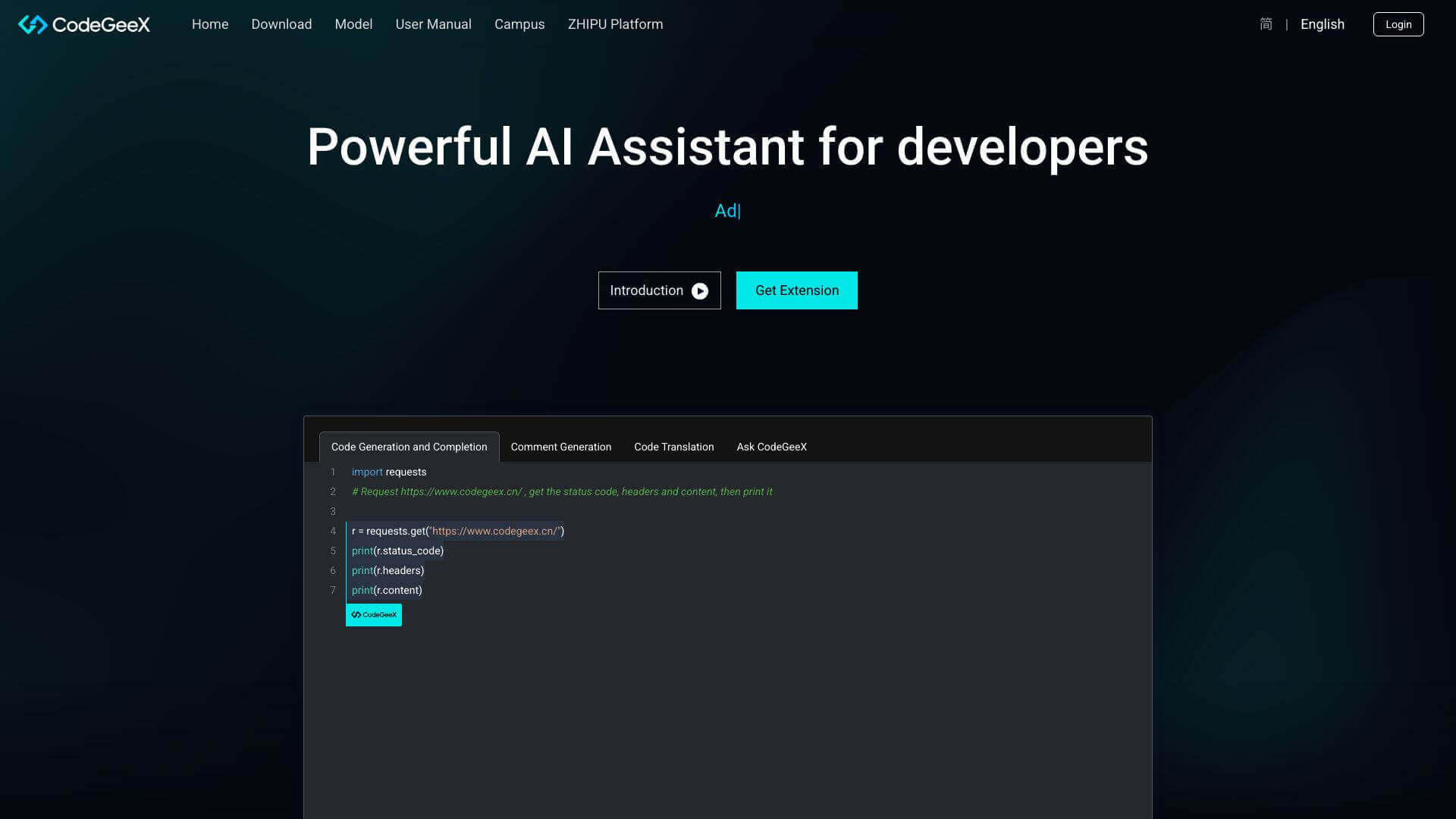
CodeGeeX is an AI Code tool. CodeGeeX helps you code faster. It can write code, translate languages, and even find bugs. Key features include Multilingual Code Generation, Crosslingual Code Translation, and Customizable Programming Assistant. Best for software developers and engineers, data scientists and analysts and scientists and researchers.
About CodeGeeX
This tool is great for coding! It suggests code while you type. It translates code from one format to another. Plus, it explains what code does and helps you fix errors. It's helpful for beginners to pros. There's a free version too!
Key Features
Multilingual Code Generation.
Crosslingual Code Translation.
Customizable Programming Assistant.
Code Summarization and Explanation.
Cross-File Completion.
Debugging Assistance.
Frequently Asked Questions
CodeGeeX generates code in several languages. It learns from a large dataset of multilingual code.
Yes, CodeGeeX can create short summaries of code.
Yes, CodeGeeX suggests code completions across multiple files.
Yes, CodeGeeX works with VS Code and other platforms.