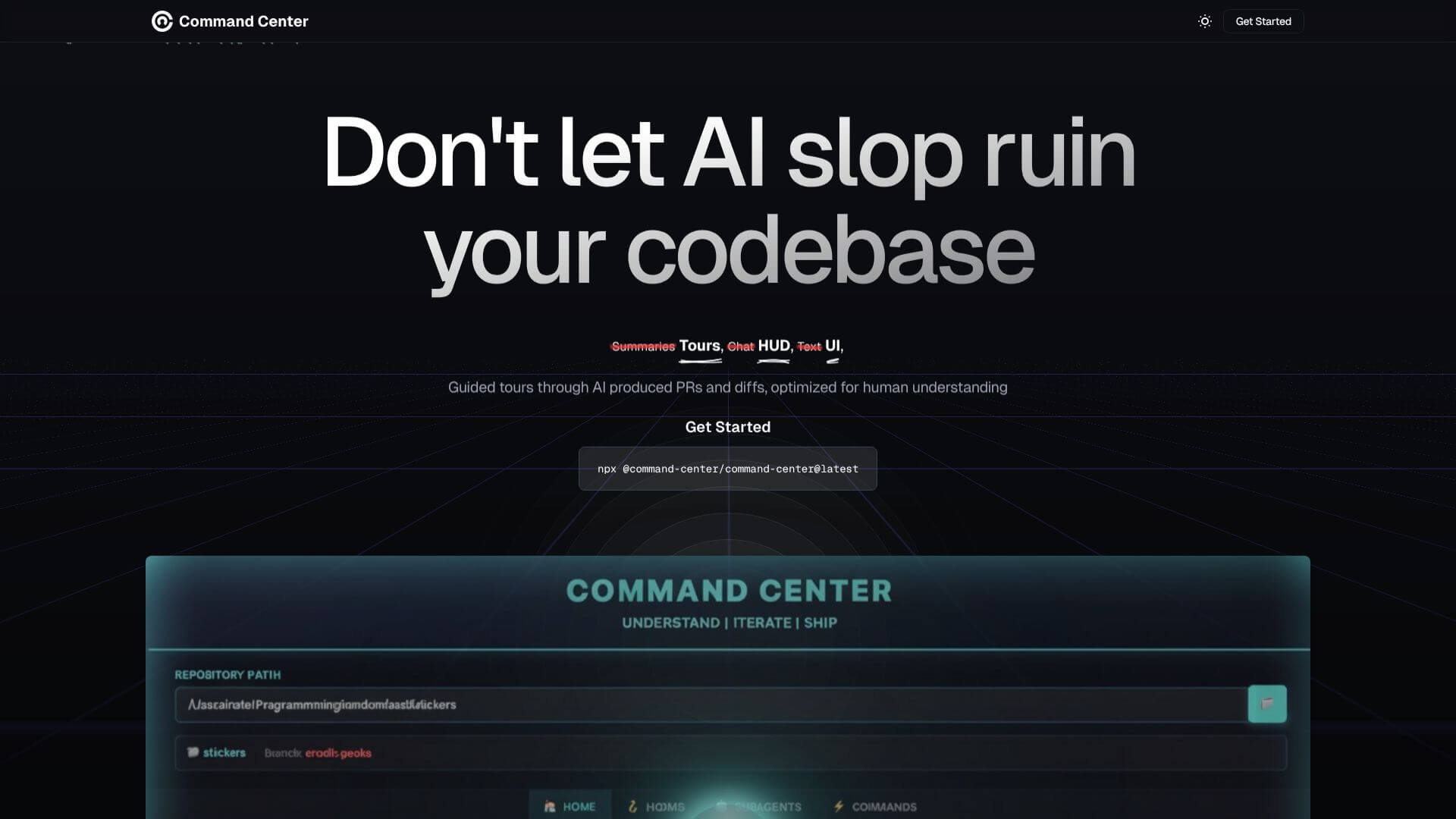
Command Center is an AI Code tool. Manage AI agents, review code, and undo mistakes with ease. Key features include Real-Time Diff Viewer, Automatic Snapshots, and Agent-Native Codebases. Best for software developers and engineers, project managers and data scientists and analysts.
About Command Center
Command Center helps teams manage AI agent code changes. It lets you review code, control multiple AI agents, and fix AI mistakes with snapshots. It turns your codebase into an “agent-native” environment for better AI integration.
Key Features
Real-Time Diff Viewer.
Automatic Snapshots.
Agent-Native Codebases.
Control Multiple AI Agents.
Direct Feedback for Agents.
Quality Assurance Integration.
Frequently Asked Questions
Command Center is a platform built for developers. It helps you manage and work with AI agents that write code. Think of it as a special environment for AI agents that works with your existing development tools.
Command Center has a special diff viewer, like the one on GitHub. It shows you exactly what changes your AI agents made to the code. This makes it easy for you to see, understand, and review their work quickly.
Yes, it can! Command Center creates snapshots of your code as AI agents work. If an AI agent introduces a problem, you can easily go back to an earlier version with just one click.
"Agent-native" means your codebase is set up so AI agents can work within it smoothly and safely. Command Center helps you configure your projects so AI agents can understand and modify your code effectively without breaking anything.